Access Your KeePass Database in Nextcloud
Store your .kdbx database in Nextcloud and access it through the Nextcloud file manager with KeeWeb. This keeps your password database in the same environment as your other files.
Apps / Keeweb
← All appsNextcloud app
Open KeePass files directly in your Nextcloud.
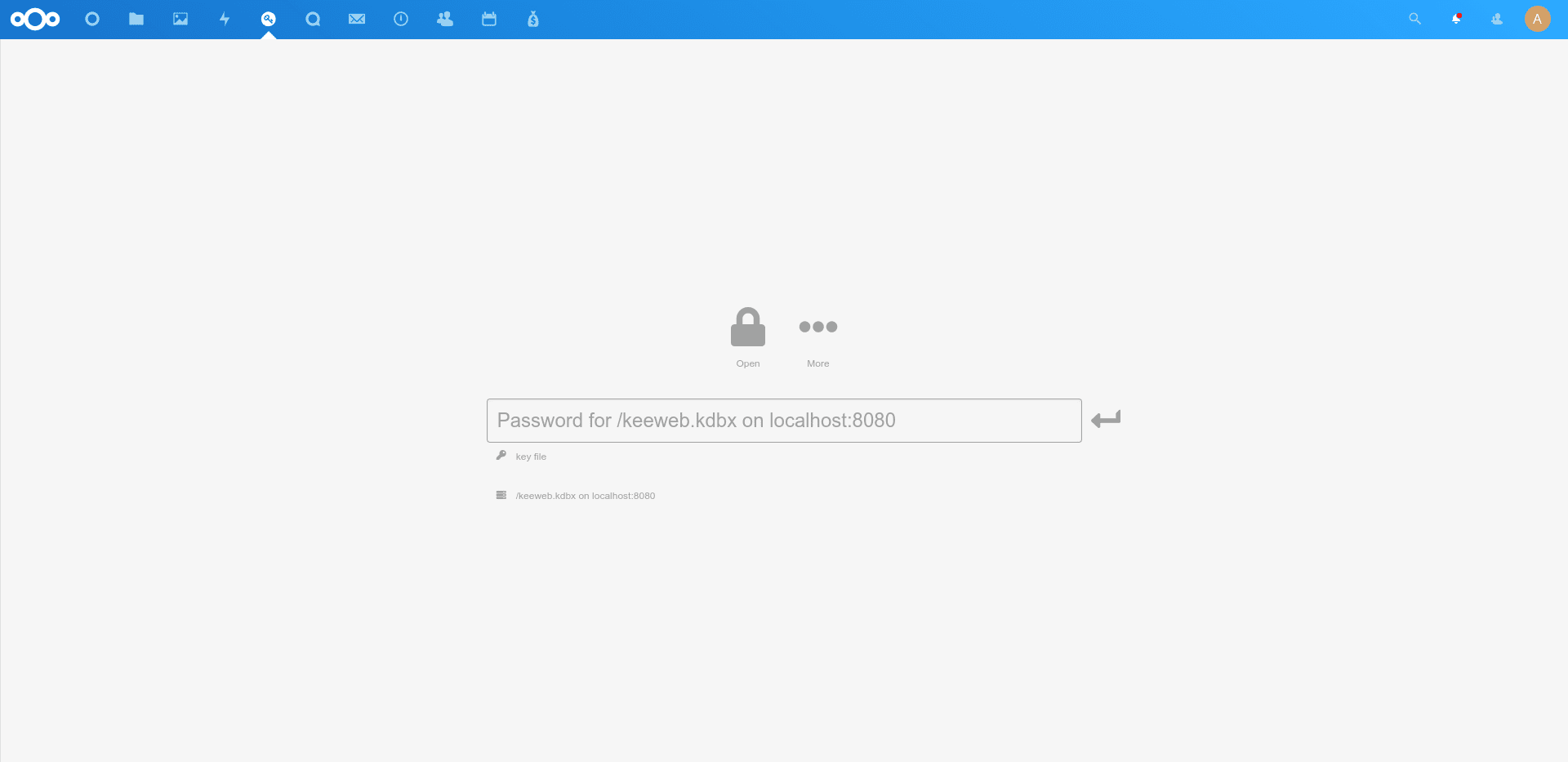
Open your KeePass database directly in Nextcloud. Nextcloud KeeWeb integrates KeeWeb with Nextcloud, allowing you to open .kdbx password database files directly from your Nextcloud file storage.
What you can do
Store your .kdbx database in Nextcloud and access it through the Nextcloud file manager with KeeWeb. This keeps your password database in the same environment as your other files.
Already using KeePass? KeeWeb lets you continue working with your existing .kdbx database through Nextcloud. You can keep the database in its existing format without moving it to another storage service.
Open existing .kdbx password database files directly from Nextcloud.
Keep your KeePass database in your Nextcloud file storage.
Open your password database through KeeWeb from the Nextcloud web interface.
Continue working with an existing KeePass database without moving it to another storage service.
KeeWeb creates a simple connection between your KeePass database and Nextcloud. Once the compatible database is stored in Nextcloud, you can open it from the file interface and continue working with it through KeeWeb.
This can be useful when you want your password database stored alongside the other files you already manage in Nextcloud.
With KeeWeb for Nextcloud, your compatible KeePass database can stay in your Nextcloud storage instead of being kept separately.
You get an easy way to access your .kdbx database from the same Nextcloud workspace you already use for your files.
Keeweb comes with every CloudBased Backup plan, together with all the other Nextcloud apps — fully managed and hosted in Germany. Try the Lite plan free for 7 days.
Hosted in
Germany
4.3on G2