How to Connect AI Tools to Nextcloud with MCP
6 min read · 12.10.2026
Our Blog / best-egnyte-alternatives-in-2026
← Back to overview
Egnyte is a business file-sharing platform built for organizations that need more than a basic shared folder. It brings file access, permissions, external collaboration, and governance into one place. For many teams, that is exactly what they need. Things change, though. The bill goes up, the way your team works with files shifts, or your data-control rules get stricter, and at that point it's worth checking what else is out there.
Which replacement fits best depends on what Egnyte isn't giving you right now. Some businesses want a simpler way to share files with clients. Others need stronger privacy, less admin work, or more control over their data. This guide looks at the best Egnyte alternatives and where each one makes the most sense.
| Alternative | Best for | Main trade-off |
|---|---|---|
| Nextcloud | Businesses that want their files in a private cloud and want more control over where data is stored and how the platform works. | Requires reliable hosting or a managed provider |
| Google Workspace | Organizations that already use Google Drive, Gmail, Docs, Sheets and Meet for daily work. | Best within Google’s ecosystem, less suited to private clouds and complex Office workflows. |
| Box | Larger organizations that need secure file sharing, detailed controls and frequent collaboration with clients or external partners. | It is a powerful platform, but the cost can increase as storage needs and advanced requirements grow. |
| Dropbox Business | Teams that want a familiar, easy way to sync files and share them with clients without much training. | It is convenient, but offers less control over the hosting environment and platform customization. |
| SharePoint / OneDrive | Organizations already working heavily in Microsoft 365, Teams, and Office applications. | It can take careful setup to keep file structures, permissions and external sharing easy to manage. |
| FileCloud | Businesses that need detailed permissions and more flexibility in how their file-sharing platform is deployed. | Smaller ecosystem than major public-cloud platforms |
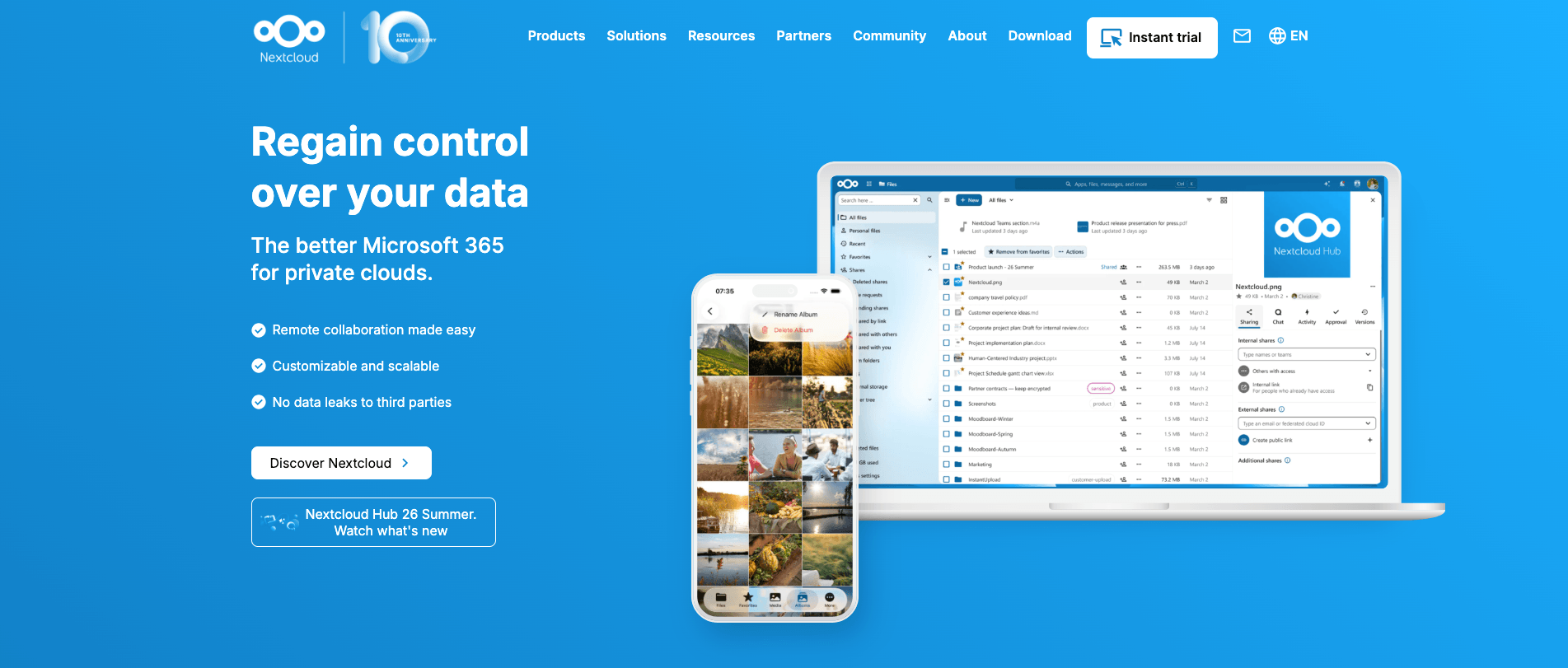
If you are looking at Egnyte alternatives because you want real control over your business data, Nextcloud deserves a serious look. Most public-cloud platforms decide where your files live and how they're handled. Nextcloud works the other way around: it runs in an environment you choose, so your organization decides where data is stored and who can access it. For businesses handling client files, sensitive documents or GDPR-related data requirements, that control actually makes a real difference.
Where Nextcloud works especially well:
What to consider: Running Nextcloud yourself means taking responsibility for server maintenance, patches, security and backups. A managed provider removes that technical work entirely. With CloudBased Backup, Nextcloud is hosted in German data centers, while our team manages the underlying infrastructure, updates, maintenance and backups.
Best for: Businesses that want a private cloud, stronger data ownership, and a collaboration platform that can be adapted to their workflow.
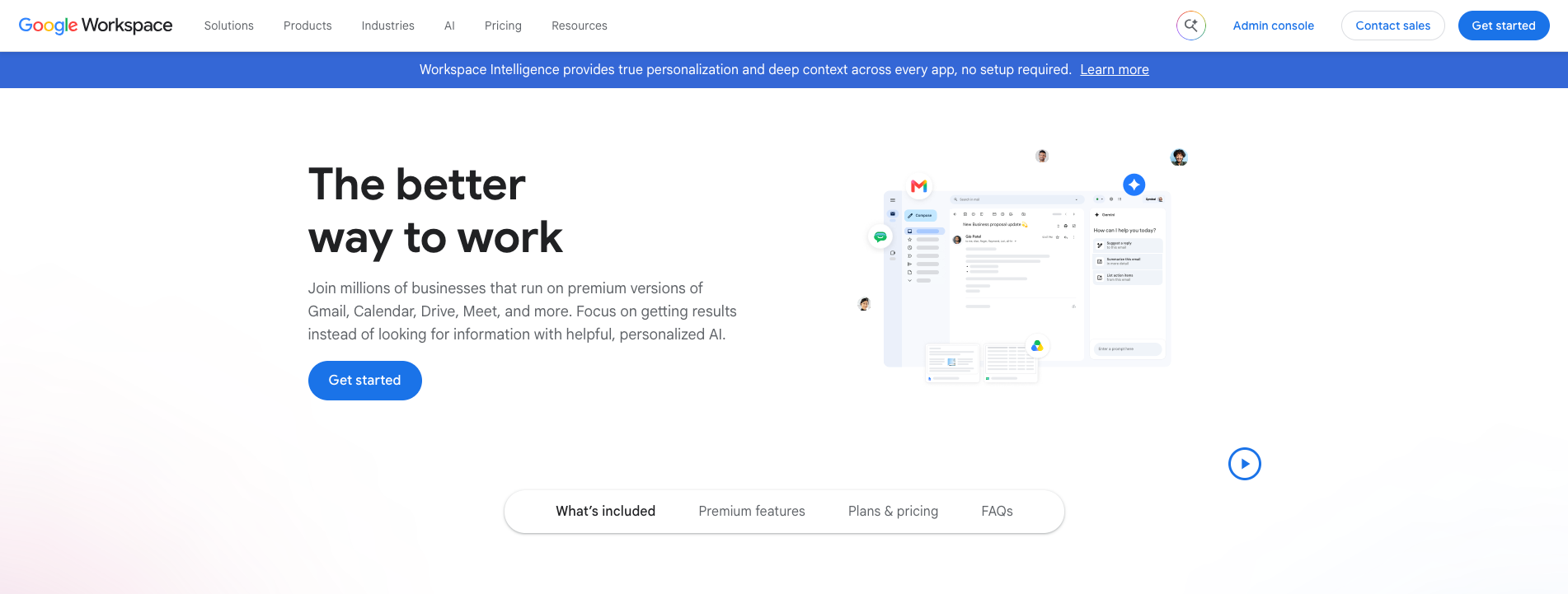
Google Workspace is more than a file-storage service. It brings Google Drive together with Docs, Sheets, Slides, Gmail, Calendar, Meet and Chat, so a team can create a document, discuss it, edit it together and share the finished version without moving between separate platforms.
That connected experience is truly its main strength. A project team working in Google Docs can see edits as they happen, leave comments where decisions are needed and rely on automatic saving instead of emailing revised copies back and forth.
Where Google Workspace works especially well:
What to consider: Google Workspace works best when the organization is comfortable making Google’s tools its main working environment. Businesses that rely on complex desktop Office files or established file-server workflows should test them before migrating. Like Dropbox and Box, it is a vendor-operated public-cloud service rather than a private cloud.
Best for: Organizations that already rely on Google Drive, Gmail, Docs, Sheets, and Meet for their daily work.
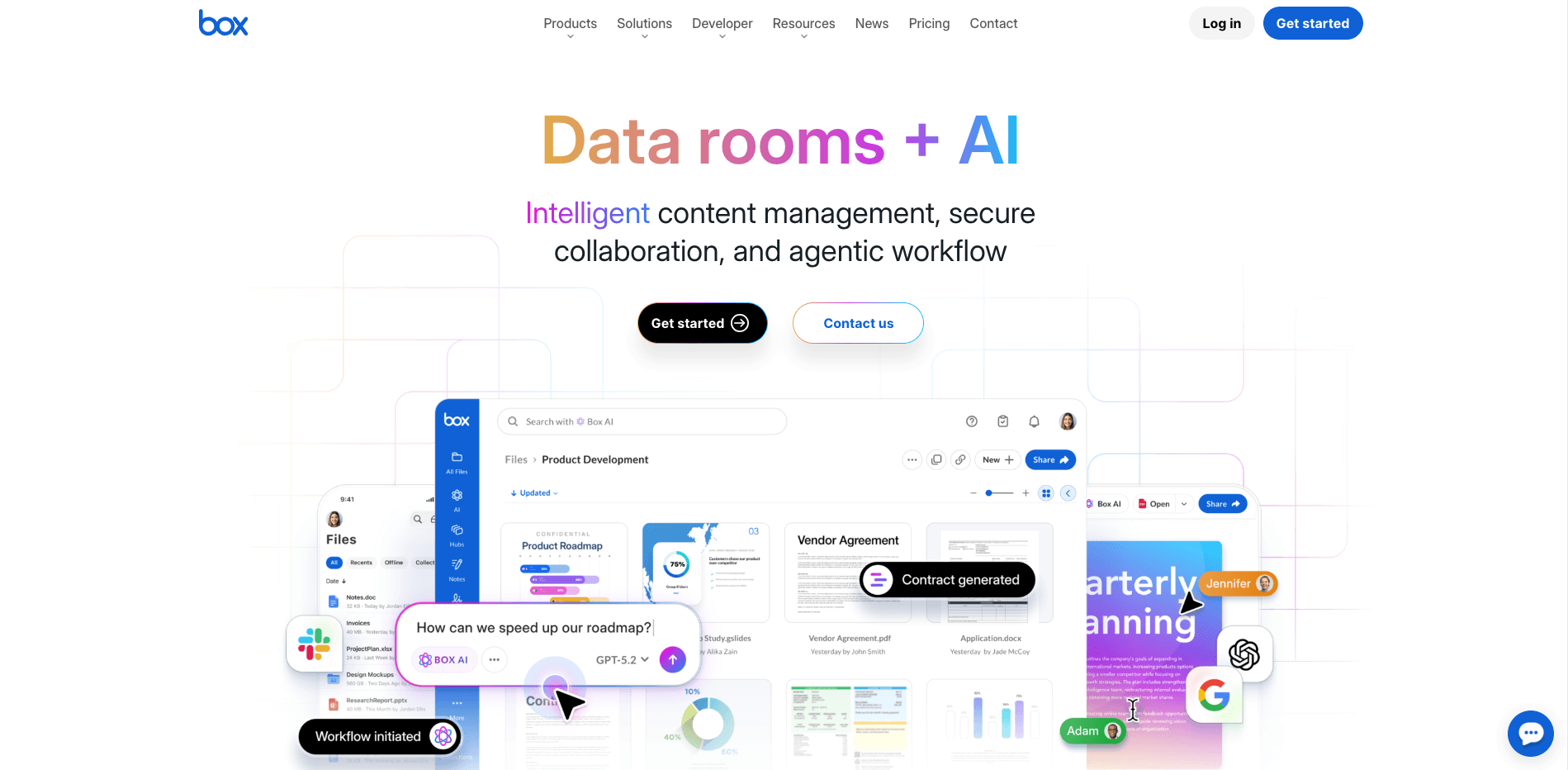
Box makes sense for organizations that regularly share files with clients, vendors, contractors, or distributed teams. As a fully hosted content management platform, it keeps files, permissions, sharing controls and collaboration in one place, without requiring IT to maintain the underlying infrastructure.
Where Box works especially well:
What to consider: Box is a vendor-operated cloud platform. It offers regional data-residency options, but the underlying environment remains under Box’s control. It is also designed for enterprise requirements, so businesses should review plan limits, advanced features, and total cost carefully before migrating.
Best for: Larger organizations that need secure external sharing, detailed access controls, and structured document workflows.
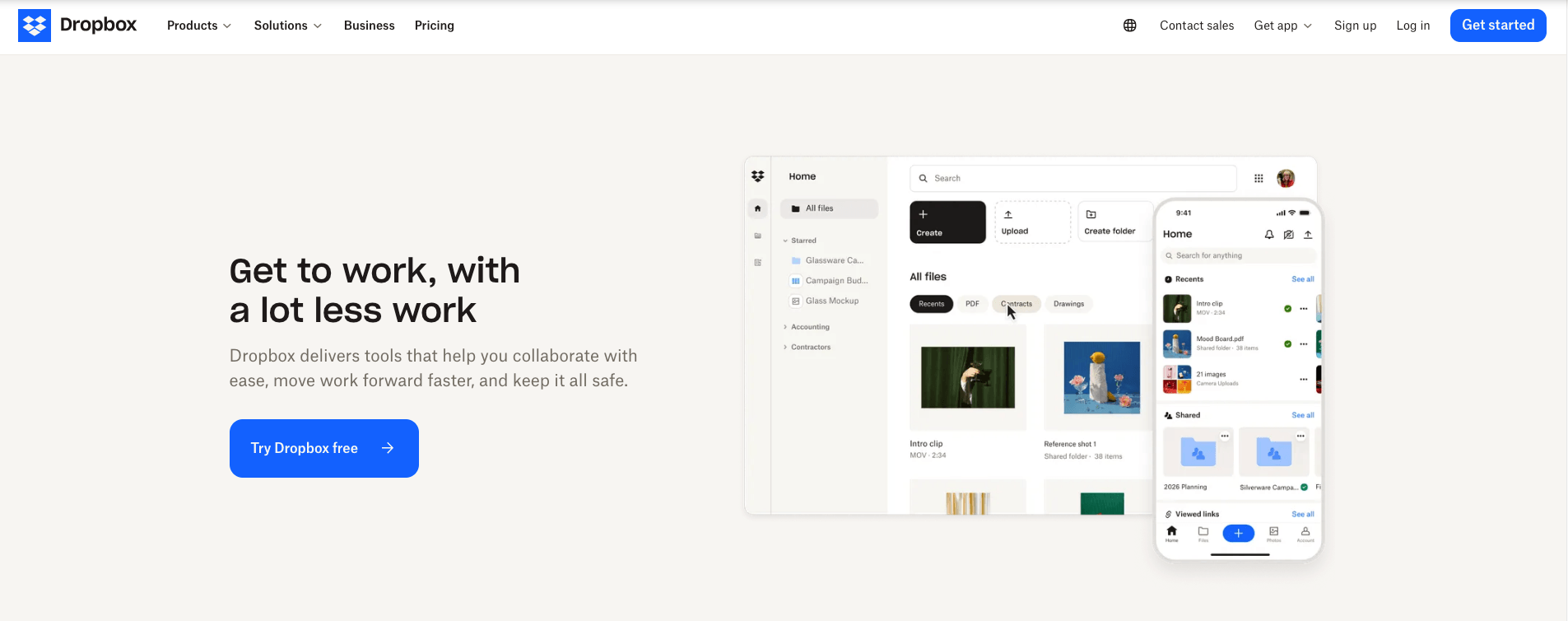
Dropbox earns its place on this list by making the everyday parts of file sharing feel easy. Teams can keep files synced across desktop, mobile and web, then send a link instead of attaching large documents to an email. That simplicity is valuable for agencies, client-facing firms and distributed teams that need to move files quickly without introducing a complicated new system.
Where Dropbox works especially well:
What to consider: Dropbox is designed around convenience and quick adoption. It is a less natural fit for organizations that need a private cloud, deep control over the hosting environment or a highly customizable collaboration platform. Businesses with complex governance, data-residency or internal workflow requirements should assess whether its available controls meet those needs before moving from Egnyte.
Best for: Teams that want familiar file sync, uncomplicated sharing and a simple way to send large files to clients or external partners.
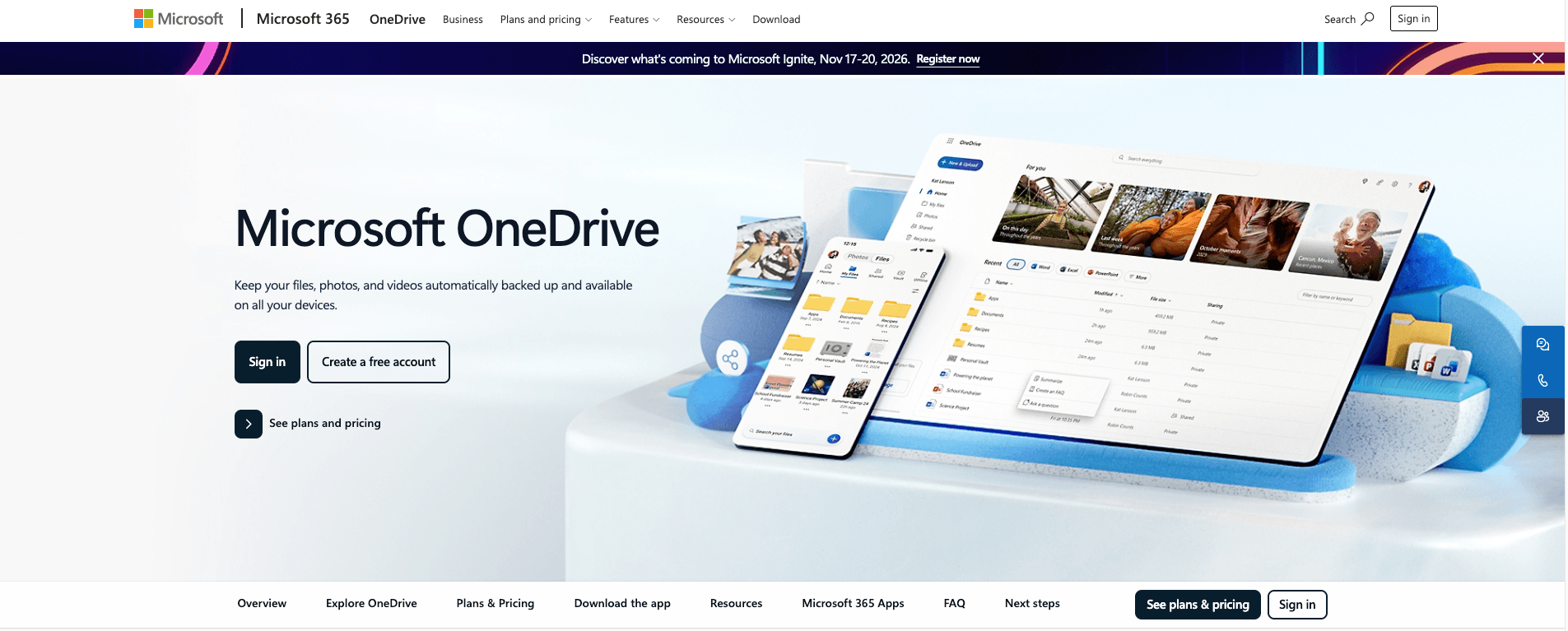
SharePoint and OneDrive work best when Microsoft 365 is already where the business gets most of its work done. They are not really two separate alternatives. OneDrive is the personal file space for drafts and individual work, while SharePoint provides the shared document libraries that departments, project teams and Microsoft Teams channels rely on.
This setup can work very well when we already use Word, Excel, PowerPoint, Outlook and Teams every day. A document can begin in OneDrive, move into a SharePoint library when it becomes team work, and remain available through Teams without creating separate copies.
Where SharePoint and OneDrive work especially well:
What to consider: SharePoint is powerful, but it needs planning. Libraries, site structure, permissions, external sharing and retention policies can become difficult to manage when they are set up without clear ownership. OneDrive is also not a replacement for a shared team repository. It works best for individual files, while SharePoint should hold documents that a department or project team needs to access over time.
Best for: Organizations already invested in Microsoft 365 that want file storage, document collaboration, and communication to stay within the same ecosystem.
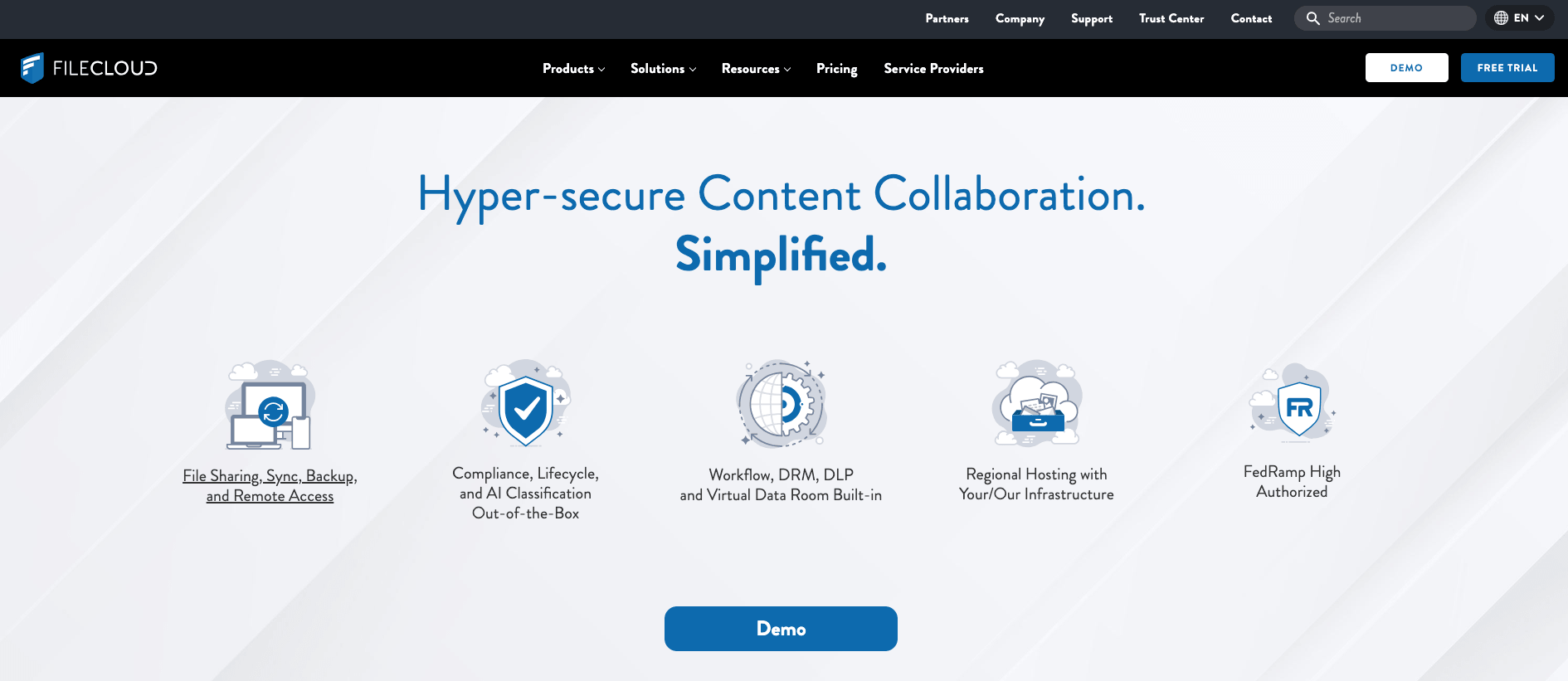
FileCloud is built for organizations that need more than a place to store and send files. Its focus is on controlling how content is shared, accessed, retained and protected, which makes it relevant for businesses working with confidential documents, regulated information, or detailed internal policies.
Unlike a cloud-only service, FileCloud can be deployed on the organization’s own servers, in a hosted environment or as a hybrid setup. That flexibility gives IT teams more choice over where files live and how the platform connects with existing infrastructure.
Where FileCloud works especially well:
What to consider: FileCloud’s flexibility also brings more decisions. A self-hosted or hybrid setup needs clear ownership for server management, updates, backups, security and access policies. Its advanced governance capabilities may also be more than a small team needs when the main requirement is simple file syncing and occasional client sharing.
Best for: Organizations that need detailed access controls, compliance-focused file sharing, and flexibility between self-hosted, hybrid, and hosted deployment.
The shortlist above shows what each platform does well. The next question is more important: which one suits your business? Before making a decision, check the following:
An Egnyte alternative is worth considering when the platform starts creating more work than it saves. That may be a higher bill or a need to keep sensitive files in a cloud your company controls.
Before choosing a platform, check the following:
Choose the platform that fits the way your team works today and supports where it is heading next.
6 min read · 12.10.2026
8 min read · 29.09.2026
5 min read · 14.09.2026
Hosted in
Germany
4.3on G2