Best Egnyte Alternatives in 2026
9 min read · 22.09.2026
Our Blog / best-onedrive-alternatives-for-businesses-in-2026
← Back to overview
If your business already runs on Microsoft 365, OneDrive often makes sense. It keeps files close to Word, Excel, Teams, and Windows, which makes day-to-day collaboration easy. But we have seen many teams reach a point where that convenience is no longer enough. Maybe you need more control over your data, stricter privacy protections, lower storage costs, or simply less dependence on Microsoft. Any of these reasons can make it worth reconsidering your options.
Honestly, the best alternative really depends on what you are actually trying to fix. In this guide, we compare the best OneDrive alternatives for businesses in 2026, including Nextcloud, Proton Drive, Google Drive, pCloud and Seafile, to help you find the one that actually fits how your team works.
We selected these options based on business privacy, collaboration, self-hosting, file-sync performance and day-to-day ease of use.
| Alternative | Best for | Self-hostable | Main advantage | Key trade-off |
|---|---|---|---|---|
| Nextcloud | Businesses that want data control | Yes | Private cloud, flexible hosting, and a full collaboration suite | Requires self-management or a managed hosting provider |
| Proton Drive | Privacy-first teams | No | Strong privacy and encryption model | More limited collaboration ecosystem |
| Google Drive | Google Workspace teams | No | Excellent real-time editing and search | Less control over data sovereignty |
| pCloud | Small teams needing easy storage | No | Simple storage and flexible payment options | Limited business collaboration tools |
| Seafile | Technical teams with large file libraries | Yes | Fast syncing and self-hosted control | Narrower collaboration feature set |
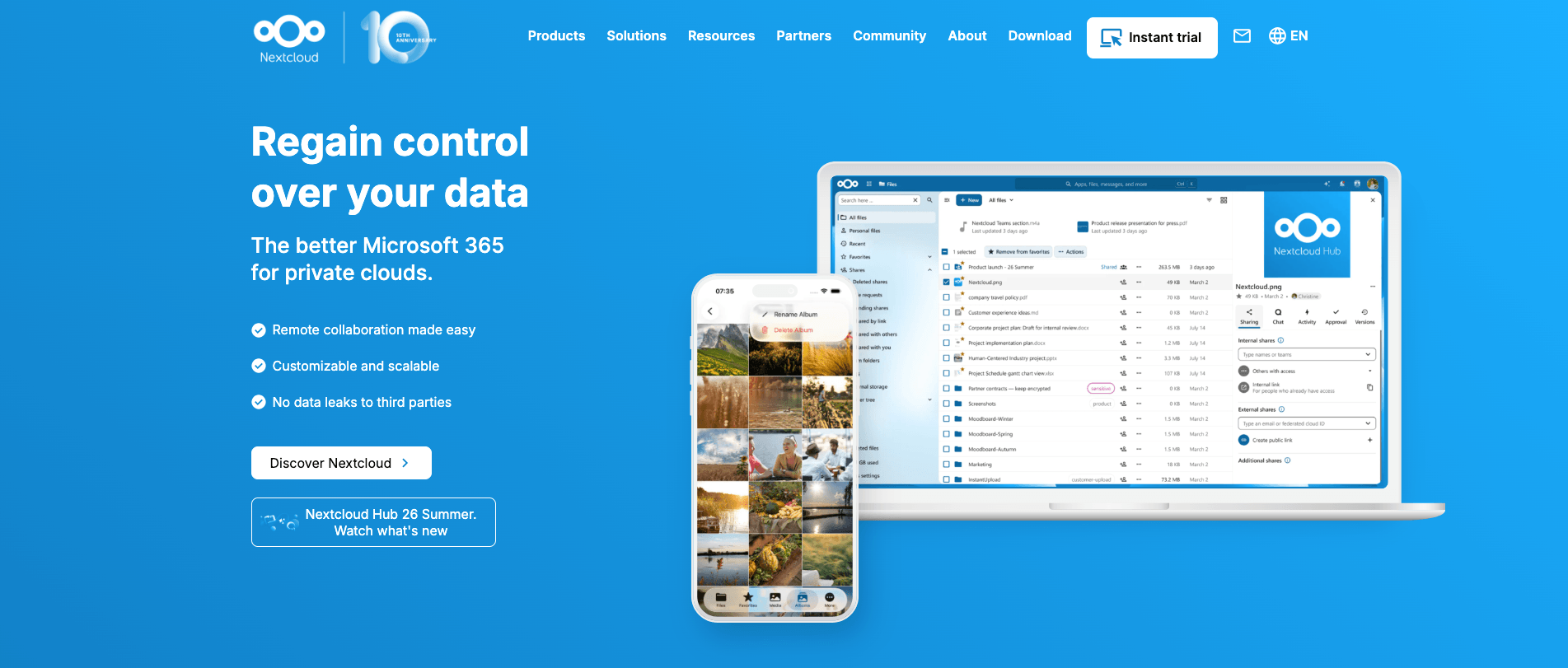
If you want my honest pick, Nextcloud is the strongest OneDrive alternative out there, especially if the whole point is to actually own your cloud instead of just swapping one tech giant for another. It's open-source, so you can run it on your own servers or have someone host it for you. Either way, you get to decide where your data lives, how storage is allocated and which collaboration tools your team uses. That kind of freedom is hard to find with the big providers.
Now, here's the catch nobody mentions up front. Self-hosting sounds great until you are the one who is responsible for server maintenance, backups and keeping on top of security updates. For many businesses, that's not realistic, and that's exactly why managed hosting exists.
With CloudBased Backup, we take care of the infrastructure and all the ongoing maintenance behind the scenes. You still manage the parts that matter to your business: your files, users, groups, sharing settings, and policies, all through Nextcloud. So you get a private cloud hosted in German data centers, without taking on the server headaches. It's basically the control of self-hosting without having to become a sysadmin.
Businesses that want a private, flexible alternative to OneDrive with more control over data, hosting, storage and collaboration, without managing the underlying server themselves.
If Nextcloud feels like the right fit, our OneDrive-to-Nextcloud migration guide will help you plan the move.
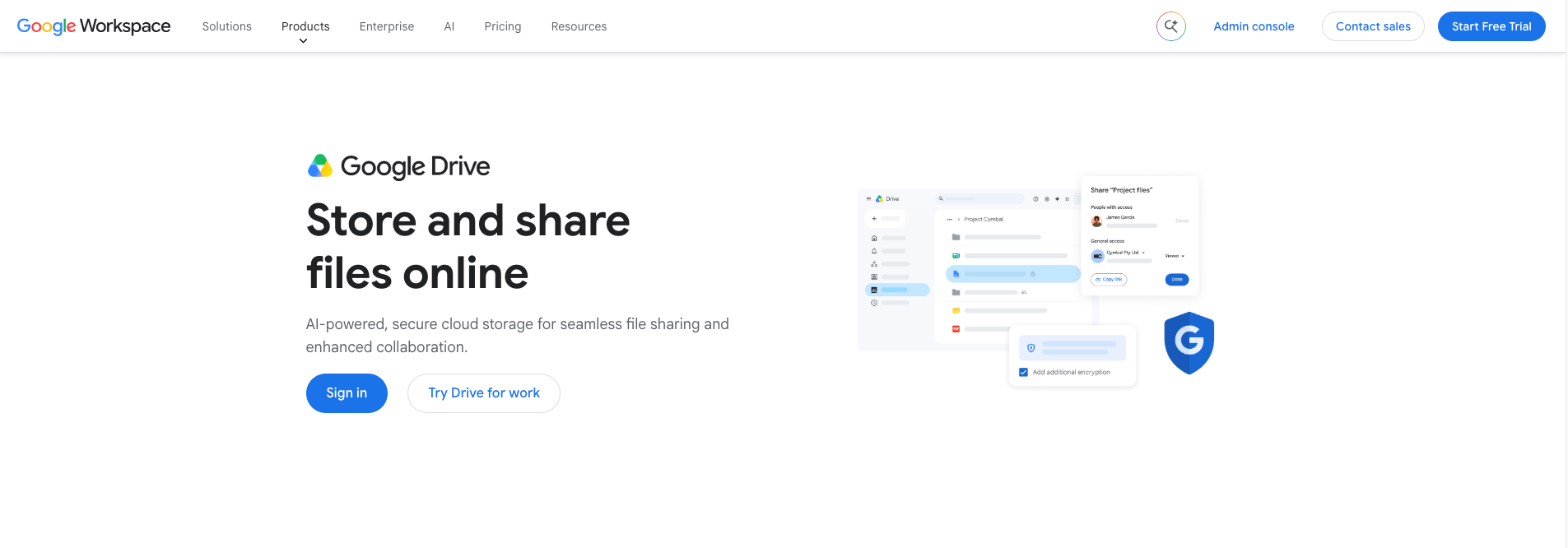
Google Drive is a sensible pick as a OneDrive alternative when your company already works in Gmail, Google Docs, Sheets, Slides, and Google Meet. But let's be real. Leaving Microsoft 365 for Google Workspace isn't really about swapping one storage app for another. You are choosing a whole different way of working. Teams can create, edit, comment on, and share documents in the browser without spending time moving files between separate tools.
Here's the honest trade-off, though. Google Drive is still a Google-hosted cloud service, not a platform you can host or control yourself. For plenty of businesses, that's totally fine, because they just want a familiar, low-maintenance workspace.
Businesses already using Google Workspace that want simple browser-based collaboration, strong document editing, and an easy move away from Microsoft 365.
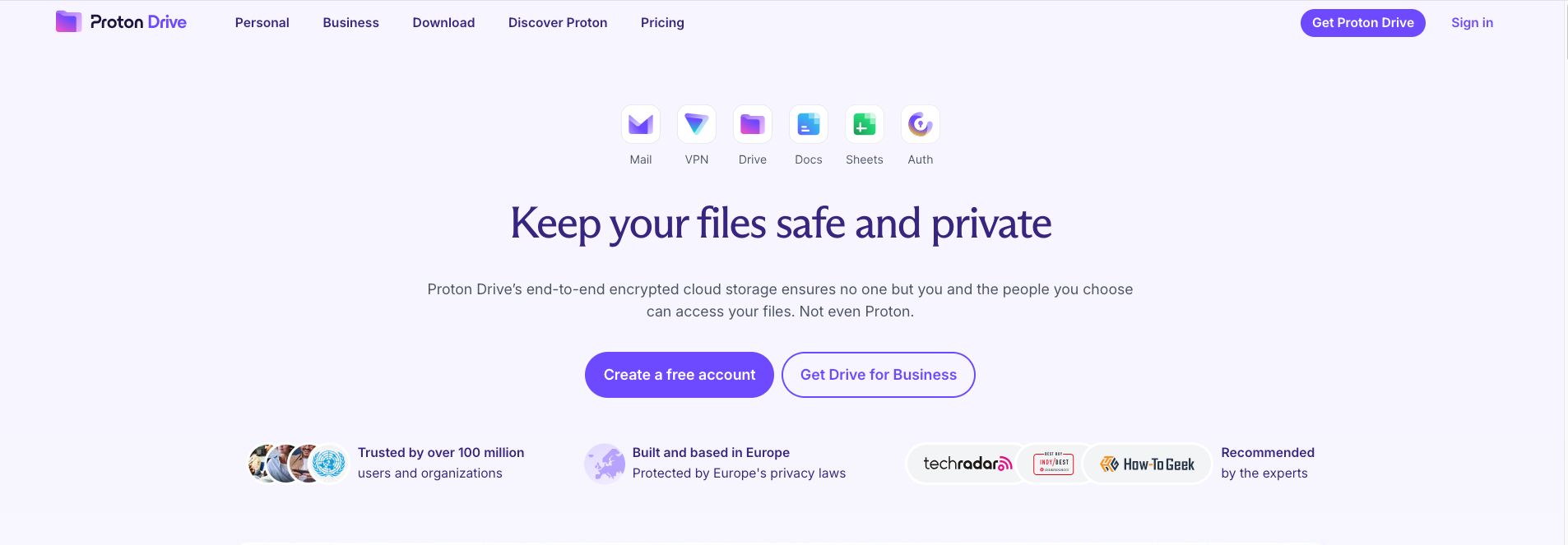
Proton Drive is a strong OneDrive alternative when the real concern is who can access your company’s files. It uses end-to-end encryption, which means your files, filenames, and even folder names get locked up before they ever leave your device. Put simply, Proton itself can't read what you store there. Add in the fact that Proton is based in Switzerland, and you've got a level of privacy that Microsoft and Google do not offer by default.
The trade-off is that Proton Drive is still a hosted service. You can't run it on your own servers or build your own cloud environment around it. So it's a great fit when encryption and private file sharing matter more to you than flexibility.
Businesses that store confidential files and want end-to-end encryption by default, especially when privacy matters more than self-hosting flexibility or an extensive collaboration platform.
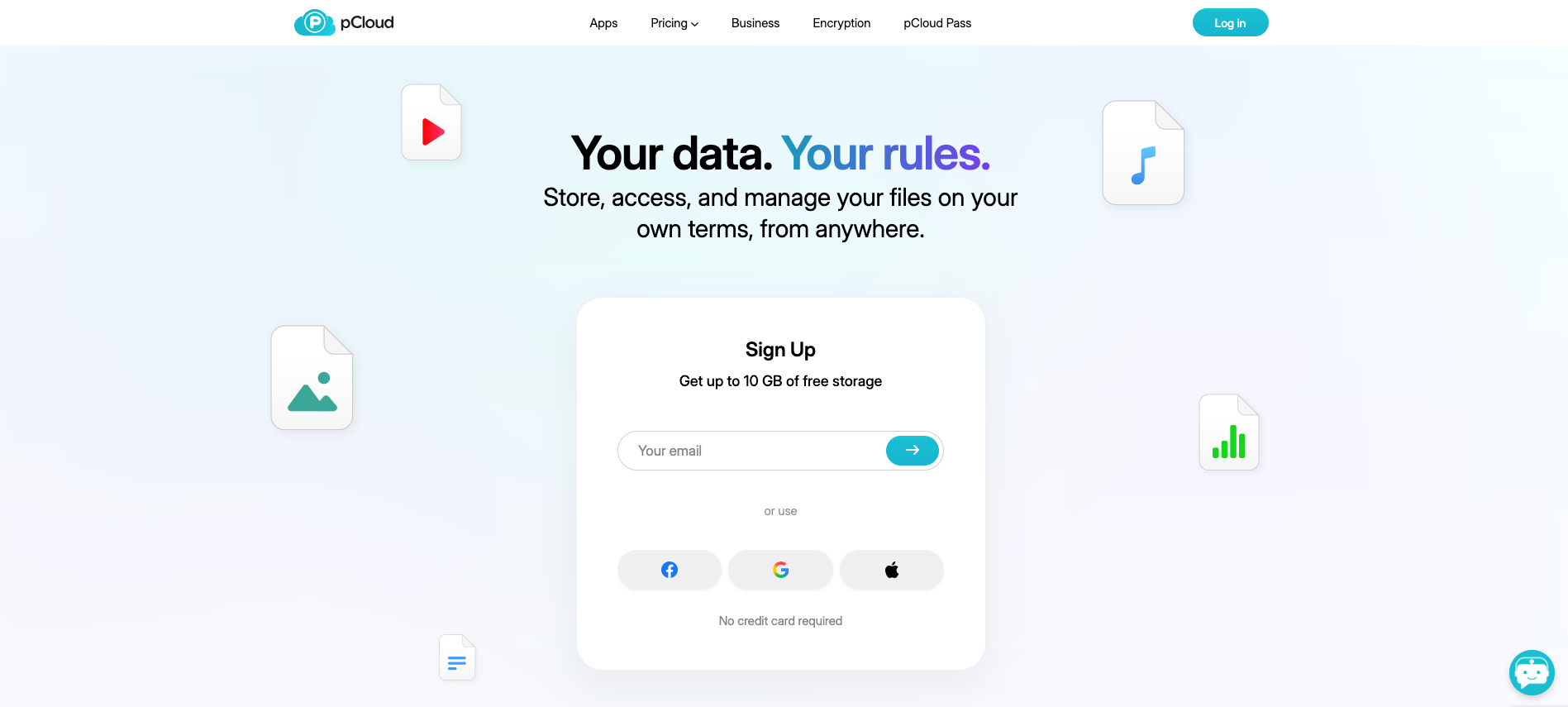
If all your business really needs is a simple place to store, sync, back up, and share files, pCloud is worth a look. The thing that makes it stand out is its individual lifetime plans. Instead of adding another monthly subscription, a freelancer or small business owner can just pay once and be done with it. But here's a detail that's easy to miss: pCloud Business plans are billed monthly or annually, so the lifetime option does not apply to a team business account.
For a small team, pCloud offers the essentials without much complexity. You can sync files across your devices, share folders, send password-protected links and recover earlier versions of files. Its business plans also include team management, access controls, up to 180 days of version history and pCloud Encryption for each team member. Just keep in mind that you can't self-host it, and it's primarily a storage and sharing tool.
Small businesses that need reliable cloud storage, file sharing, and backup tools, but do not need a self-hosted platform or a full suite for documents, chat, calendars, and workflow automation.
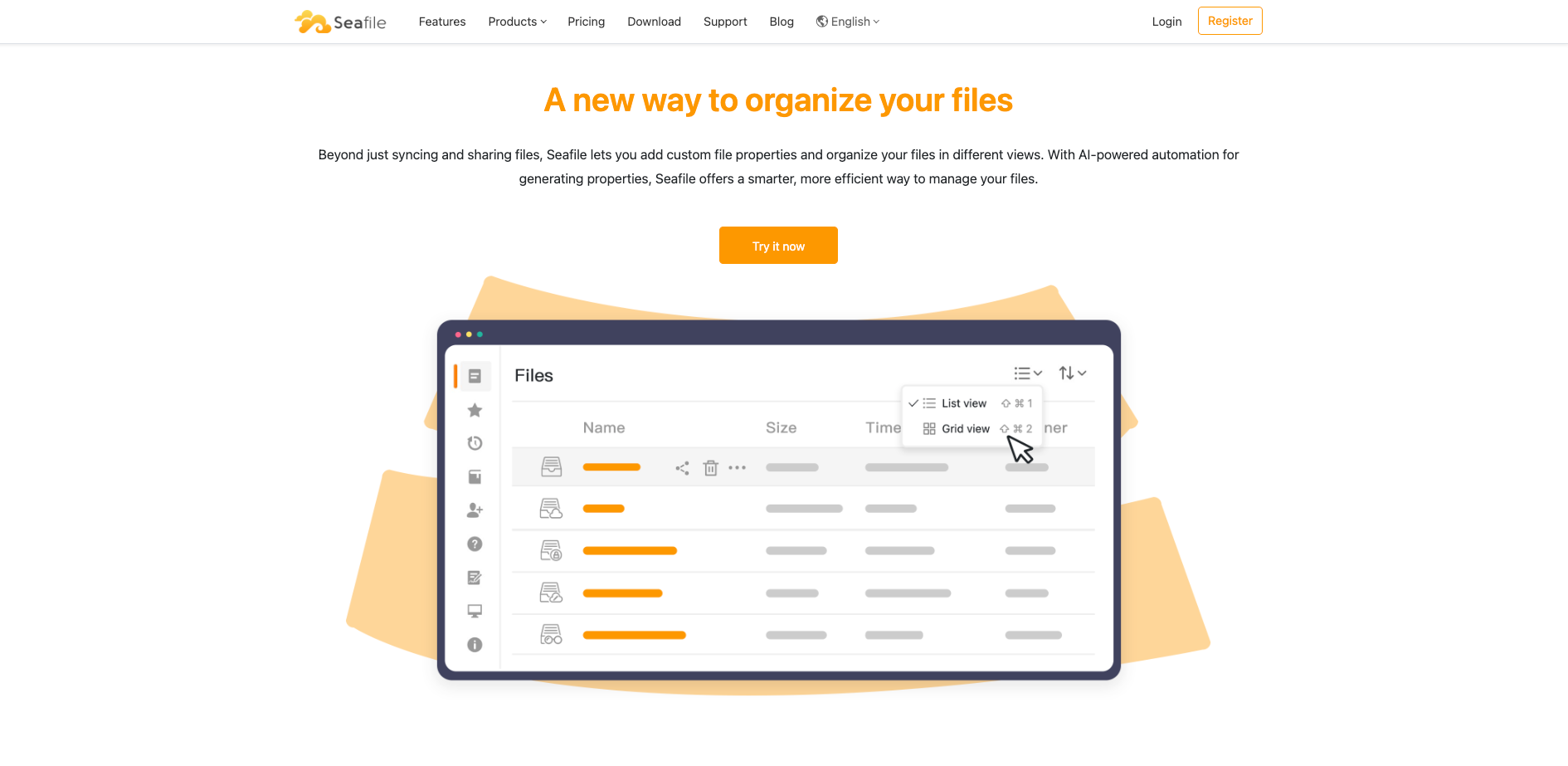
Seafile is a strong OneDrive alternative for technical teams that care most about fast, efficient file syncing and full control over where their data lives. It's open-source and you can self-host it, which means you can run it on your own server, in a private data center, or with a cloud provider you choose. Under the hood, it uses a block-based storage system, which helps avoid storing the same data twice. That makes it well suited to source code, research data, media archives, and folders containing a very large number of files.
There is a trade-off worth understanding before you commit. Seafile stores files in its own internal format rather than as ordinary files you can browse directly on the server. That improves its storage efficiency, but backups, recovery, and external integrations need to follow Seafile’s documented process. And it's really focused on file syncing, so don't expect built-in chat, calendars, or workflow tools as you'd get with a full collaboration suite.
Technical teams, developers, researchers, and media-focused businesses that need efficient self-hosted file storage and syncing, especially when high file counts or large data libraries matter more than an all-in-one collaboration platform.
Honestly, it comes down to one question: why did you start looking beyond OneDrive in the first place? Think about what you're actually trying to fix. Is it privacy? Easier teamwork? Lower costs? Faster syncing? Or do you just want more control over where your company's data lives? Once you know that, the choice gets a lot easier.
At the end of the day, the best choice is the one that solves the specific problem that made your business consider leaving OneDrive.
9 min read · 22.09.2026
5 min read · 14.09.2026
5 min read · 18.08.2026
Hosted in
Germany
4.3on G2