How to Connect AI Tools to Nextcloud with MCP
6 min read · 12.10.2026
Our Blog / secure-file-sharing-with-clients-best-options-for-businesses
← Back to overview
Sharing files with clients has never been easier. A document can be sent in seconds through email, cloud storage, or a shared link. But as businesses handle more sensitive information, convenience alone is no longer enough.
Many organizations eventually run into the same challenges. Links get forwarded beyond the intended recipient, files remain accessible long after a project ends, and it becomes difficult to track who has viewed or downloaded important documents. What starts as a simple way to exchange files can quickly become a security, compliance, or governance concern.
That is why businesses are increasingly looking beyond basic file-sharing tools and evaluating platforms designed for secure file sharing, controlled access, and safer collaboration.
Many organizations begin their search by comparing platforms. In practice, the best solution for secure file sharing with clients is the one that provides the controls needed to protect sensitive information throughout its lifecycle. When evaluating, these are the capabilities that matter most.
Visibility into who accesses files: Businesses should be able to identify who accessed a file and when that access occurred. Without visibility, it becomes difficult to determine whether confidential information has only reached its intended recipients.
Granular permission controls: Not every recipient needs the same level of access. Secure file sharing platforms should allow organizations to define who can view, upload, download, edit, or share files instead of applying the same permissions to everyone.
Password-protected access: A shared link alone is often insufficient for sensitive documents. Password protection adds an additional verification step that helps prevent unauthorized access if a link is accidentally forwarded or exposed.
Link expiration and revocation: Client projects eventually end, and access requirements change. The ability to automatically expire links or revoke access immediately helps organizations maintain control over files long after they have been shared.
Secure file upload requests: Secure collaboration is not only about sending files. Businesses frequently need clients to submit contracts, identification documents, financial records, or project assets. Secure upload requests provide a controlled method for receiving files without relying on email attachments.
Audit trails and activity tracking: For many organizations, knowing that a file was shared is not enough. Activity logs create a record of downloads, uploads, permission changes, and other actions, providing accountability and supporting internal governance requirements.
Data Residency and Compliance Requirements: Organizations handling sensitive information often need to know where their data is stored and which legal frameworks apply to it. Data residency, privacy regulations, and industry-specific compliance requirements can be just as important as the file-sharing features themselves.
To identify the best platforms for secure file sharing with clients, we evaluated each solution based on the factors that matter most to businesses handling sensitive documents and external collaboration.
Security Controls: We assessed how each platform protects shared files through features such as password-protected links, access permissions, link expiration settings, download restrictions, encryption, and authentication controls.
Client Collaboration Experience: We evaluated how easily businesses can exchange files with clients, including support for external sharing, client upload portals, document requests, and collaboration workflows.
Access Management: The level of control administrators have over file access, user permissions, activity tracking, and auditing capabilities.
Compliance and Governance: We considered features that support regulatory and organizational requirements, including audit trails, retention controls, compliance certifications, and data governance capabilities.
Ease of Use: Assessed how easy each platform is to deploy, manage, and use for both internal teams and external clients.
Data Ownership and Control: Examined where data is stored, who controls it, and whether organizations can choose their hosting environment or avoid vendor lock-in.
The platforms included in this guide represent different approaches to secure file sharing with clients, ranging from cloud-first collaboration tools to self-hosted solutions that provide greater control over data and infrastructure.
| Platform | Commonly Best Suited For | Client Upload Capabilities | Compliance & Governance |
|---|---|---|---|
| Google Drive | General business collaboration | Shared folders and forms-based workflows | Available through Google Workspace |
| Nextcloud | Organizations requiring greater data control | Secure client upload links | Depends on deployment and configuration |
| OneDrive & SharePoint | Microsoft 365 environments | External sharing and file requests | Strong Microsoft 365 governance controls |
| Dropbox | Simple file sharing and collaboration | Shared folders and Dropbox Transfer | Varies by plan |
| Box | Compliance-focused organizations | File Request | Extensive compliance and governance capabilities |
| ShareFile | Client-facing professional services firms | Structured document requests and client portals | Compliance-focused |
Google Drive is often the default choice for businesses that need simple file sharing and real-time collaboration. Its widespread adoption, familiar interface, and integration with Google Workspace make it easy for teams and clients to work together on documents, spreadsheets, and shared files.
Key Features
Limitations
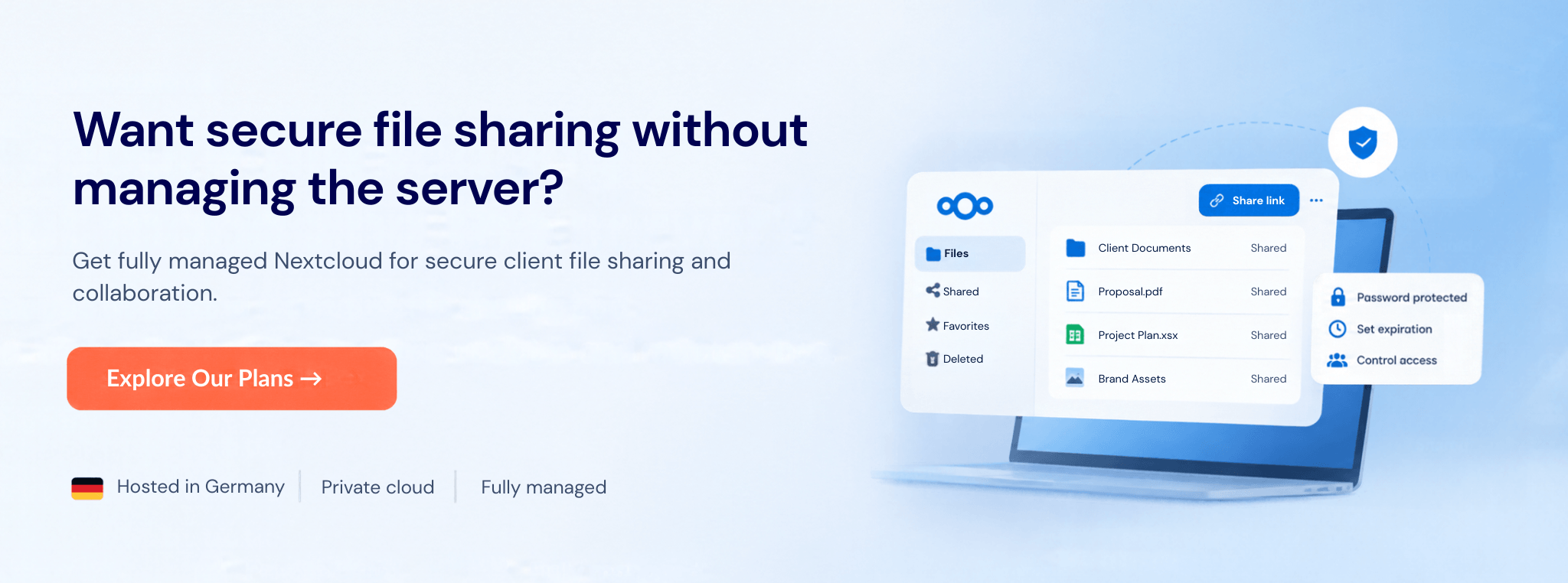
Nextcloud is an open-source file sharing and collaboration platform that gives organizations full control over where their data is stored and how it is shared. Unlike traditional cloud storage providers, organizations can choose where their data is hosted and retain control over the underlying infrastructure. Nextcloud can be self-hosted or deployed through a managed hosting provider, allowing businesses to maintain ownership of their files, user data, and infrastructure.
It combines secure file sharing, client collaboration, real-time document editing, video communication, and workflow automation within a single platform while avoiding vendor lock-in.
Key Features
Limitations
OneDrive and SharePoint are closely integrated within Microsoft 365 and are often used together for document storage, collaboration, and external file sharing. Organizations already using Microsoft 365 can securely share files with clients, partners, and vendors while maintaining control over access permissions and sharing settings.
Key Features
Limitations
Dropbox remains one of the most widely used platforms for sharing files with clients because it makes file delivery simple. Recipients can access shared files through a link, and in many cases do not need a Dropbox account to download content. This reduces friction when working with external clients, vendors, or partners.
Key Features
Limitations
Box is a cloud content management platform designed for organizations that need more control over how files are shared, managed, and governed. It is particularly popular in industries such as healthcare, finance, and legal services where security, compliance, and auditability are important considerations.
Key Features
Limitations
ShareFile is a secure file-sharing and client collaboration platform designed for organizations that regularly exchange documents with clients. Unlike traditional cloud storage platforms, ShareFile combines file sharing, document requests, client portals, e-signatures, and workflow management in a single environment, making it particularly popular among accounting, legal, financial, healthcare, and insurance firms.
Key Features
Limitations
Based on our experience, the best secure file sharing solution is not necessarily the one with the most features. It is the one that aligns with how your organization works with clients and protects the information you share.
For small teams sharing marketing assets and project files, simplicity and ease of collaboration are often the top priorities. Familiar platforms such as Google Drive, OneDrive, and Dropbox can be effective when advanced governance requirements are not a primary concern.
For businesses that require full control over their data, factors such as hosting location, data ownership, privacy requirements, and vendor independence may be more important than convenience alone. In these cases, platforms such as Nextcloud can provide greater control over how information is stored, managed, and shared.
For agencies and client-facing businesses, secure external collaboration becomes more important. Features such as client portals, document requests, permission controls, and approval workflows can help streamline communication and reduce manual follow-up.
For professional services firms, including accounting, legal, financial, and consulting organizations, auditability and controlled document exchange are often just as important as file sharing itself. Solutions that provide audit trails, secure document requests, and compliance-focused controls may be a better fit.
For compliance-sensitive organizations, security should be evaluated beyond password-protected links. Access controls, activity tracking, governance capabilities, and regulatory requirements should all be considered as part of the decision-making process.
Ultimately, the right platform is the one that balances security, usability, compliance requirements, and the needs of both your team and your clients.
Secure file sharing with clients is about more than sending documents from one place to another. The right platform should help you protect sensitive information, control access, and collaborate efficiently without creating unnecessary complexity for your team or your clients.
There is no single best solution for every business. Some organizations prioritize simplicity and ease of collaboration, while others require stronger governance, compliance controls, or greater ownership of their data. The most effective secure file sharing solution is the one that aligns with your security requirements, client workflows, and long-term business needs.
6 min read · 12.10.2026
8 min read · 29.09.2026
9 min read · 22.09.2026
Hosted in
Germany
4.3on G2