How to Connect AI Tools to Nextcloud with MCP
6 min read · 12.10.2026
Our Blog / best-gdpr-compliant-cloud-storage-for-small-businesses
← Back to overview
If you are choosing cloud storage for a small business, encryption alone is not enough. You also need to know where your files are stored, what the provider can do with them, how access is controlled and whether your team can use the platform safely day to day. The best option protects client documents, internal files, and shared work without making collaboration feel complicated.
In this guide, we compare Nextcloud, SecureCloud, kDrive, Proton Drive and Dropbox Business. Each service takes a different approach to data control, encryption, collaboration and hosting. The right fit actually depends on what matters most to your business.
Here is a quick overview of what each option is best suited for.
| Cloud storage | Best for | What it offers |
|---|---|---|
| Nextcloud | Businesses that want more control over their cloud | Private cloud storage, file sharing, document editing, chat, video calls, email, calendars, and task management |
| SecureCloud | Teams that want a German business cloud | German data centres, secure file sharing, access permissions, browser-based Office editing, and file recovery |
| kDrive | Teams that want Swiss-hosted collaboration tools | Shared folders, password-protected links, drop boxes, document editing, and file-version recovery |
| Proton Drive | Businesses that put privacy first | End-to-end encrypted storage, secure file sharing, Proton Docs, Proton Sheets, and team admin controls |
| Dropbox Business | Teams that want familiar file sharing and client-work tools | File sharing, large transfers, PDF editing, eSignatures, team folders, and admin controls |
Think of "GDPR-friendly cloud storage" as a shared responsibility. Your cloud provider can store and protect your files, but your business still decides who gets access, why personal data is kept and when it should be removed. In GDPR terms, your business is usually the controller and the cloud provider is the processor.
So, it is worth looking beyond promises such as “encrypted” or “EU-hosted.” Check whether the provider offers a clear Data Processing Agreement, sensible access controls and transparency about the companies involved in delivering the service. Those details give your team a stronger foundation for handling data responsibly. Your own sharing habits and internal rules still play a big part too.
For this guide, we looked beyond the usual promises of encryption and GDPR compliance. We compared where each service hosts data and the practical controls it gives small teams for access, sharing and administration.
We also considered the everyday side of the service. A cloud platform may look strong on paper but still create extra work for a small team. We also compared each option’s collaboration features and privacy approach, while considering setup and ongoing maintenance where they were relevant.
The goal is not to find one “perfect” provider. It is to help you find the option that fits how your business actually works.
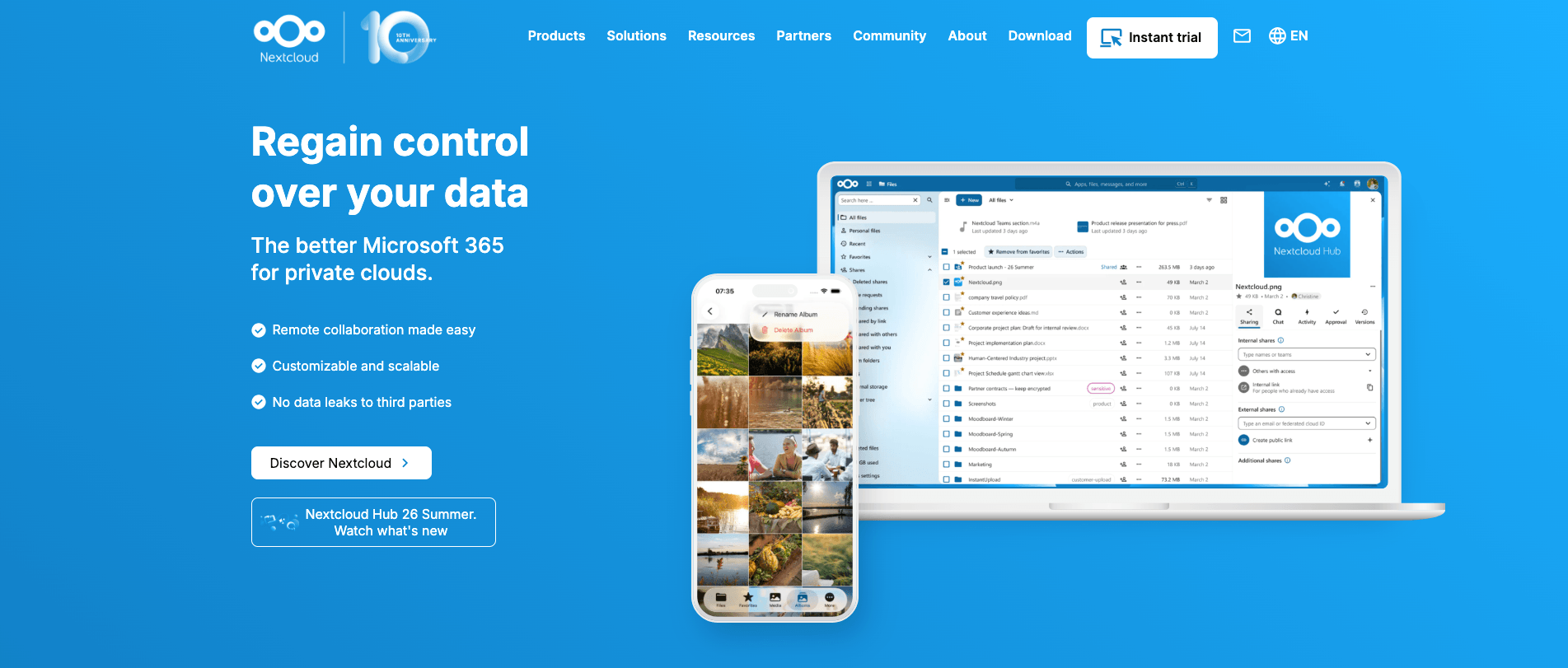
Here is the key thing to know about Nextcloud: it is not a cloud-storage provider in the usual sense. It is software that can be hosted on your own server or run by a managed hosting provider. That gives you more control over where your files are stored and how the system is set up. Nextcloud also brings file sharing, document editing, video calls, chat, email, calendars, contacts, and task management into one workspace.
That freedom is useful, but it also creates an important question. Who is going to look after the server? If you host Nextcloud yourself, someone needs to keep up with updates, security patches, backups, monitoring, and recovery when something goes wrong. Self-hosting makes sense when a capable IT administrator has the time and responsibility to manage it properly.
This is why managed Nextcloud is often the more sensible option for a small business. With a fully managed service such as CloudBased Backup, your team manages folders, users, permissions, and sharing settings through Nextcloud, while we handle the infrastructure, updates, maintenance, and security work behind the scenes. It gives you the control of a private cloud without turning your business into its own IT department.
Best for: Businesses that want control without being locked into a public cloud
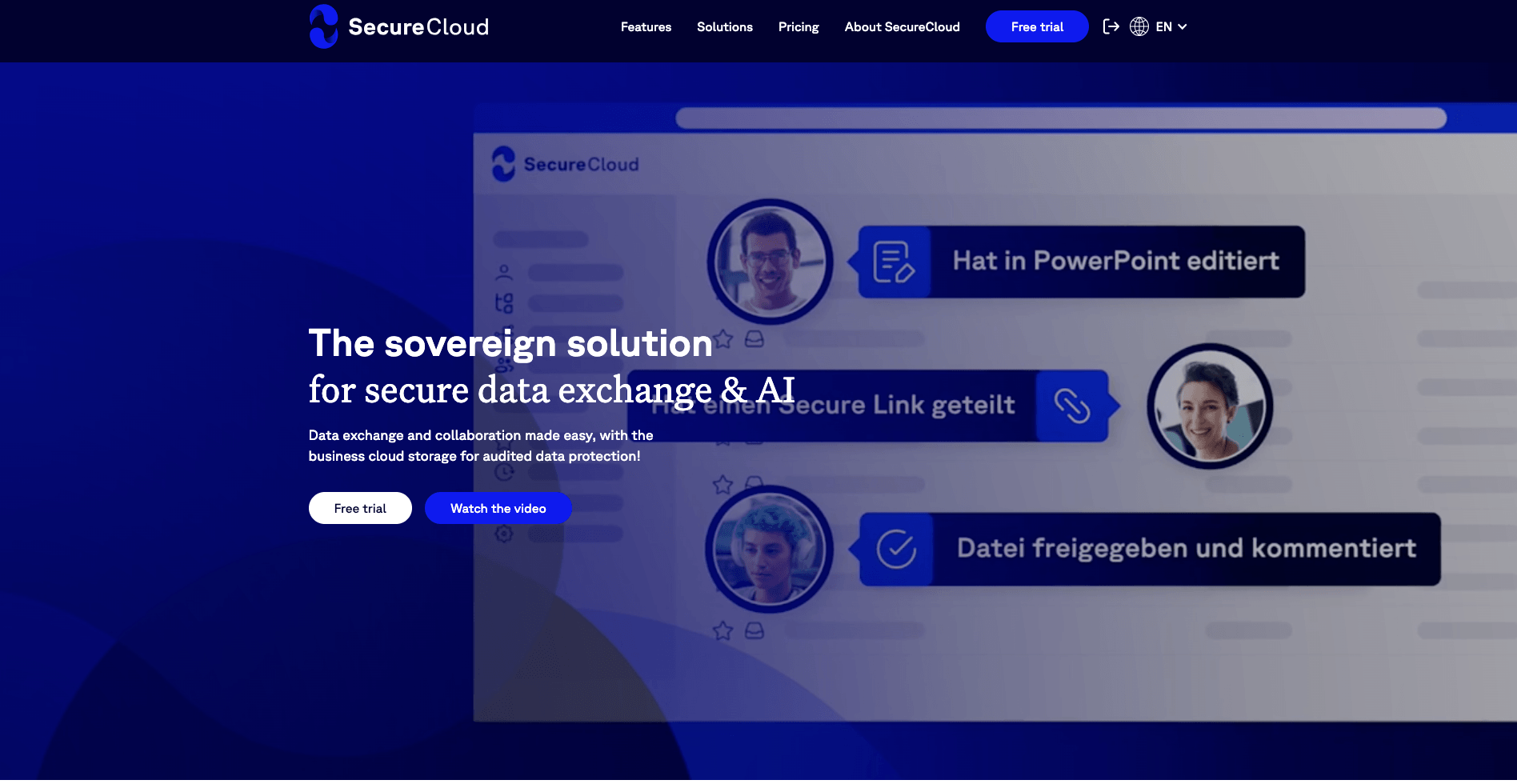
If keeping business data in Germany is high on your list, SecureCloud is an option worth considering. SecureCloud says that it is a German company with no US parent company and that customer data stays in German data centres. For a consultancy, financial-services firm, or professional practice, that can make the data-location question much easier to answer.
It is not just a place to upload files. Teams can share documents, set permissions, create time-limited links, and restore earlier versions through snapshots. Its SecureWork feature also lets colleagues work on Word, Excel, and PowerPoint files in the browser. That is useful when a small team needs to work with clients, suppliers, or external advisers without sending documents back and forth by email.
Alongside these sharing controls, SecureCloud is ISO/IEC 27001 certified and BSI C5 attested. These are good signs that it takes security seriously. Still, no provider can handle GDPR compliance for your business. You need to decide who can access files, how documents are shared, and whether the Data Processing Agreement fits the personal data you store.
Best for: Teams that want a German business cloud
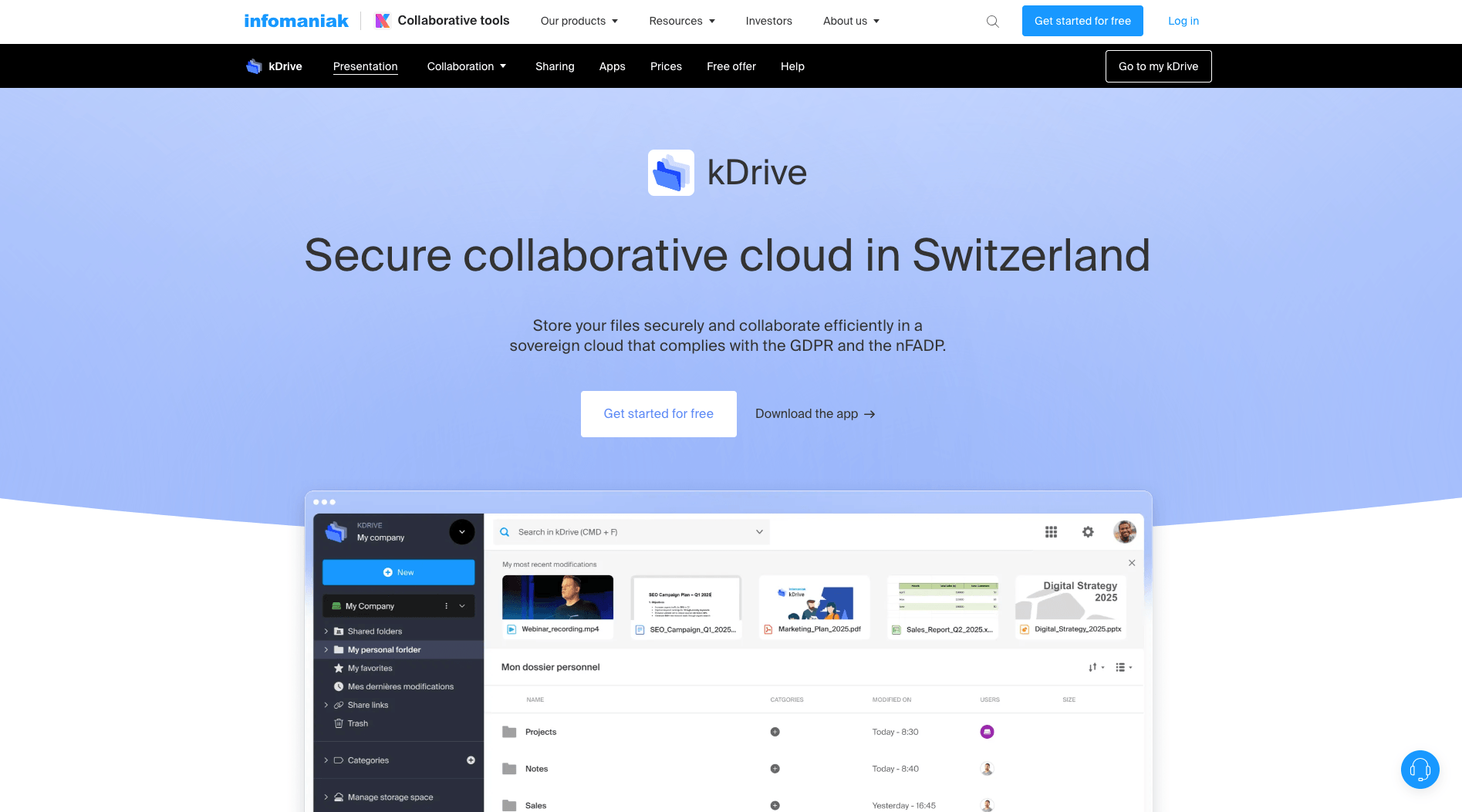
If you would rather keep your business files in Switzerland, kDrive is worth a look. It is built and hosted by Infomaniak, a Swiss company, and your data stays in its Swiss data centres. Infomaniak also says it does not resell or analyse customer data, which is reassuring if privacy is a major concern for your business.
kDrive gives a small team more than a shared folder. You can organise files in shared spaces, control who can access them, send password-protected links, and use drop boxes to collect files from clients or suppliers. It also supports online document editing through OnlyOffice. On kDrive Pro and selected kSuite plans, your team can work on Word, Excel, and PowerPoint files in the browser too.
There is a useful safety net as well. Infomaniak replicates each file across three physical storage devices in two Swiss data centres, and you can restore an earlier version of a document when needed. Just remember that Switzerland is not part of the EU. Before choosing kDrive, check whether Swiss data hosting meets your client and business requirements.
Best for: Teams that want Swiss-hosted cloud storage with built-in collaboration tools.
Proton Drive is a good fit when keeping files private is your main priority. It uses end-to-end encryption, so only the people you choose can open the files you store or share. Proton says it cannot read the contents of those files. The company is based in Switzerland, which may be a better fit for businesses that prefer not to store sensitive information with a US-based cloud provider.
You still get the tools a small team needs to work together. You can share files and folders by link or email, add passwords and expiry dates and remove access when a project is finished. Your team can also work together in Proton Docs and Proton Sheets. Administrators can manage accounts, permissions, storage, and security settings from one dashboard.
Proton Drive meets ISO 27001 and SOC 2 Type II security standards. This makes it a solid option for businesses that handle confidential files.
Best for: Businesses that want end-to-end encrypted cloud storage and stronger privacy.
Dropbox Business makes sense for a team that already feels comfortable using Dropbox. It gives you one place to store and share files, send large files, edit PDFs, and request eSignatures. For a creative agency, consultancy, or client-facing team, that can make everyday project work much easier.
Your administrator can create team folders, control external sharing, approve devices, and see activity reports. You can also add passwords to shared files and restore deleted files if someone removes something by mistake. These are useful features when several team members are working on the same client files.
For GDPR, Dropbox includes a Data Processing Agreement for its team plans. Still, it is worth checking the data-location details before you sign up. Dropbox can move eligible teams’ file data at rest to EU servers. If your business has strict data-location requirements, confirm exactly what data is covered before choosing a plan.
Best for: Teams that want familiar file sharing, simple admin controls, and document-signing tools.
There is no single best option for every small business. The right choice depends on where you need your data to be stored and how much control you want over it. If German hosting matters most, SecureCloud or managed Nextcloud may be a better fit. If Switzerland works for your business, kDrive is another strong option.
Proton Drive is worth considering when privacy is your biggest concern. Its end-to-end encryption is useful when you handle confidential client or company files. Dropbox Business may suit a team that already uses Dropbox and wants familiar sharing tools, admin controls, and eSignatures.
Before moving everything to a new cloud service, try it with one real project first. Check the Data Processing Agreement, confirm where your data will be hosted, and make sure your team understands who can access and share files.
6 min read · 12.10.2026
8 min read · 29.09.2026
9 min read · 22.09.2026
Hosted in
Germany
4.3on G2