Best GDPR-Compliant Cloud Storage for Small Businesses
7 min read · 09.11.2026
Our Blog / best-microsoft-365-alternatives-top-options-compared
← Back to overview
Microsoft 365 is the default choice for many businesses because it brings familiar apps, email, file storage, meetings, and document collaboration in one place. But a familiar default is not always the right fit, which is why many businesses explore Microsoft 365 alternatives.
The important question is not simply, “What can replace Microsoft 365?” It is, “Which parts of Microsoft 365 do I actually need to replace?” Some businesses need a full workspace with email, calendars, files, and meetings. Others only need secure file sharing, private email, or reliable document editing. This guide compares complete suites and specialist tools, helping you choose an alternative that fits your work without paying for unnecessary complexity.
| Alternative | Microsoft 365 roles it covers | Main reason to choose it | What to know before choosing |
|---|---|---|---|
| Nextcloud + Collabora Online | Files, sharing, browser-based documents, plus optional mail, calendar, chat, and video apps | You choose where files are hosted and keep more control over your data | Self-hosting needs maintenance, unless you choose managed hosting |
| Google Workspace | Email, files, documents, spreadsheets, presentations, chat, meetings, and calendars | A familiar browser-based workspace with strong real-time collaboration | Files stay in Google’s cloud, and complex Office files may need checking |
| Zoho Workplace | Email, files, documents, spreadsheets, presentations, chat, meetings, and calendars | Lower-cost full workspace, especially for anyone already using Zoho apps | It may feel less familiar than Microsoft or Google |
| Proton Workspace | Email, calendar, files, documents, spreadsheets, and video calls | End-to-end encryption and Swiss privacy protections | No presentation editor, and it is not built for advanced Office workflows |
| ONLYOFFICE Workspace | Documents, spreadsheets, presentations, email, calendars, CRM, projects, chat, and video calls | Strong Microsoft Office file compatibility, self-hosting options, and an all-in-one workspace | Talk chat is included. Jitsi video calls need the Jitsi plugin and may have fewer features than Teams, Slack, or Zoom. |
| Dropbox Business | File storage, syncing, sharing, recovery, and large file transfers | A focused replacement for OneDrive file storage and sharing | It does not replace email, calendars, or Office-style document tools |
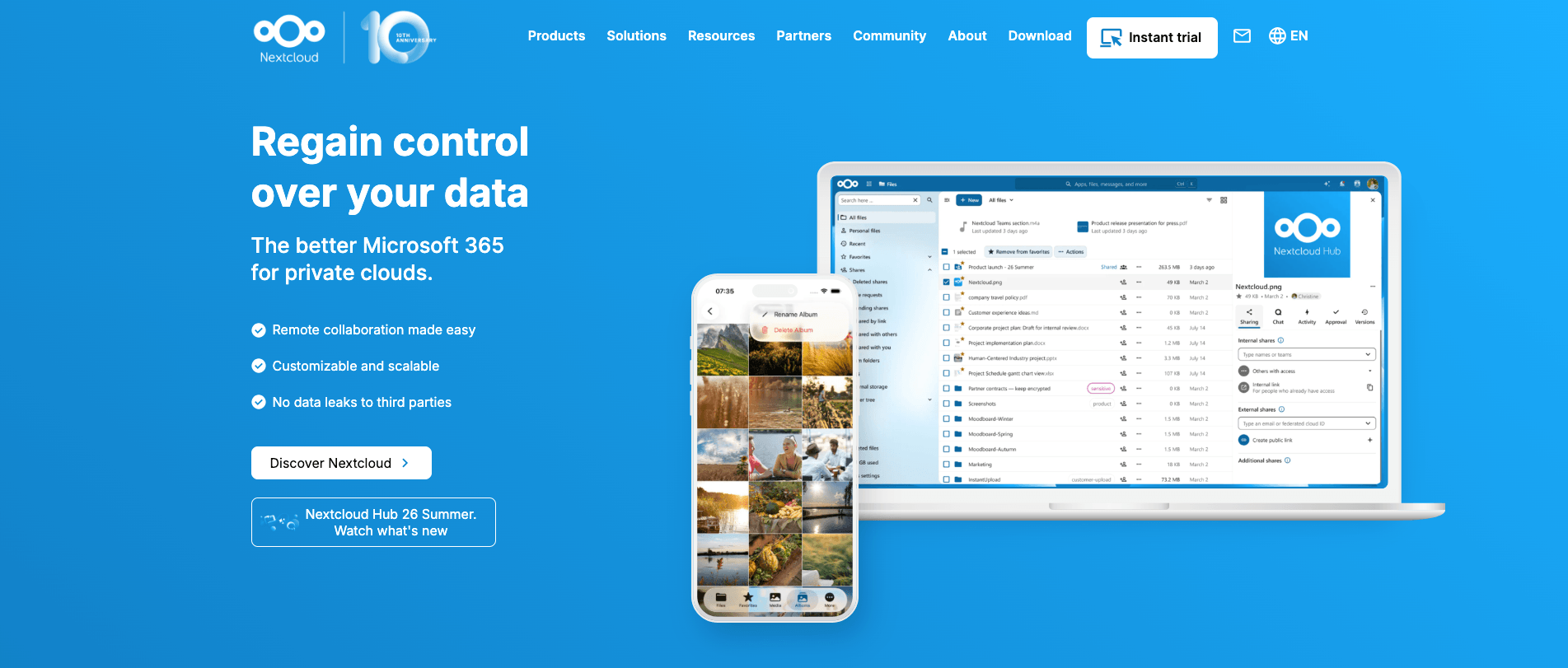
If you are looking for a Microsoft 365 alternative because you want more control over your files, Nextcloud with Collabora Online is worth considering. Nextcloud is the private workspace where you store, sync and share files. Collabora Online is the editor inside it, letting you open documents, spreadsheets, and presentations in your browser and work on them with others at the same time.
This setup can work for a freelancer sharing client documents, a family keeping important files in one place, or an organisation with clear data-location requirements. You choose where Nextcloud is hosted, either on your own infrastructure or with a managed hosting provider. That flexibility is what makes it different from simply moving from one large public cloud to another.
There is one thing to keep in mind, running Nextcloud yourself means handling updates, security, and maintenance. CloudBased Backup is for anyone who wants the control of Nextcloud without taking on that server work. It provides fully managed Nextcloud hosting in Germany, with Nextcloud Talk, Mail, and Collabora Online office included across its plans.
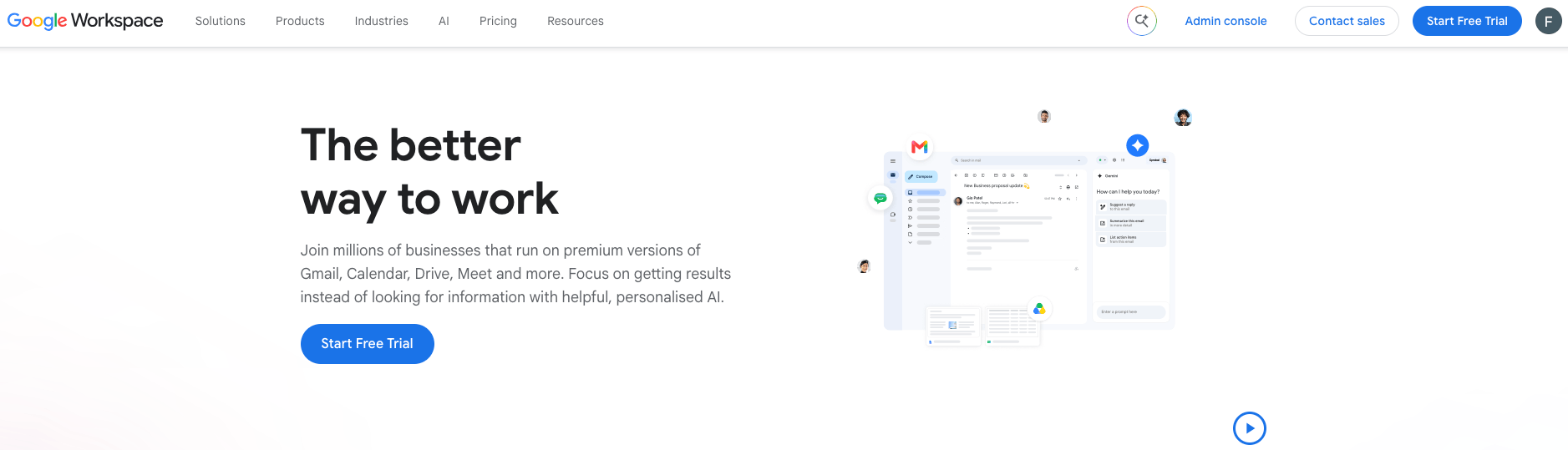
If you want to move away from Microsoft 365 without changing the way you work too much, Google Workspace is often the first option to look at. It brings email, file storage, documents, meetings, chat, and calendars into one service. Gmail takes care of email, Google Drive stores files, and Docs, Sheets, and Slides handle everyday work with documents, spreadsheets, and presentations.
Google Workspace feels most natural when your work already happens in the browser. You can share a file, open it with someone else, leave comments, and see changes as they happen. There is no need to send different file versions back and forth by email. That is why it is one of the most familiar Microsoft 365 alternatives for freelancers and organisations that want a simple online workspace.
Google Drive sits at the centre of the Workspace experience. You can store, organise, and share files from any device, then open them directly in Docs, Sheets, or Slides. You can also see how Google Drive compares with Nextcloud in our Nextcloud vs Google Drive comparison.
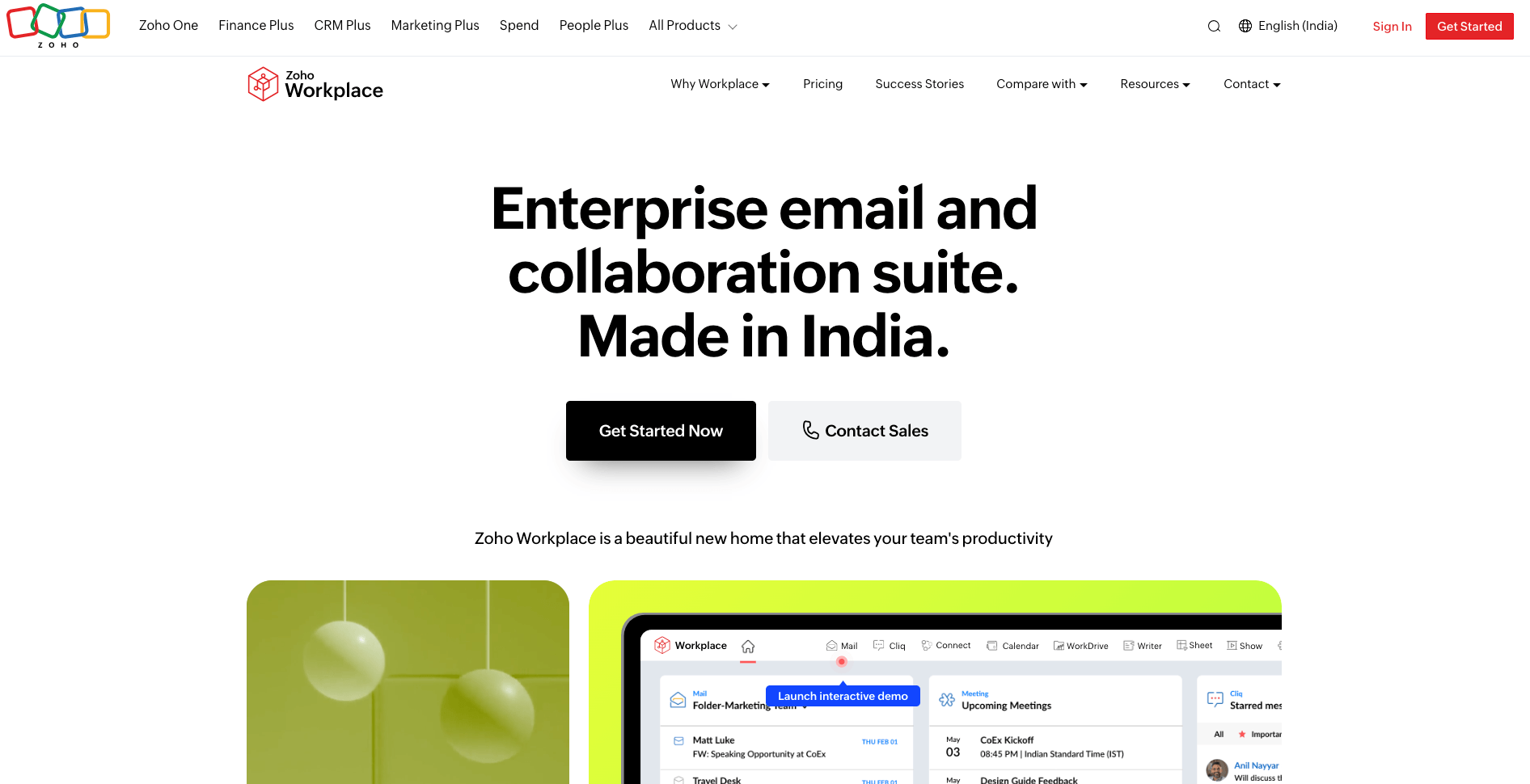
Zoho Workplace is one of the Microsoft 365 alternatives to look at when cost matters, but you still need email, files, documents, chat, and meetings in one place. Zoho Mail takes the role of Outlook. WorkDrive stores and shares files like OneDrive. Writer, Sheet, and Show cover the everyday work done in Word, Excel, and PowerPoint.
Zoho becomes more useful when you already use Zoho CRM, Books, Desk, or Projects. Instead of moving between separate services, you can keep your email, customer information, files, and work tools in the same Zoho account. That can make a real difference if you want fewer subscriptions and less admin work.
Zoho Workplace covers the main jobs that many Microsoft 365 subscribers need every day.
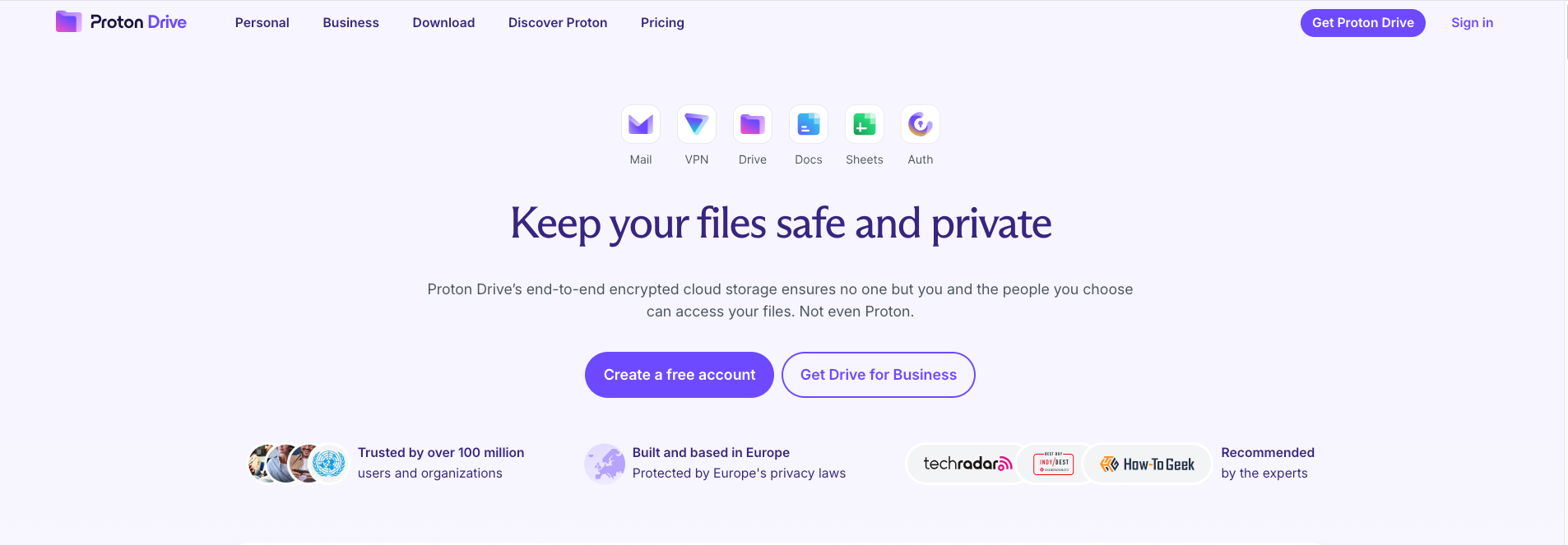
If privacy is the main reason you are looking for a Microsoft 365 alternative, Proton Workspace is one of the first services to explore. Proton Mail replaces Outlook for email, Proton Drive replaces OneDrive for files, and Proton Docs and Sheets cover documents and spreadsheets. Proton Calendar and Proton Meet bring scheduling and video calls into the same workspace.
What makes Proton different is its focus on encryption. The company is based in Switzerland, and files, calendars, documents, and spreadsheets in Proton are protected with end-to-end encryption. Emails between Proton accounts are also end-to-end encrypted. Emails sent to non-Proton addresses are not automatically end-to-end encrypted, but you can use Password-protected Emails when you need extra protection.
This is a strong choice when private communication and protected files matter more than having every Microsoft Office feature. Proton does not yet offer a presentation tool like PowerPoint or Google Slides. It is also less suited to work that depends on advanced spreadsheets or complex Office files.
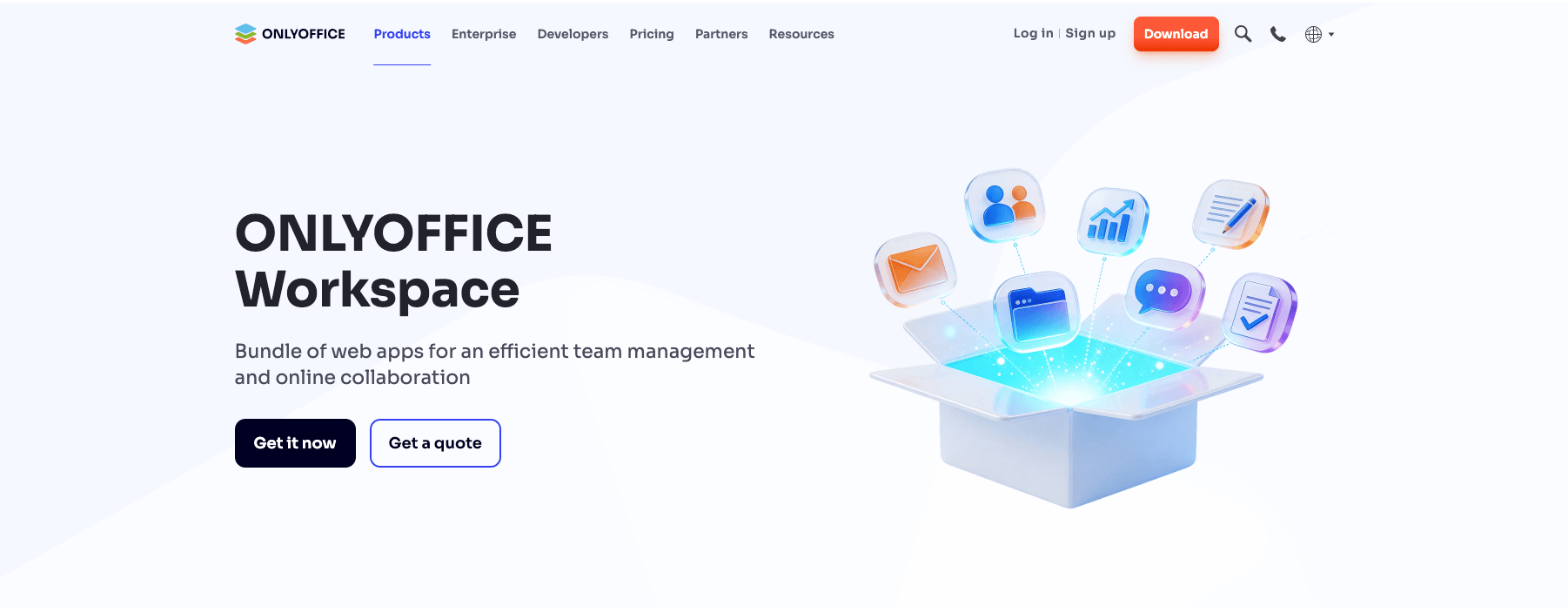
If Word, Excel, and PowerPoint files are a big part of your day, ONLYOFFICE Workspace can feel easier to move to than some other Microsoft 365 alternatives. It is designed to work closely with Microsoft Office formats, so you can open, edit, and share .docx, .xlsx, and .pptx files without changing your usual file types.
ONLYOFFICE is not only for documents. Workspace also includes business email, calendars, CRM, and project tools. You can run it on your own server or use a pre-configured installation through AWS Marketplace. That gives you more choice over where the workspace runs and who manages it.
ONLYOFFICE Workspace is a good fit when Office file compatibility and hosting control matter most. It covers documents, email, calendars, projects, CRM, and chat. For video calls, you need to install the Jitsi plugin. It may have fewer features than Teams, Slack, or Zoom.
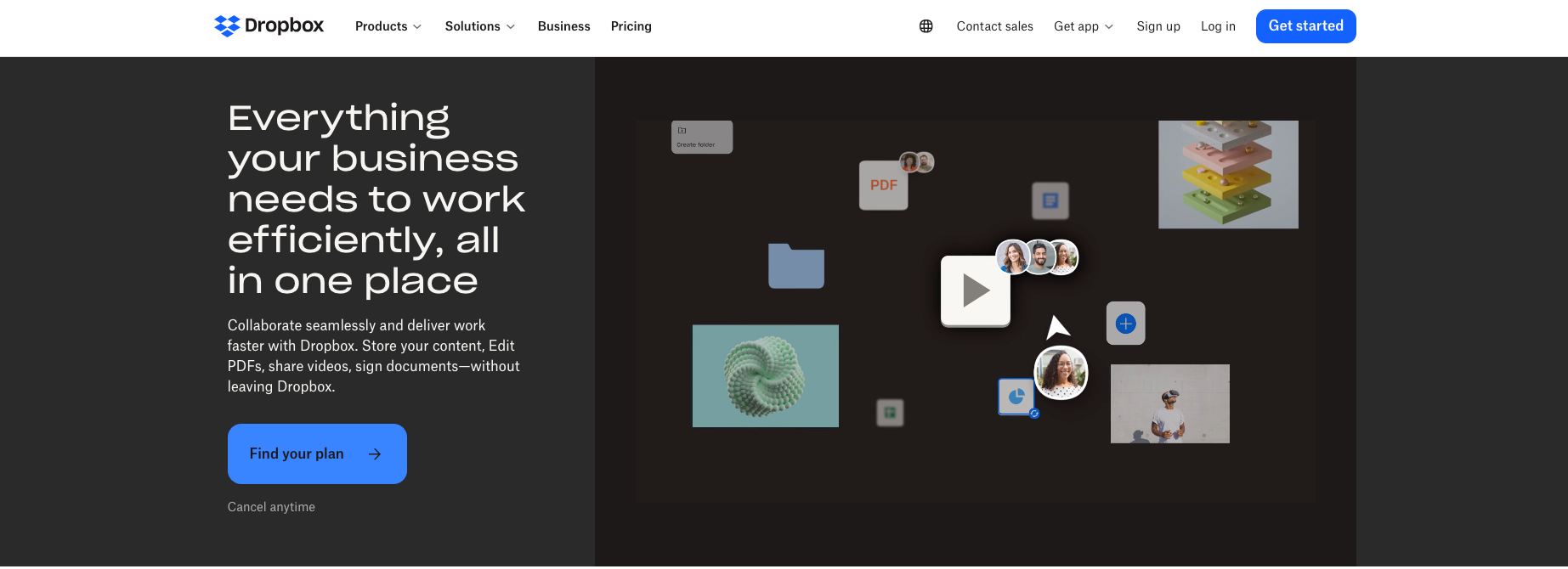
Not every Microsoft 365 alternative needs to replace the whole suite. If your real problem is OneDrive, Dropbox Business gives you another place to store, sync, and share files without changing your email, calendar, or document tools.
Dropbox is built around file sharing. You can send a large video to a client, share a project folder with a freelancer, or make sure everyone is working from the latest file. That makes it a familiar choice for photographers, designers, agencies, video teams, and other roles that work with large files every day.
Dropbox Business is not a full replacement for Microsoft 365. It does not include email, calendars, spreadsheets, presentations, or a Word-style document editor. It works best when file storage and sharing are the only parts of Microsoft 365 you want to change.
You do not need to replace every Microsoft 365 app to make a better choice. Start with the reason you are looking for an alternative.
You do not have to stay with Microsoft 365 just because it is familiar. Choose the alternative that fits how you work, what you need to protect, and where you want your files to live.
7 min read · 09.11.2026
6 min read · 12.10.2026
8 min read · 29.09.2026
Hosted in
Germany
4.3on G2