Best Egnyte Alternatives in 2026
8 min read · 22.09.2026
Our Blog / best-seafile-alternatives-in-2026
← Back to overview
Organizations increasingly rely on file synchronization and sharing platforms to support collaboration, manage growing volumes of data, and maintain control over where information is stored. While Seafile remains a popular choice thanks to its efficient synchronization capabilities and self-hosted deployment options, it may not be the right fit for every use case.
Some organizations need broader collaboration tools, while others prioritize enterprise governance, compliance, scalability, or simplified infrastructure management.
Fortunately, several alternatives offer different strengths depending on your requirements. In this guide, we'll examine the best Seafile alternatives for 2026 and compare their capabilities, strengths, and ideal use cases to help you find the right solution.
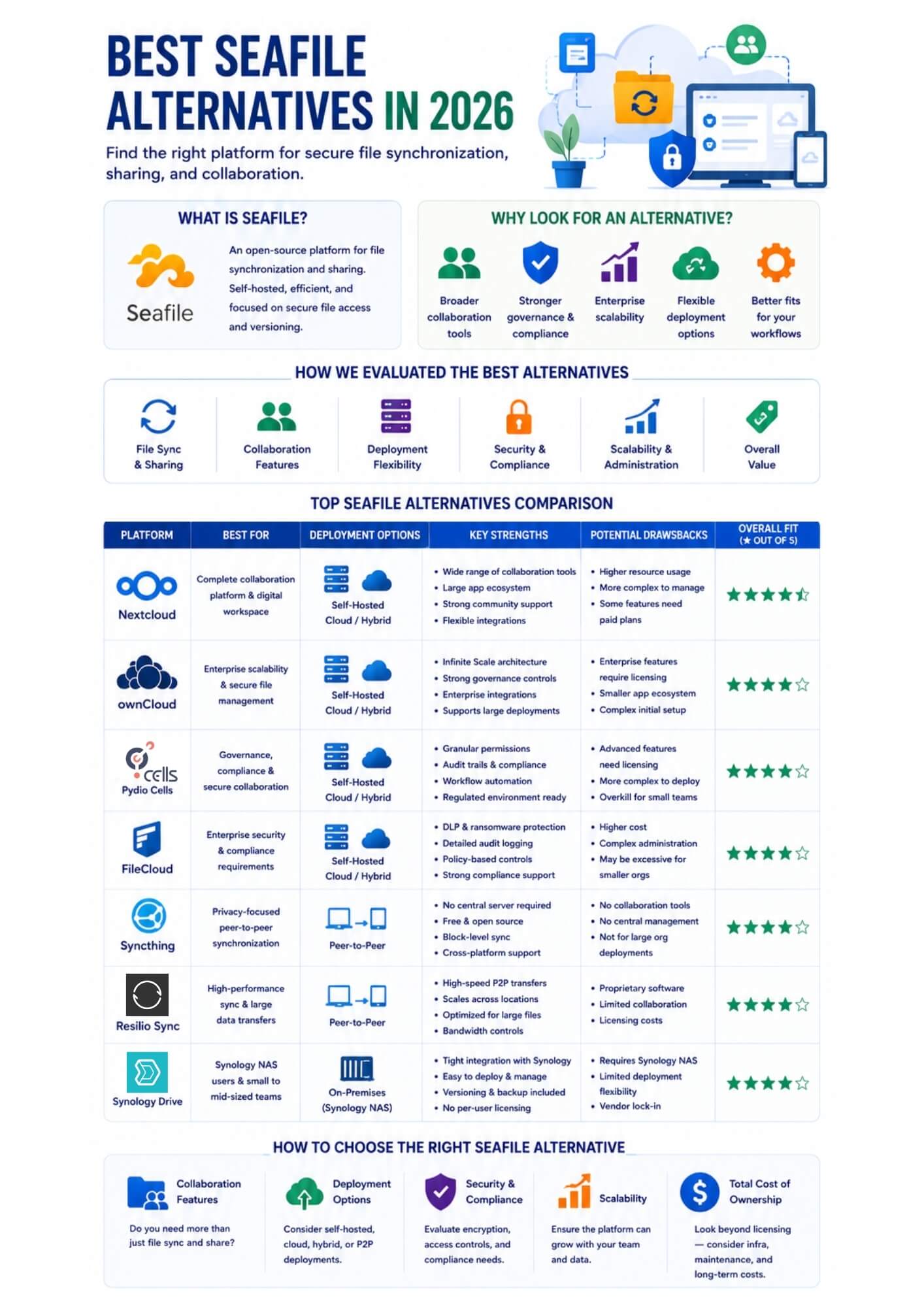
Seafile remains a strong option for organizations that prioritize efficient file synchronization and self-hosted storage, but alternative platforms often provide capabilities that Seafile does not emphasize. Nextcloud and ownCloud provide broader collaboration capabilities and support enterprise deployments; Pydio Cells and FileCloud prioritize governance and compliance. At the same time, Syncthing, Resilio Sync, and Synology Drive serve specialized use cases such as peer-to-peer synchronization, large-scale data transfers, and NAS-based private cloud deployments.
Seafile is an open-source file synchronization and sharing platform designed for organizations that want to store, manage, and collaborate on files while maintaining control over their data.
As a self-hosted solution, it is known for its efficient synchronization engine, file versioning capabilities, and support for private cloud deployments. These strengths have made it a popular choice for businesses, educational institutions, and organizations seeking an alternative to public cloud storage services.
However, no file-sharing platform is the right fit for every use case.
While Seafile excels at file synchronization and sharing, some organizations require broader collaboration tools, stronger governance and compliance controls, cloud-native scalability, peer-to-peer synchronization, or tighter integration with existing infrastructure.
As a result, many teams evaluate alternative solutions to find a platform that better aligns with their operational requirements, security policies, and long-term growth plans.
To identify the best Seafile alternatives, we evaluated each platform based on the factors that most influence file sharing, collaboration, security, and long-term scalability. Rather than focusing solely on feature counts, we considered how well each solution addresses different organizational requirements and deployment scenarios.
The platforms in this guide were assessed using the following criteria:
Nextcloud is an open-source file sharing and collaboration platform designed for organizations that want full control over their data. Available as a self-hosted solution, it combines file synchronization, document collaboration, communication, and productivity tools within a single environment, making it one of the most comprehensive alternatives to Seafile.
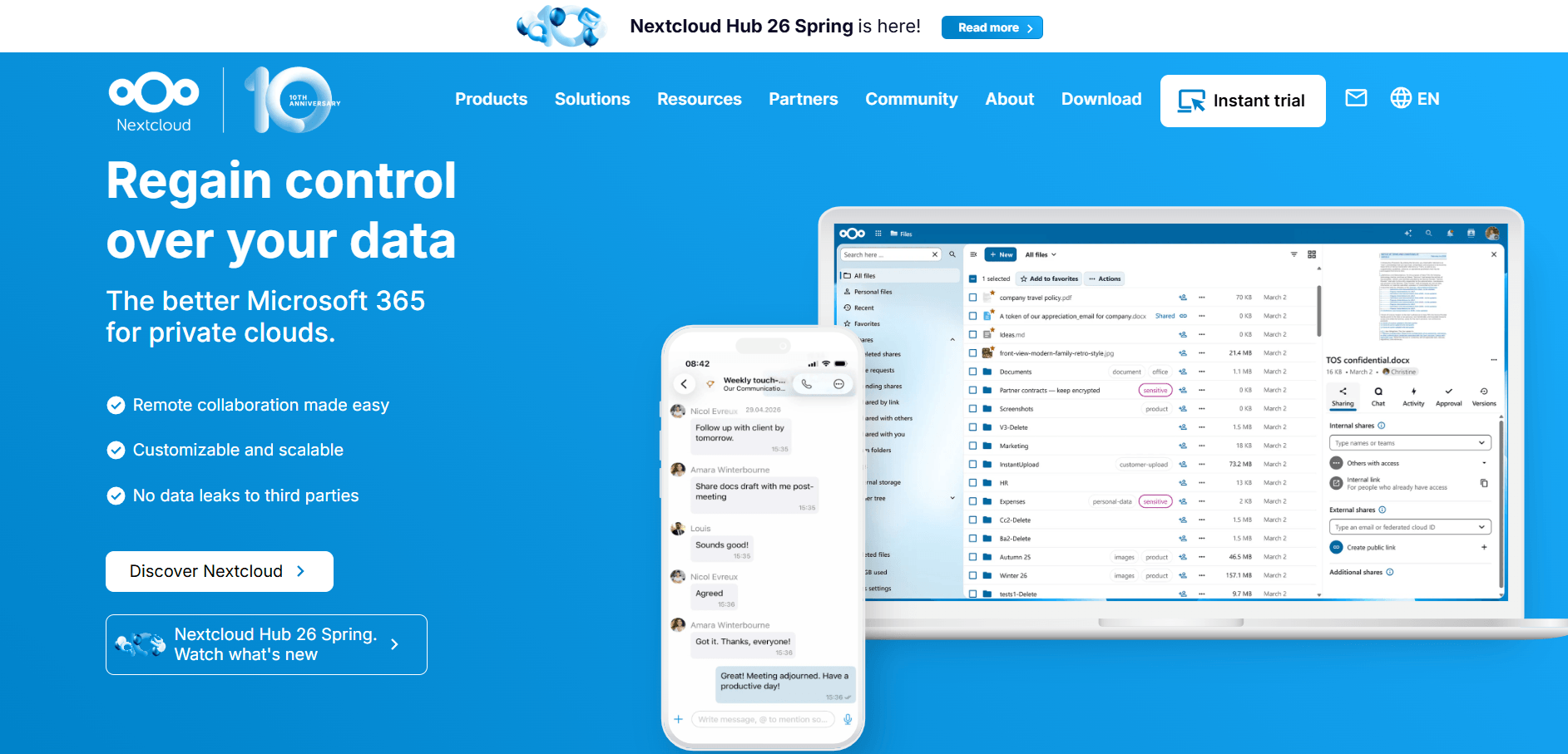
While Seafile focuses primarily on fast and efficient file synchronization, Nextcloud takes a broader approach by combining file sharing with collaboration and productivity features. In addition to syncing files across devices, it supports document editing, team communication, calendars, contacts, and a large ecosystem of extensions. This makes Nextcloud a stronger choice for organizations looking to consolidate multiple workplace tools into a single platform.
However, taking advantage of these additional capabilities often requires more infrastructure planning and ongoing administration. For organizations that want the benefits of Nextcloud without managing the platform themselves, we at Cloud Based Backup offer managed Nextcloud hosting, including automated backups, end-to-end encryption, and hosting in ISO 27001-certified European data centers.
Nextcloud is best for organizations that need more than file synchronization and want a complete self-hosted collaboration platform. It is particularly well-suited for teams looking to replace multiple workplace applications while maintaining control over their data.
ownCloud is a self-hosted file-sharing and content collaboration platform designed for organizations that require secure data management and flexible deployment. Its modern Infinite Scale architecture supports large-scale environments while providing centralized file access, synchronization, sharing, and governance capabilities across private, public, and hybrid cloud infrastructures.
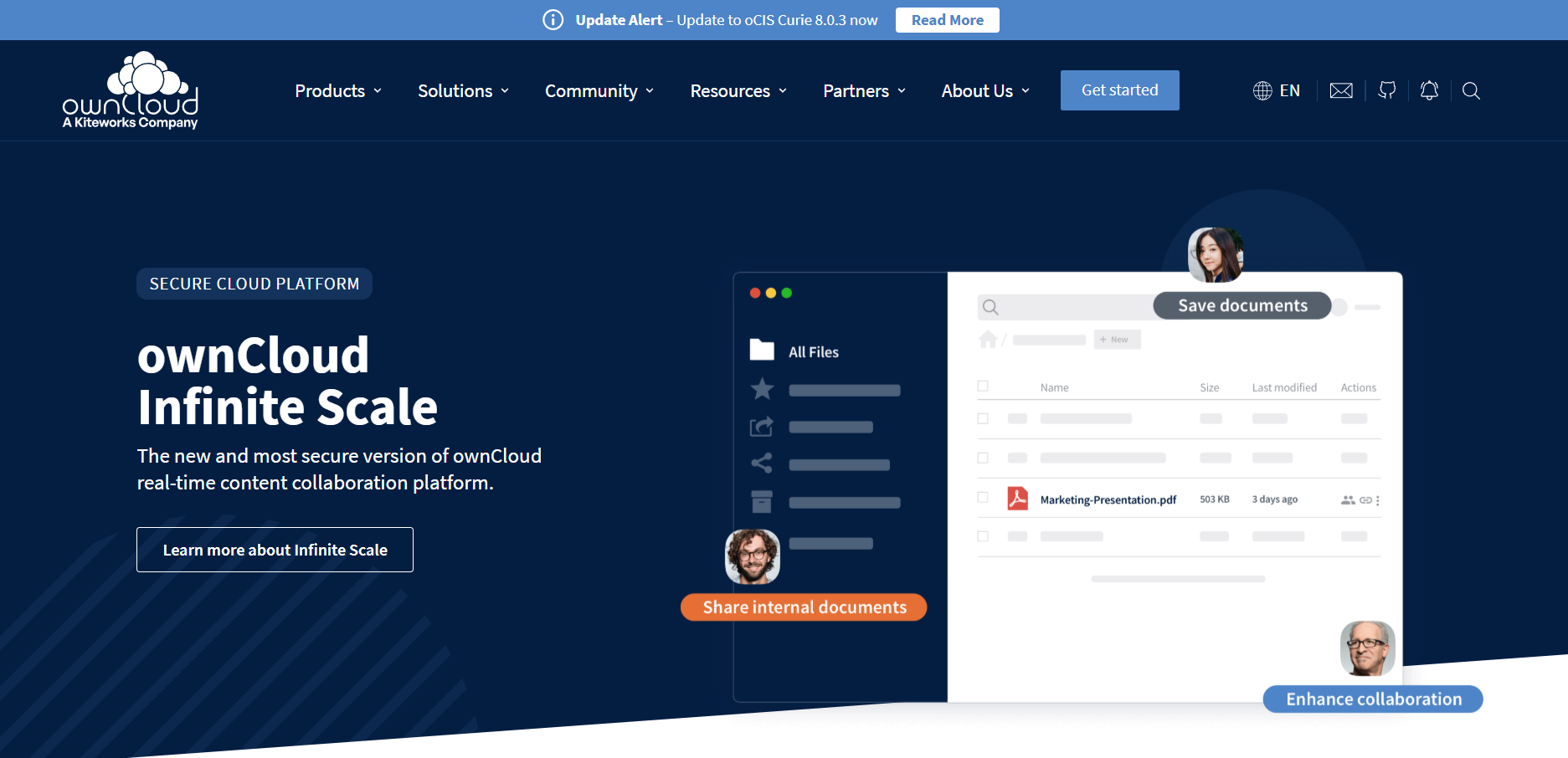
Compared to Seafile, ownCloud places greater emphasis on enterprise scalability, governance, and cloud-native deployments. Its Infinite Scale architecture is designed to support large user bases and distributed environments while maintaining centralized control over content and access policies.
ownCloud also offers broader enterprise integrations, including identity management and compliance-focused capabilities. While Seafile is generally lighter and easier to deploy, ownCloud is better suited for organizations that need a platform capable of supporting complex infrastructure and long-term growth.
ownCloud is best for organizations that need a scalable file sharing platform with strong governance and enterprise integration capabilities. It is particularly well suited for businesses planning large-scale deployments across hybrid or multi-cloud environments.
Pydio Cells is a self-hosted document sharing and collaboration platform built for organizations that require strict control over data access, governance, and compliance. Rather than focusing solely on file synchronization, it emphasizes secure collaboration, document workflows, and centralized content management for business and regulated environments.
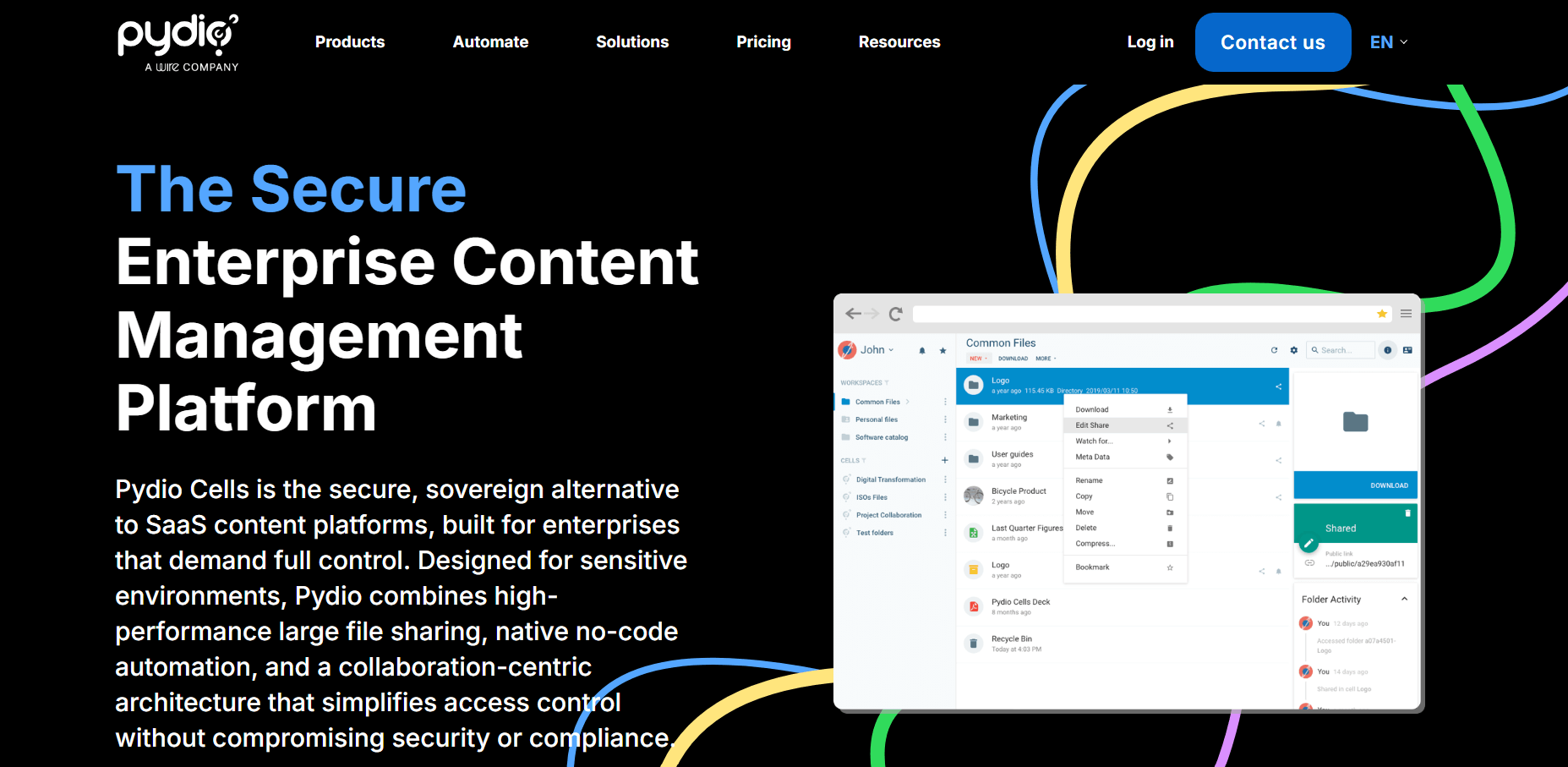
Seafile is primarily designed for efficient file synchronization and sharing, while Pydio Cells targets organizations that need stronger governance and compliance capabilities. Pydio includes features such as granular permissions, audit trails, workflow automation, and advanced access controls that are particularly valuable in regulated industries. It also supports more complex enterprise deployment scenarios and identity integrations.
The trade-off is increased administrative complexity and higher costs for organizations that require enterprise features not available in the open-source edition.
Pydio Cells is best for organizations that prioritize governance, compliance, and controlled document collaboration. It is particularly well suited for government agencies, healthcare providers, financial institutions, and other regulated industries that require strict oversight of file access and sharing.
FileCloud is an enterprise file sharing and content collaboration platform available as a self-hosted, cloud-hosted, or hybrid solution. It is designed for organizations that require centralized file management, advanced security controls, and compliance-focused deployments while maintaining ownership and control over their data.
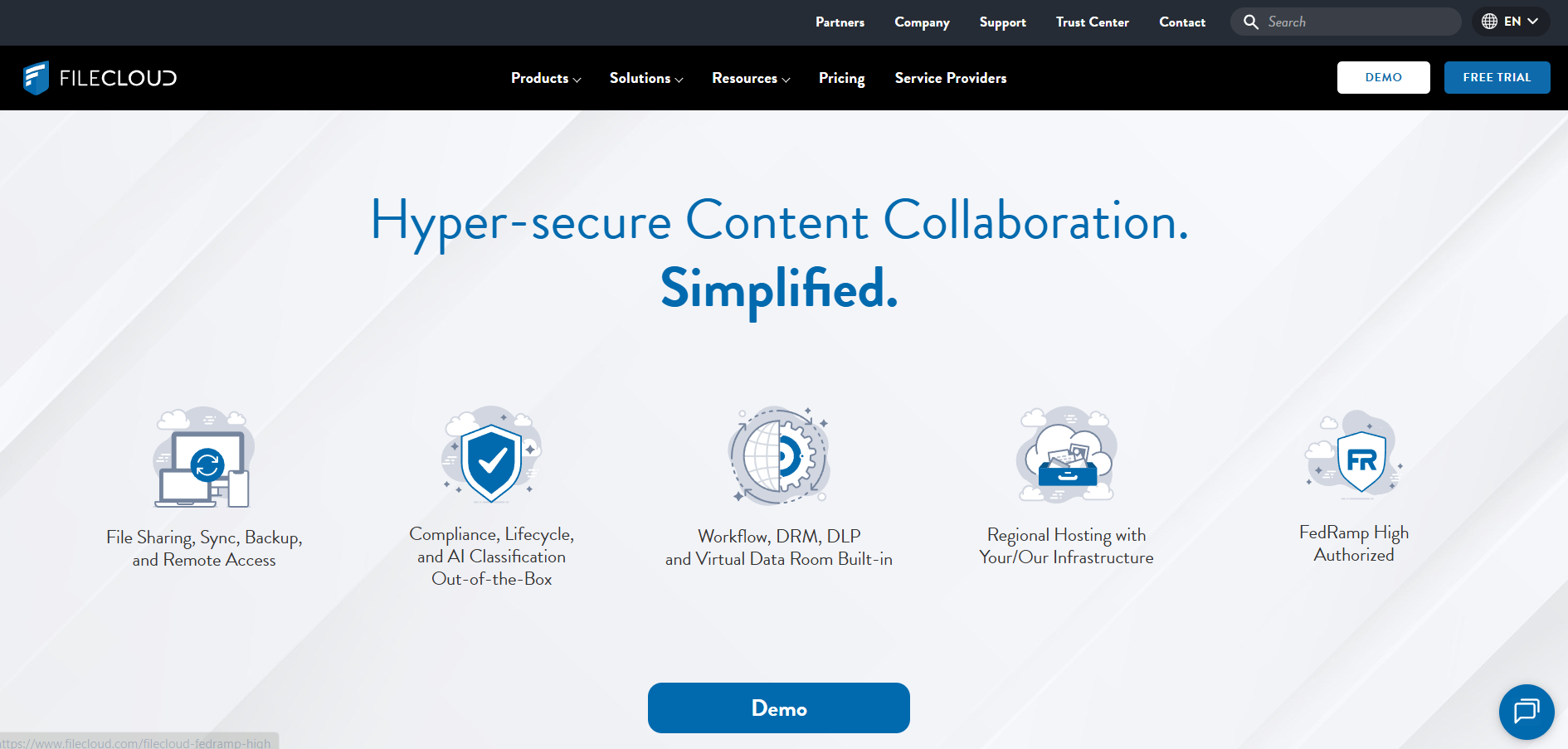
While Seafile focuses on file synchronization and sharing, FileCloud goes beyond storage, offering enterprise-grade governance, compliance, and administrative controls. It includes capabilities such as data loss prevention (DLP), audit logging, ransomware protection, and policy-based access controls that are not core strengths of Seafile.
FileCloud also provides greater flexibility for organizations operating in regulated industries. The trade-off is higher licensing costs and a feature set that may be unnecessary for smaller teams with simpler requirements.
FileCloud is best for organizations that require strong compliance, governance, and security controls alongside file sharing and synchronization. It is particularly well-suited for enterprises, healthcare providers, legal firms, and government agencies that manage sensitive data.
Syncthing is an open-source file synchronization platform that connects devices directly without relying on a central server. Designed for users who prioritize privacy, control, and simplicity, it synchronizes files across systems using a decentralized architecture while keeping data under the user's ownership.
Unlike Seafile, which relies on a centralized server for file storage and synchronization, Syncthing uses a peer-to-peer architecture that synchronizes files directly between devices. This eliminates the need to maintain dedicated storage infrastructure and reduces reliance on third-party services.
Syncthing is also completely open source and free to use. However, it lacks many of the collaboration, sharing, and administrative capabilities available in Seafile, making it better suited for synchronization-focused use cases rather than team collaboration.
Syncthing is best for individuals, technical teams, and organizations that primarily need reliable file synchronization without maintaining centralized storage infrastructure. It is particularly well suited for privacy-conscious users who want complete control over their data.
Resilio Sync is a file synchronization platform built on peer-to-peer technology that enables direct data transfers between devices and locations. Designed for organizations handling large volumes of data, it focuses on high-performance synchronization, scalability, and efficient file distribution across distributed environments.
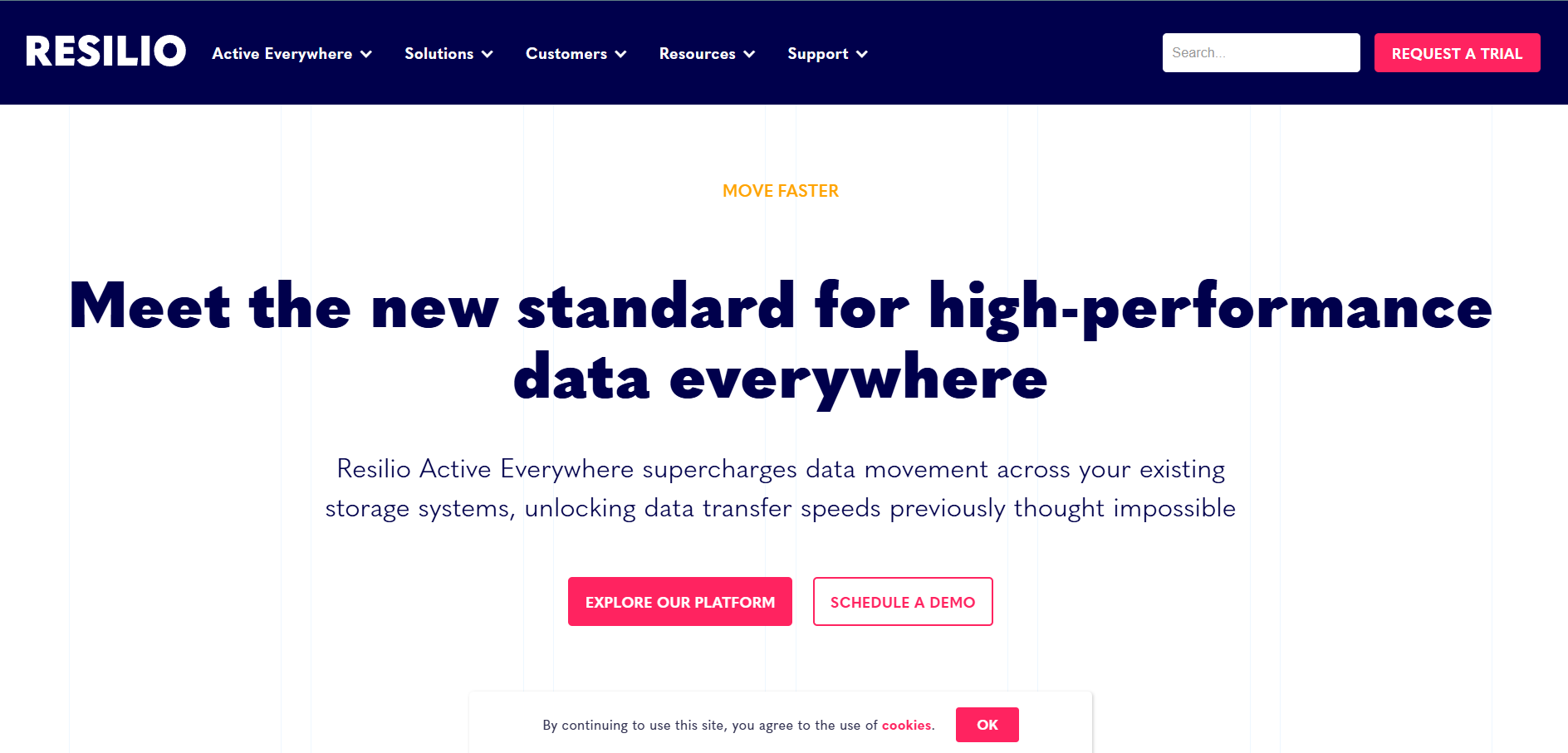
While Seafile relies on a centralized architecture for file storage and synchronization, Resilio Sync uses a peer-to-peer model that transfers data directly between endpoints. This approach can improve synchronization performance, particularly when moving large datasets across multiple locations.
Resilio also reduces dependence on centralized storage infrastructure and can scale efficiently in distributed environments. However, it lacks many of the collaboration and content management features found in Seafile, making it better suited for synchronization-heavy workloads rather than team-based file collaboration.
Resilio Sync is best for organizations that prioritize synchronization speed and scalability over collaboration features. It is particularly well suited for media companies, engineering teams, and distributed enterprises that regularly transfer large volumes of data across multiple locations.
Synology Drive is a file synchronization, sharing, and collaboration platform built into Synology NAS devices. It enables organizations to create a private cloud environment while centralizing file storage, access, and collaboration within the broader Synology ecosystem.
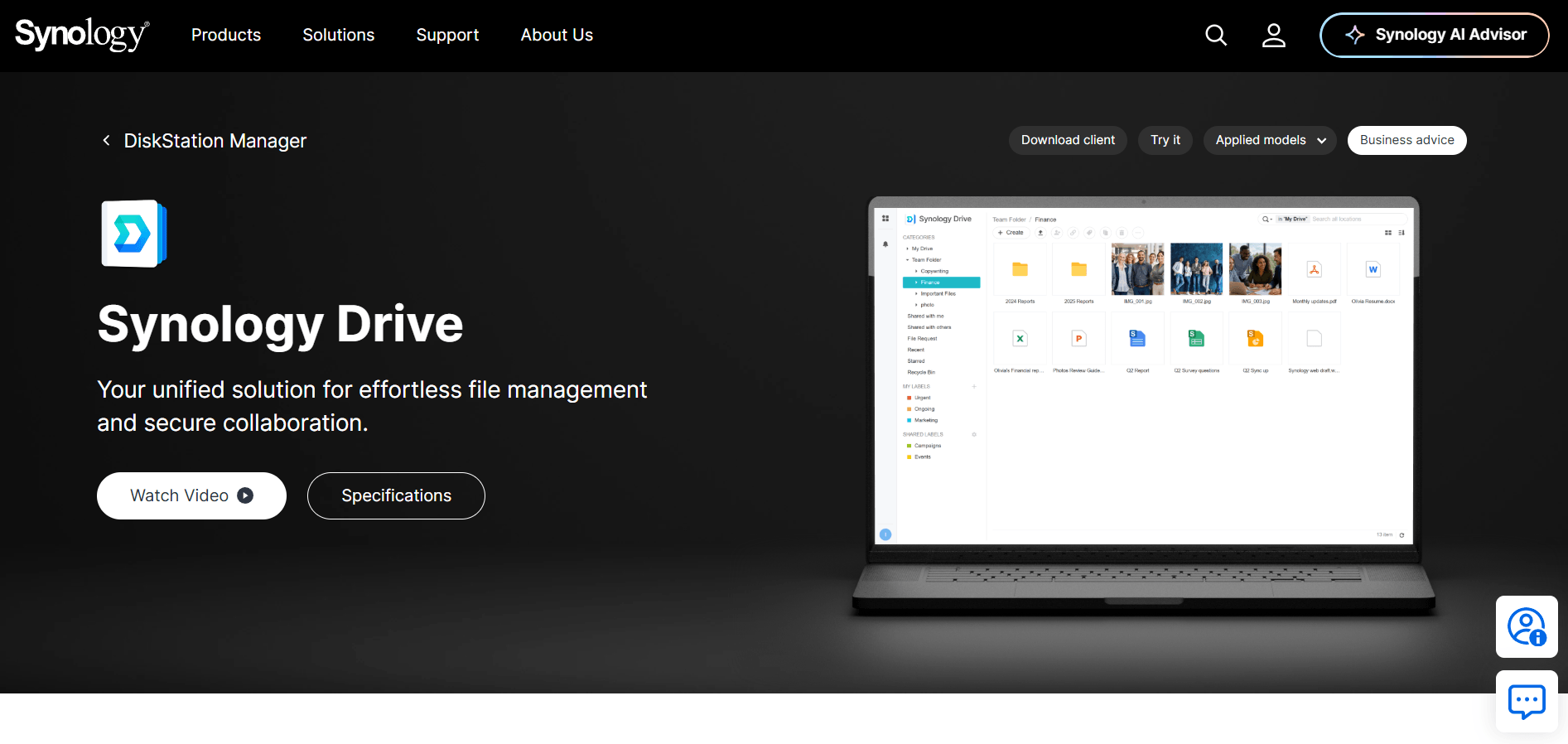
Unlike Seafile, which can be deployed on virtually any compatible server infrastructure, Synology Drive is tightly integrated with Synology NAS hardware. This integration simplifies deployment, administration, and ongoing maintenance for organizations already invested in the Synology ecosystem.
Synology Drive also includes file sharing, versioning, backup, and document collaboration capabilities through Synology Office. However, its reliance on Synology hardware limits deployment flexibility compared to Seafile's platform-agnostic architecture.
Synology Drive is best for organizations that already use Synology NAS devices and want to build a private cloud environment without deploying additional file-sharing software. It is particularly well suited for small and medium-sized businesses that value simplified management and integrated infrastructure.
If your teams need more than file synchronization, look for platforms that support document collaboration, communication tools, workflow automation, and productivity integrations.
Consider whether you need a self-hosted, cloud-hosted, hybrid, or peer-to-peer solution. The right deployment model should align with your infrastructure, data residency requirements, and internal IT resources.
Evaluate features such as encryption, multi-factor authentication, audit logging, access controls, and compliance capabilities if your organization handles sensitive or regulated data.
Choose a platform that can support future growth without adding unnecessary complexity. Consider user capacity, storage requirements, and administrative capabilities.
Look beyond licensing costs. Infrastructure requirements, maintenance, support, and operational overhead can significantly affect a platform's long-term cost.
Nextcloud and ownCloud are often considered the closest alternatives because they offer self-hosted file synchronization, sharing, and collaboration capabilities. However, the right choice depends on your organization's requirements for collaboration, security, scalability, and deployment flexibility.
Self-hosted platforms provide greater control over data, infrastructure, and security policies. Cloud-hosted solutions reduce infrastructure management and ongoing maintenance. The best option depends on your compliance requirements, IT resources, and operational preferences.
In most cases, yes. However, organizations should review user permissions, authentication systems, integrations, and file-sharing policies before migrating to minimize disruption and ensure a smooth transition.
Beyond moving files, evaluate user management, access controls, storage architecture, integrations, and deployment requirements. Proper planning can help reduce migration complexity and downtime.
Yes. Many platforms support enterprise environments through features such as centralized administration, identity management integrations, governance controls, and scalable deployment architectures.
Seafile remains a capable file synchronization and sharing platform, but it is not the only option available. As organizations place greater emphasis on collaboration, security, compliance, and deployment flexibility, alternative platforms may offer capabilities that better align with specific business requirements.
The best Seafile alternative ultimately depends on how your organization manages files, supports collaboration, and maintains control over its data. By evaluating factors such as deployment model, security requirements, scalability, and administrative needs, you can identify a solution that supports both your current workflows and long-term growth.
8 min read · 22.09.2026
5 min read · 14.09.2026
5 min read · 18.08.2026
Hosted in
Germany
4.3on G2