Best Ways to Share Large Video Files Securely in 2026

Fairooza

Desktop Interface
8 min read|10.07.2026

Large video files have become part of everyday business workflows. The real challenge is not just finding a way to send a large video file. It is finding a method that keeps the original quality intact, protects sensitive content, and gives you control over who can view or download it.

In this guide, we compare some of the best ways to share large video files securely in 2026. We will look at Dropbox, Google Drive, Nextcloud, Egnyte, MEGA, and Box, and the features that matter most when choosing a secure video file-sharing platform.

What Makes a Video Sharing Method Secure?

A secure file-sharing platform does more than transfer a large video from one device to another. It should help protect the file while it is uploading, downloading, and stored online. That becomes important when sharing client projects, training videos, or other confidential content.

Encryption is one of the first things to look for because it helps protect your video while it is uploaded, downloaded, and stored. Access controls are just as important. Features such as password-protected links, expiration dates, and permission settings reduce the risk of someone accessing a video after it has been shared. For businesses handling sensitive information, audit logs can also help track who viewed or downloaded a file.

When choosing a platform, don't focus only on storage limits or upload speed. A secure video-sharing service should also give you confidence that your files stay private and that you remain in control of who can access them.
Best Ways to Share Large Video Files Securely

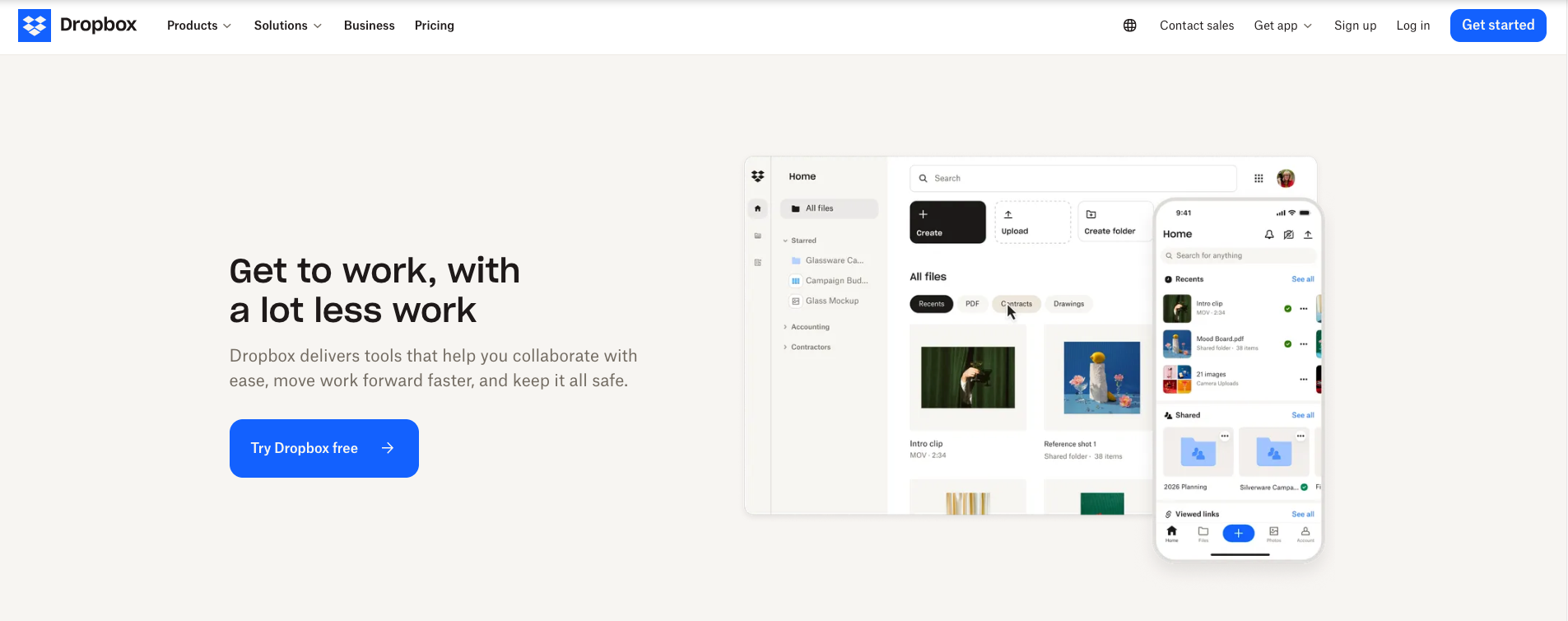
Dropbox

Dropbox has been a popular choice for sharing large files for years, and it still does the basics exceptionally well. You can upload a video, create a secure sharing link, and send it without worrying about email attachment limits.

One of its biggest advantages is convenience. Recipients can usually download a shared file without creating a Dropbox account, which makes delivering finished videos much easier. Shared folders keep everyone working from the latest version of a file, while version history provides a safety net if someone accidentally overwrites or deletes an important edit. Browser-based previews also make it easy to review footage without downloading the entire file first.

Pros

  • Shares large videos without reducing their original quality.
  • Recipients can download shared files without creating a Dropbox account.
  • Version history and file recovery help protect collaborative projects.
  • Shared folders automatically sync files across devices.

Cons

  • Advanced review and approval workflows require additional tools.
  • Managing multiple shared links can become difficult on larger projects.
  • Standard file storage does not use end-to-end encryption.

Best for: Teams collaborating on large video projects and sharing deliverables with clients.
Google Drive

If your team already relies on Gmail, Google Docs, or Google Chat, Google Drive is one of the easiest ways to share large videos. Instead of worrying about email attachment limits, you can upload the file to Drive, choose who can access it, and send a secure link in just a few clicks. Recipients can preview videos directly in their browser, which makes reviewing content much simpler without downloading the entire file first.

Google Drive is strongest when it is part of your existing Google Workspace setup. Shared folders help keep projects organized, while view, comment, and edit permissions let you control how people interact with each file. The main thing to watch is your sharing setup. “Anyone with the link” may be convenient, but it is not always appropriate for confidential content.

Pros

  • Integrates seamlessly with Gmail and the rest of Google Workspace.
  • Browser-based previews make it easy to review videos without downloading them.
  • Flexible sharing permissions let you control who can view, comment on, or edit a file.
  • Shared folders help keep large video projects organized in one place.

Cons

  • Large video libraries can become difficult to organize over time.
  • Advanced video review features and playback analytics are not built in.
  • Careful permission management is essential when sharing confidential files.

Best for: Teams already using Google Workspace to share and collaborate on large video files.

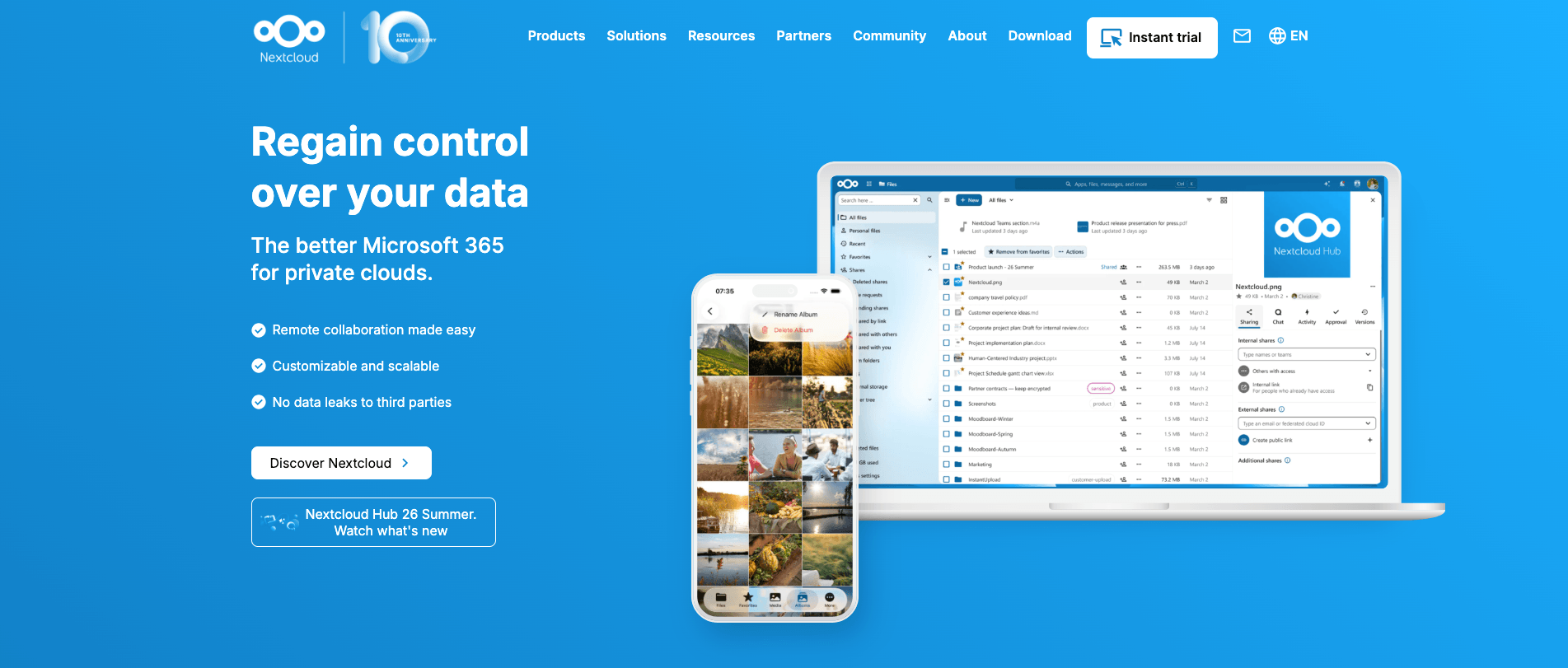
Nextcloud

Nextcloud takes a different approach from most file-sharing platforms. Instead of storing your videos in a public cloud, it lets you manage them in your own private cloud while still making it easy to share large files with clients, partners, or colleagues. You can create secure sharing links, set passwords and expiry dates, organize shared folders, and manage detailed user permissions. That makes it particularly useful for businesses handling confidential client work, internal training content, or regulated information.

Where Nextcloud really stands out is after the file has been shared. Videos remain part of a central workspace instead of becoming another temporary download link. Teams can continue collaborating from the same location, manage access as projects evolve, and keep sensitive files under their own control. Like any self-hosted platform, Nextcloud performs best when the server is properly managed. That's exactly what CloudBased Backup does, handling the infrastructure, updates, backups, and security while your team focuses on sharing and collaborating.
Try managed Nextcloud now

Pros

  • Gives you full control over where video files are stored and who can access them.
  • Secure sharing links and granular permissions support confidential file sharing.
  • Shared folders keep long-term projects organized in a single workspace.
  • Works well for organizations that prioritize privacy, compliance, and data ownership.

Cons

  • Upload performance depends on server configuration and available resources.
  • Initial deployment is more involved than signing up for a public cloud service.
  • Very large media workflows may require server tuning for the best experience.

Best for: Businesses that want complete control over large video files, privacy, and long-term collaboration.
Egnyte

Egnyte is built for organizations where file sharing is closely tied to security policies and compliance requirements. Large video files can be stored in permission-based folders, shared through secure links, and managed with detailed access controls. It is a good fit for businesses that need to know not just who can access a file, but also who accessed it and when.

Where Egnyte stands out is its focus on governance rather than simple file transfers. Folder permissions, audit logs, and integrations with identity providers help IT teams maintain consistent access policies across the organization. That makes it a stronger choice for managing large video libraries than for sending the occasional video to a client.

Pros

  • Granular folder permissions help control access to sensitive video files.
  • Detailed audit logs support compliance and security reviews.
  • Supports sharing files of virtually any size through multiple transfer methods.
  • Integrates with identity providers for centralized access management.

Cons

  • Administration can feel complex for smaller teams with simple sharing needs.
  • Video playback and review features are more limited than dedicated video collaboration platforms.
  • Sharing workflows often depend on how the platform is configured by administrators.

Best for: Enterprises that need secure file sharing with strong governance and compliance controls.
MEGA

MEGA is often chosen by people who put privacy first, and that's what makes it stand out. You can upload a large video, generate a sharing link, and send it without worrying about email attachment limits. Recipients can access shared files without creating a MEGA account, which makes sharing straightforward while keeping the experience simple.

Where MEGA becomes particularly appealing is when confidentiality matters as much as convenience. The platform uses end-to-end encryption for shared content and supports sharing files or folders of virtually any size. It works well for storing and sharing large videos over time, although collaboration features are more limited than platforms designed around team review and feedback.

Pros

  • End-to-end encryption helps protect sensitive video files.
  • Supports sharing files and folders of any size.
  • Recipients can access shared links without creating a MEGA account.
  • Well suited for long-term storage and secure file sharing.

Cons

  • Collaboration and review features are more limited than some alternatives.
  • Not designed for detailed approval workflows or in-video feedback.
  • Teams with complex project management needs may require additional collaboration tools.

Best for: Privacy-conscious professionals and teams sharing large, confidential video files.
Box

Box is built with business content management and collaboration in mind rather than personal file sharing. Sharing a large video is as simple as generating a secure link, but the platform goes further by giving organizations greater control over who can access files and how they are managed. That makes it a good fit for client deliverables, internal review packages, and media libraries that need consistent access policies.

Where Box starts to stand out is in larger organizations where videos are only one part of a broader content workflow. Shared files, documents, and other business assets can all be managed from the same platform, making it easier to keep projects organized. It may not be the most specialized choice for video production teams, but it offers the governance and collaboration features many businesses value.

Pros

  • Secure link sharing makes it easy to distribute large video files.
  • Granular access controls help protect confidential content.
  • Well suited for managing video files alongside other business documents.
  • Supports organized collaboration across internal teams and external partners.

Cons

  • Less specialized for video review than dedicated media collaboration platforms.
  • Large media libraries can require careful organization to stay manageable.
  • Some workflows may feel more complex than consumer-focused file-sharing services.

Best for: Businesses that need secure file sharing with strong access controls and centralized content management.

Which Option Is Right for You?

There is no single best platform for every situation. The right choice depends on what matters most to your team.

  • Dropbox is a great fit if you regularly share videos with clients or teammates and want dependable syncing, version history, and simple collaboration.
  • Google Drive makes the most sense if your team already works in Google Workspace and wants to keep everything in one ecosystem.
  • Nextcloud is the strongest choice if privacy, data ownership, and long-term collaboration are your priorities, especially if you want to avoid relying on a public cloud.
  • Egnyte is better suited to organizations that need detailed governance, audit logs, and strict compliance controls for shared files.
  • MEGA is worth considering when protecting confidential videos matters more than advanced collaboration features.
  • Box works well for businesses that need secure file sharing alongside centralized content management and controlled access across teams.

Best Practices for Sharing Large Video Files Securely

No matter which platform you choose, following a few simple practices can significantly reduce the risk of unauthorized access or accidental data exposure.

  • Choose a platform that supports encryption. Encryption protects your video while it is being uploaded, downloaded, and stored, making it much harder for unauthorized parties to access the file.
  • Protect shared links with a password. If your platform supports password-protected links, enable them for confidential videos. For added security, send the password through a separate channel, such as a text message or a secure messaging app.
  • Set an expiration date for shared links. Temporary links automatically stop working after a specified period, reducing the risk of old files remaining accessible long after a project has ended.
  • Share only with the intended recipient. Before sending a large video, verify the recipient's email address or account and review the sharing permissions to avoid accidental access.
  • Avoid compressing videos unless necessary. Compression can reduce file size, but it may also affect video quality. If preserving the original quality is important, share the original file whenever your chosen platform supports it.
  • Keep a backup before sharing important files. A backup protects you from accidental deletion, failed uploads, or unexpected issues during the transfer process, ensuring you always have the original video available.

Following these best practices takes only a few extra minutes, yet it can significantly improve the security of your video files. Regardless of the platform you choose, combining the right tool with thoughtful, consistent habits is the most effective way to protect your content and ensure everything runs smoothly.

Secure and privacy-first managed Nextcloud hosted in Germany.

Our Blog

Cloud Insights: Trends, Tips & Technologies

Server-Side vs Client-Side Encryption: Which Is Better for Cloud Storage?
6 min read|07.07.2026

Server-Side vs Client-Side Encryption: Which Is Better for Cloud Storage?

Encryption plays a crucial role in keeping cloud storage secure, but not every encryption method protects data in the same way. The way your files are encrypted determines who can access them, how they are shared, and how well your data is protected against different security risks. Server-side and client-side encryption are the two most common approaches, and neither is universally better than the other. The right choice depends on what you want to protect and the level of security, privacy, a

Nextcloud Backup Best Practices: How to Protect Your Data
6 min read|03.07.2026

Nextcloud Backup Best Practices: How to Protect Your Data

A Nextcloud server often stores valuable files, photos, documents, and collaborative data, making it essential to have a reliable backup strategy. Hardware failures, accidental deletions, ransomware, failed updates, or configuration errors can all lead to data loss, and without a proper backup, recovery may be impossible. Following proven Nextcloud backup best practices helps ensure you can restore your server quickly and minimize downtime when problems occur.  In this article, we'll discuss wh

How to Set Up External Storage in Nextcloud
5 min read|03.07.2026

How to Set Up External Storage in Nextcloud

As storage needs grow, keeping files across multiple devices, network shares, or cloud services can make them harder to manage and access from a single location. Migrating everything to a single storage system isn't always practical, especially if you already rely on existing infrastructure.  Nextcloud addresses this by allowing you to connect supported external storage directly to your instance, giving users centralized access without having to relocate their files.  In this article, you'll l

Get in Touch with Our Cloud Experts

Chat with us
Chat

Chat with us

Our friendly team is here to help

Cbb logo
Secure real-time Cloud collaboration from Europe
CloudBased Backup empowers you with Managed Nextcloud, a secure, on-premise collaboration platform offering real-time document editing, seamless video chat, and groupware across mobile, desktop, and web.
Visit us on social media.
Subscribe to our newsletter.
Get exclusive offers and always stay up-to-date.
© 2026 CloudBased Backup. All rights reserved.