How to Connect AI Tools to Nextcloud with MCP
6 min read · 12.10.2026
Our Blog / best-file-sharing-services-in-2026
← Back to overview
File sharing has evolved far beyond simply storing files in the cloud. Organizations now need platforms that support collaboration, secure external sharing, regulatory compliance, and seamless access across devices and teams. At the same time, the growing number of options on the market, from cloud-based services to self-hosted platforms, has made choosing the right solution more challenging.
In this article, we'll review some of the leading file sharing services in 2026, evaluating each option based on its file-sharing capabilities, security, collaboration features, deployment flexibility, and overall value.
Leading file-sharing services in 2026 serve different needs: Nextcloud is a strong choice for organizations that prioritize data ownership, deployment flexibility, and administrative control, while Google Drive and Microsoft OneDrive are well-suited to collaboration-focused teams. Security-focused organizations may prefer Tresorit, Box, or ShareFile, while businesses with specialized file transfer requirements may benefit from Files.com or WeTransfer.
File sharing services may appear similar on the surface, but they often serve very different purposes. Some platforms are built around collaboration and productivity, while others prioritize security, compliance, or administrative control.
For example, a small team collaborating on documents may value real-time editing and ease of use. In contrast, a healthcare provider or government agency may require stronger governance, auditing, and data protection capabilities. As a result, choosing a file-sharing service is no longer just about where files are stored.
Another key difference is how providers manage data. Many services operate entirely in the cloud, while others support self-hosted or hybrid deployments that give organizations greater control over storage, security, and compliance requirements. These differences can significantly affect how files are shared, managed, and protected.
Understanding these distinctions is important because the right file-sharing service depends less on storage capacity and more on an organization's collaboration needs, security requirements, and level of data control.
The file sharing services on this list serve different needs, from real-time collaboration and secure client exchanges to self-hosted deployments and managed file transfer workflows. Use the table below to compare each platform's strengths, deployment options, security focus, and administrative capabilities before exploring the detailed reviews.
To identify the leading file-sharing services in 2026, we evaluated each platform based on the factors that most strongly affect how files are shared, managed, protected, and accessed. Rather than focusing solely on storage capacity or popularity, we assessed each service using the following criteria.
We evaluated how effectively each platform handles file sharing, including sharing permissions, external access, file synchronization, version history, and overall file management capabilities.
We assessed the security measures each provider offers, including encryption, access controls, auditing capabilities, and features designed to protect sensitive data.
We considered how well each platform supports teamwork through real-time collaboration, document editing, commenting, and integration with productivity tools.
We examined the level of control organizations have over shared content, including policy management, compliance support, user administration, and activity monitoring.
We evaluated how easy each platform is to deploy, manage, and use daily, as well as whether it supports cloud, self-hosted, or hybrid deployment models.
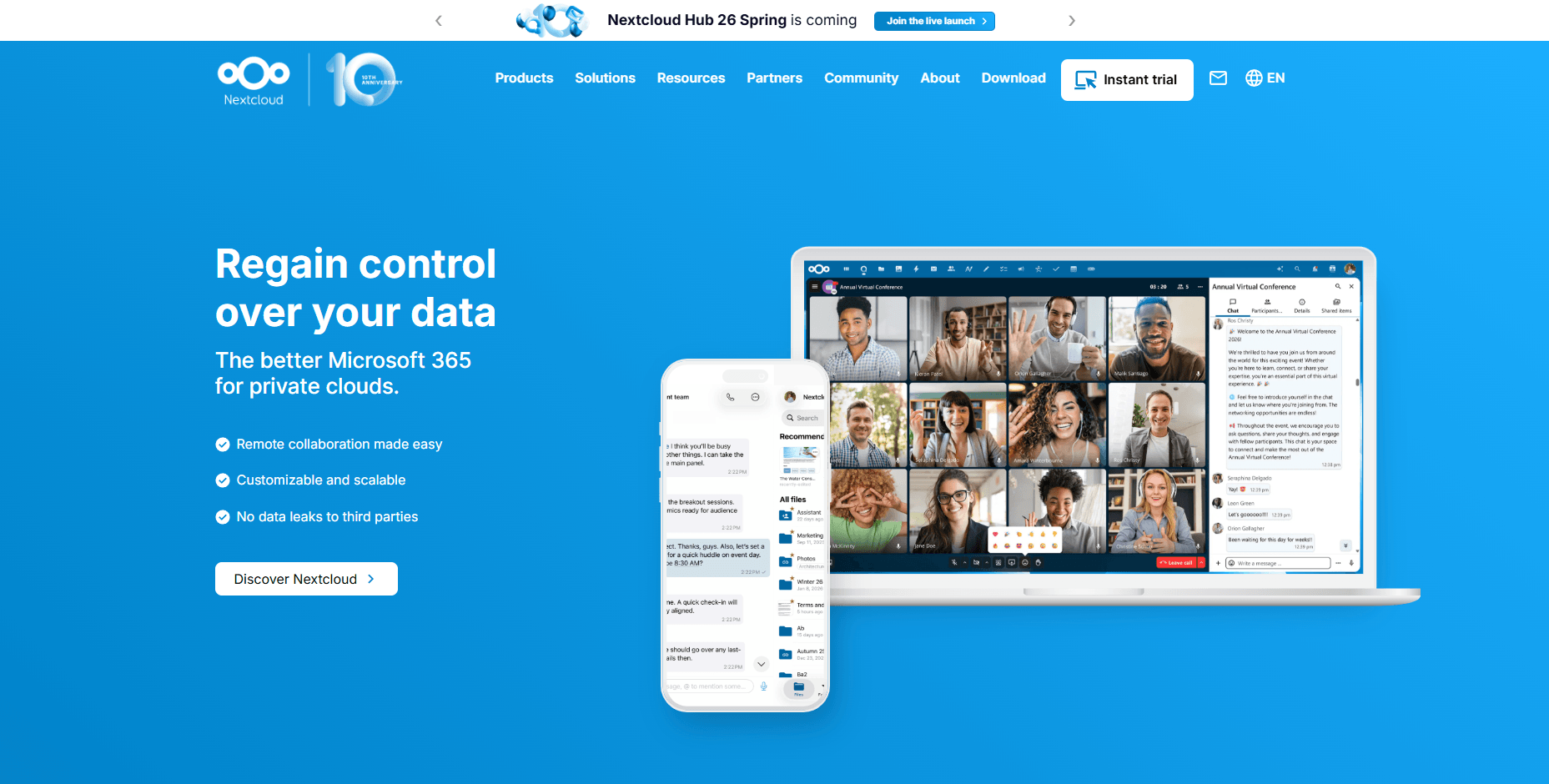
Nextcloud is an open-source file sync and share platform that can be deployed on-premises, in a private cloud, through a managed provider, or in a hybrid environment. Unlike cloud-only alternatives, it gives organizations control over where data is stored and how it is managed while still providing modern file sharing, synchronization, and collaboration capabilities.
Most file-sharing services require users to store data within the provider's infrastructure. Nextcloud allows organizations to choose where files reside and who controls the underlying environment.
At Cloud-Based Backup, we provide fully managed Nextcloud hosting that handles infrastructure, security updates, backups, and ongoing maintenance, allowing organizations to benefit from Nextcloud's flexibility without the operational overhead of self-hosting. Nextcloud's deployment flexibility makes it well-suited to businesses with data sovereignty, privacy, or compliance requirements. It also combines secure file sharing, synchronization, granular access controls, auditing capabilities, and collaboration tools within a single platform, reducing the need to manage multiple solutions for file management and teamwork.
Organizations, government agencies, educational institutions, and privacy-focused teams that need control over how and where files are stored, shared, and managed.
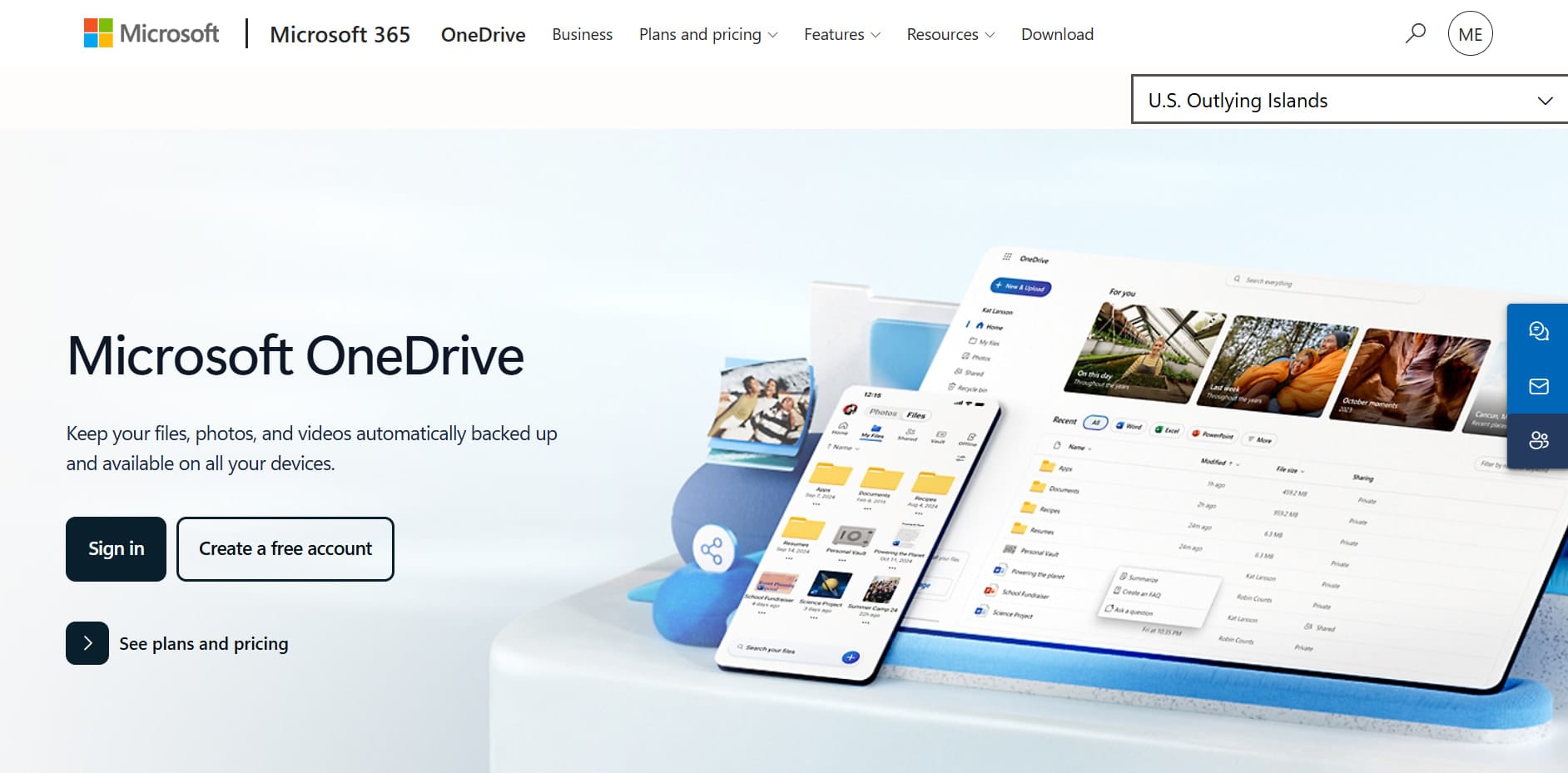
Microsoft OneDrive is Microsoft's cloud storage and file-sharing platform, deeply integrated with Microsoft 365. It enables users to store, sync, and share files across devices while working directly within applications such as Word, Excel, PowerPoint, Teams, and SharePoint. For organizations already invested in the Microsoft ecosystem, OneDrive provides a familiar and streamlined file-sharing experience.
OneDrive's biggest advantage is its integration with Microsoft 365. Files can be shared directly from Microsoft applications, and multiple users can collaborate on documents in real time without leaving the Microsoft environment. Administrators can also manage external sharing policies, permissions, and access controls across the organization.
While it lacks the deployment flexibility of platforms such as Nextcloud, OneDrive remains a practical file-sharing solution for businesses and households that already rely on Microsoft 365 for productivity and collaboration.
Businesses, remote teams, and households that use Microsoft 365 and want file sharing tightly integrated with their existing productivity tools.
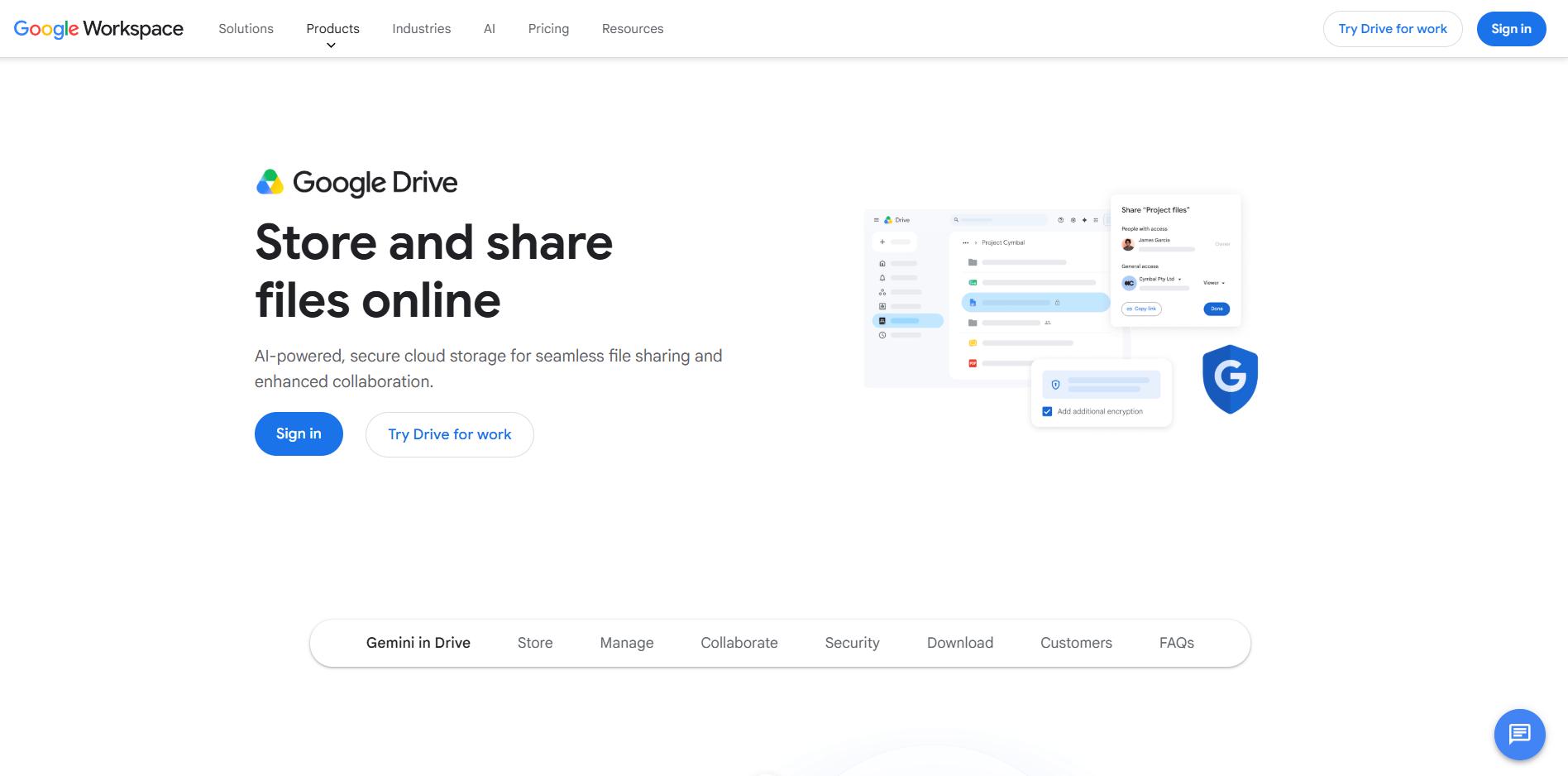
Google Drive is a cloud storage and file-sharing service that forms the foundation of Google Workspace. It allows users to store, organize, and share files while working directly within Google Docs, Sheets, Slides, and other Workspace applications. Its ease of use and collaboration-focused design have made it a popular choice for individuals, educational institutions, and businesses.
Google Drive stands out because of its collaboration capabilities. Users can share files, comment on documents, assign tasks, and edit content simultaneously without requiring desktop software. Shared Drives also allow teams to manage files collectively rather than tying ownership to individual accounts, helping maintain access when employees join or leave an organization. While it offers fewer deployment and governance options than platforms such as Nextcloud or Box, Google Drive remains a popular option for teams that need real-time collaboration and file sharing.
Teams, students, educators, and businesses that prioritize real-time collaboration and already use Google Workspace.
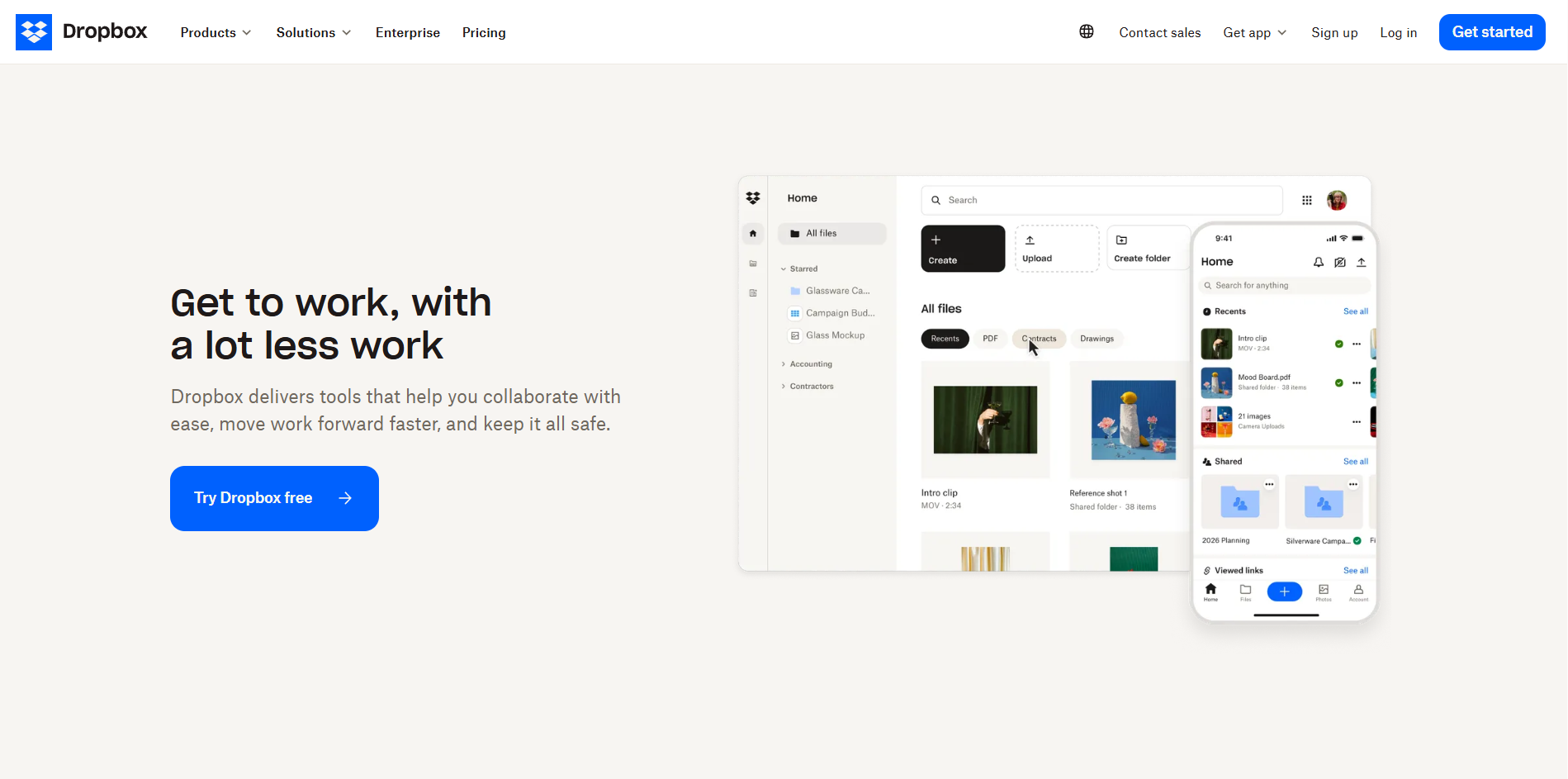
Dropbox is one of the most established file-sharing and cloud storage platforms on the market. It is known for dependable file synchronization, straightforward sharing tools, and broad compatibility across operating systems and third-party applications. Unlike OneDrive and Google Drive, Dropbox is not tied to a specific productivity ecosystem, making it a flexible option for mixed environments.
Dropbox has built its reputation on dependable file synchronization and straightforward sharing. Users can share files and folders via links, manage permissions, recover previous versions of files, and collaborate with people outside their organization without requiring them to adopt a specific software ecosystem.
Its broad integration support also makes it easy to connect Dropbox with project management, communication, and productivity tools.
While competitors may offer stronger collaboration suites or governance capabilities, Dropbox remains a widely used choice for organizations that need simple, cross-platform file sharing.
Freelancers, agencies, and businesses that need reliable file synchronization and easy collaboration with clients, partners, and external stakeholders.
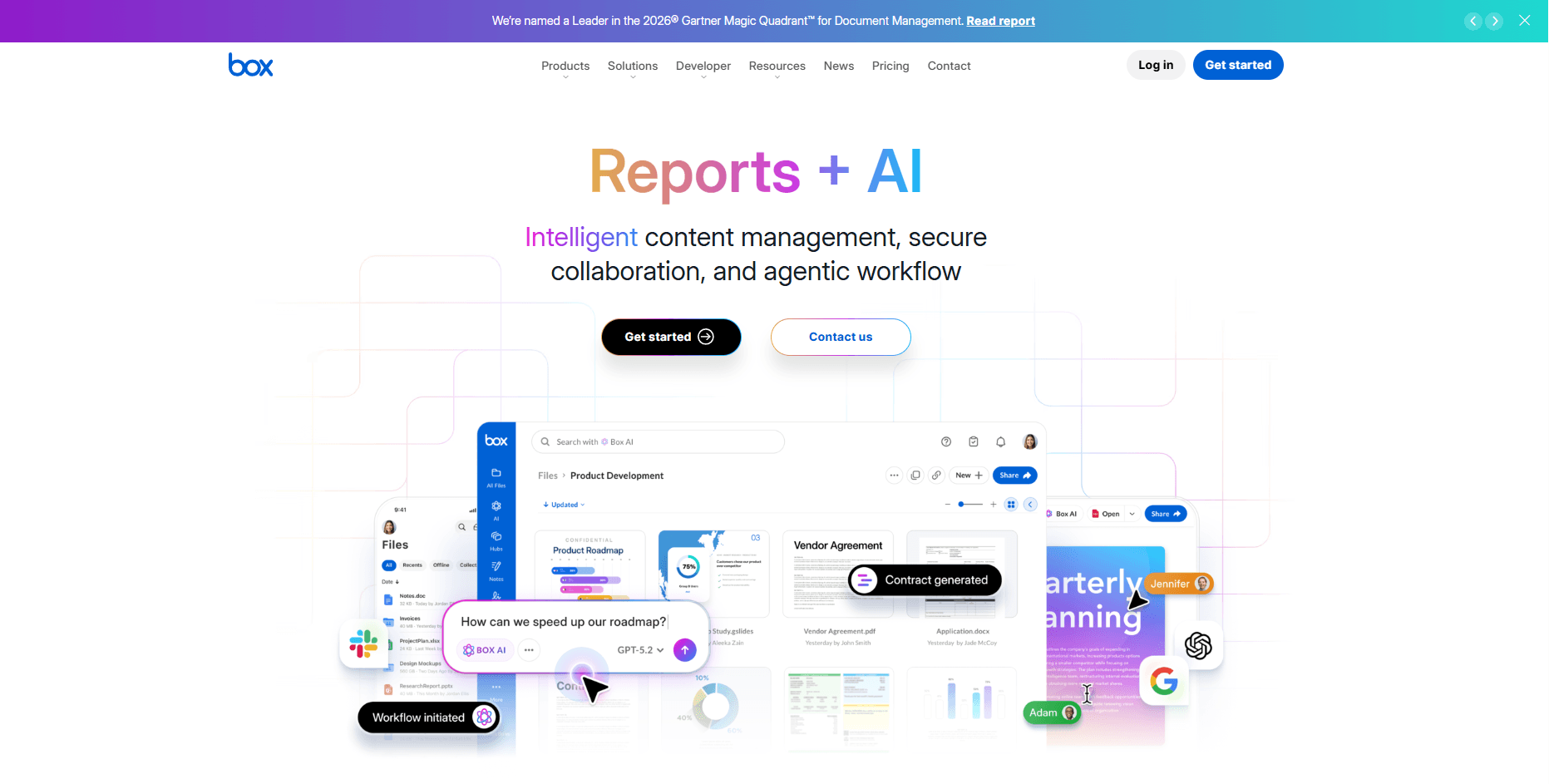
Box is a cloud-based content management and file-sharing platform designed for businesses that need more than basic storage and collaboration. In addition to file sharing, Box provides governance, compliance, workflow automation, and content lifecycle management capabilities, making it a popular choice for organizations operating in regulated industries.
Box stands out because it approaches file sharing as part of a broader content management strategy. Organizations can apply retention policies, manage access controls, track content activity, and enforce governance requirements across shared files and documents. The platform also integrates with major productivity suites, allowing users to collaborate without disrupting existing workflows.
While smaller teams may find its capabilities excessive for basic sharing needs, Box is a strong option for businesses that need to balance collaboration with security, compliance, and administrative oversight.
Mid-sized businesses and enterprises that need secure file sharing, governance controls, compliance support, and centralized content management.
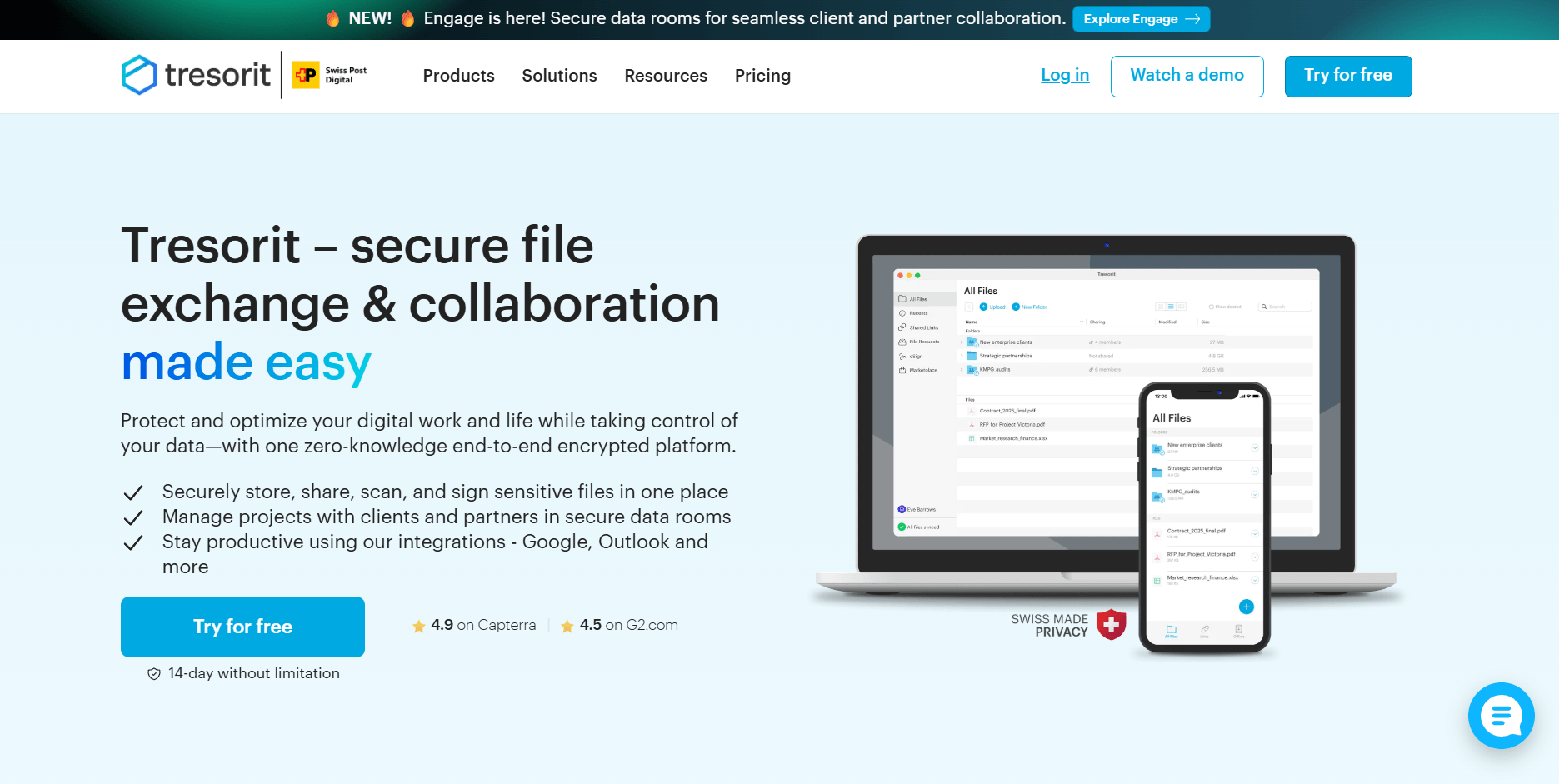
Tresorit is a cloud storage and file-sharing platform built around end-to-end encryption. Unlike most mainstream file-sharing services, it uses a zero-knowledge architecture, meaning files are encrypted on the user's device and cannot be accessed by the provider. This security-first approach has made Tresorit a popular choice for organizations handling sensitive information.
Tresorit's main strength is security. Files remain encrypted before they leave the user's device, helping protect sensitive data during storage and sharing. The platform also provides secure sharing links, password protection, expiration controls, and detailed permission management for external collaboration.
While services like Google Drive and OneDrive prioritize productivity and collaboration, Tresorit prioritizes confidentiality. This makes it particularly valuable for organizations that regularly share legal documents, financial records, intellectual property, or other sensitive business information.
Businesses, legal firms, financial organizations, healthcare providers, and privacy-focused teams that need highly secure file sharing and storage.

WeTransfer is a file transfer service designed for sending large files quickly without setting up shared workspaces or managing cloud storage folders. Instead of focusing on long-term storage and collaboration, it lets users upload files and share them via secure links or email, making it a popular choice for one-time file deliveries.
Most platforms are designed for ongoing file storage, synchronization, and collaboration. WeTransfer serves a different purpose: transferring large files with minimal friction. Recipients do not need to create accounts or join a workspace to access shared content, which simplifies exchanges with clients, vendors, and external partners.
This streamlined approach has made WeTransfer particularly popular among creative professionals who regularly send large video projects, design assets, high-resolution images, and other media files.
Creative professionals, agencies, freelancers, and businesses that need to send large files quickly without maintaining shared storage environments.
pCloud is a cloud storage and file-sharing service that combines consumer-friendly usability with privacy-focused features. It offers file synchronization, sharing, and backup capabilities, along with optional client-side encryption, making it a popular alternative to mainstream services such as Google Drive and OneDrive for users who want greater control over their data.
pCloud strikes a balance between convenience and security. Unlike enterprise-focused platforms that prioritize governance and compliance, pCloud focuses on providing straightforward file sharing while offering stronger privacy options than many mainstream competitors. Users can share files and folders through links, manage access permissions, and access content across multiple devices.
Its optional client-side encryption feature also appeals to users who want additional protection for sensitive files without adopting a more complex platform such as Tresorit or Nextcloud.
Individuals, freelancers, and small teams looking for a privacy-focused alternative to mainstream cloud storage and file-sharing services.
Files.com is a cloud-based file management and managed file transfer (MFT) platform designed for organizations that move files between business systems, partners, vendors, and customers. Unlike traditional file-sharing services, it focuses on automating, securing, and governing file transfer workflows at scale.
Files.com is built for organizations where file transfers are part of business operations, not just simple collaboration. The platform supports automated workflows, centralized administration, and integrations with cloud storage providers, servers, and business applications. This allows organizations to manage file exchanges from a single platform while maintaining visibility and control over how data moves between internal systems and external parties.
While it may be excessive for small teams, Files.com is a strong option for businesses that treat file transfer as a mission-critical process.
Organizations that need secure, automated, and centrally managed file transfer workflows between internal systems, partners, vendors, and customers.
Citrix ShareFile is a secure file-sharing and content collaboration platform designed for businesses that exchange sensitive documents with clients, customers, and external stakeholders. It combines file sharing, document requests, client portals, and administrative controls, making it particularly popular in professional services and regulated industries.
ShareFile focuses on controlled file exchanges between organizations and external parties. Unlike platforms that prioritize internal collaboration, it provides tools to securely collect, share, and manage client-facing documents. Features such as branded client portals, secure document requests, permission controls, and audit trails help organizations maintain visibility over shared content while simplifying interactions with clients.
This approach makes ShareFile particularly valuable for firms that regularly exchange financial, legal, tax, healthcare, or other confidential documents.
Accounting firms, legal practices, financial services organizations, healthcare providers, and other businesses that regularly exchange sensitive documents with clients.
The right file sharing service depends on how your organization stores, shares, and manages information. While some platforms prioritize collaboration and ease of use, others focus on security, compliance, or administrative control. Before choosing a solution, consider the following factors:
Storage requirements vary by industry, team size, and file types. Small businesses that primarily work with documents may need only a few hundred gigabytes, while organizations handling media files, design assets, or large datasets may require several terabytes or more. Storage capacity should be evaluated alongside sharing, security, and collaboration requirements.
Cloud-based platforms are generally easier to deploy and maintain, making them a good fit for organizations that prioritize convenience. Self-hosted platforms provide greater control over data location, security, and compliance, which can be important for regulated industries or organizations with strict governance requirements.
Key security features include encryption, access controls, multifactor authentication, audit logs, and secure sharing permissions. Organizations handling sensitive information may also require advanced compliance capabilities and support for data governance policies.
In many cases, yes. Modern file-sharing platforms provide centralized storage, synchronization, access controls, version history, and remote access capabilities that can replace or supplement traditional file servers. However, organizations with specialized infrastructure or regulatory requirements may still require a hybrid approach.
Before migrating, evaluate your storage requirements, security needs, existing workflows, integration requirements, and compliance obligations. It's also important to consider how files, permissions, user access, and historical data will be transferred to minimize disruption during the migration process.
The right file sharing service depends on how your organization manages data, collaborates with users, and addresses security and compliance requirements. While platforms such as Google Drive and OneDrive excel at collaboration, solutions such as Tresorit, Box, and ShareFile are geared toward organizations with stronger security, governance, or client-facing requirements. WeTransfer and Files.com, meanwhile, serve more specialized file transfer use cases.
Among the options reviewed, Nextcloud stands out for its combination of deployment flexibility, data ownership, security controls, and collaboration capabilities. Its support for self-hosted, cloud, and hybrid environments provides deployment flexibility that few file-sharing platforms offer. By evaluating your requirements around security, collaboration, governance, and control, you can identify the solution that best aligns with your organization's needs.
6 min read · 12.10.2026
8 min read · 29.09.2026
9 min read · 22.09.2026
Hosted in
Germany
4.3on G2