Nextcloud Talk vs Microsoft Teams: Which Collaboration Tool Fits Your Team?
5 min read · 14.09.2026
Our Blog / best-sharefile-alternatives
← Back to overview
Organizations use ShareFile for secure file sharing, client collaboration, and document management, but it is not always the right fit for every business. Some companies need greater control over data storage, others want stronger privacy protections, lower costs, deeper integrations, or self-hosted deployment options. Several capable alternatives are available, each with distinct strengths and trade-offs.
In this guide, we will compare the best ShareFile alternatives and highlight where each platform excels to help you find the right solution for your organization.
ShareFile alternatives vary significantly in deployment, security, and collaboration capabilities. Nextcloud and FileCloud support self-hosted deployments, Box and Egnyte focus on governance and compliance, while OneDrive, Google Drive, and Zoho WorkDrive are best suited for organizations already using their respective ecosystems. The right choice depends on factors such as data residency requirements, workflow needs, integration compatibility, and your organization's preference for a cloud-based or self-hosted solution.
ShareFile is a file-sharing and content collaboration platform that helps organizations securely store, manage, and exchange documents. It is commonly used for client file sharing, document requests, workflow automation, electronic signatures, and compliance-focused document management, making it a popular choice for industries that handle sensitive information.
While ShareFile meets the needs of many businesses, it is not the only option available. Organizations may explore alternatives to gain more control over data storage, reduce costs, support self-hosted deployments, strengthen privacy protections, or integrate more closely with platforms such as Microsoft 365 and Google Workspace. The right choice ultimately depends on your organization's security, compliance, collaboration, and infrastructure requirements.
Not all file-sharing platforms serve the same purpose. While some focus on secure client collaboration and compliance, others prioritize privacy, workflow automation, self-hosting, or integration with existing business tools. To create this list, we evaluated each platform based on the capabilities organizations typically seek when replacing ShareFile.
Our evaluation focused on the following criteria:
Rather than selecting a single solution for every organization, we considered how well each platform serves different business needs, from privacy-focused deployments to enterprise content governance and cloud-based collaboration.
Nextcloud is an open-source file-sharing and collaboration platform that can be deployed on an organization's own servers or private cloud infrastructure, or via a managed hosting provider. It is commonly used by organizations that want to maintain ownership of their data and avoid relying on a vendor-managed SaaS platform.
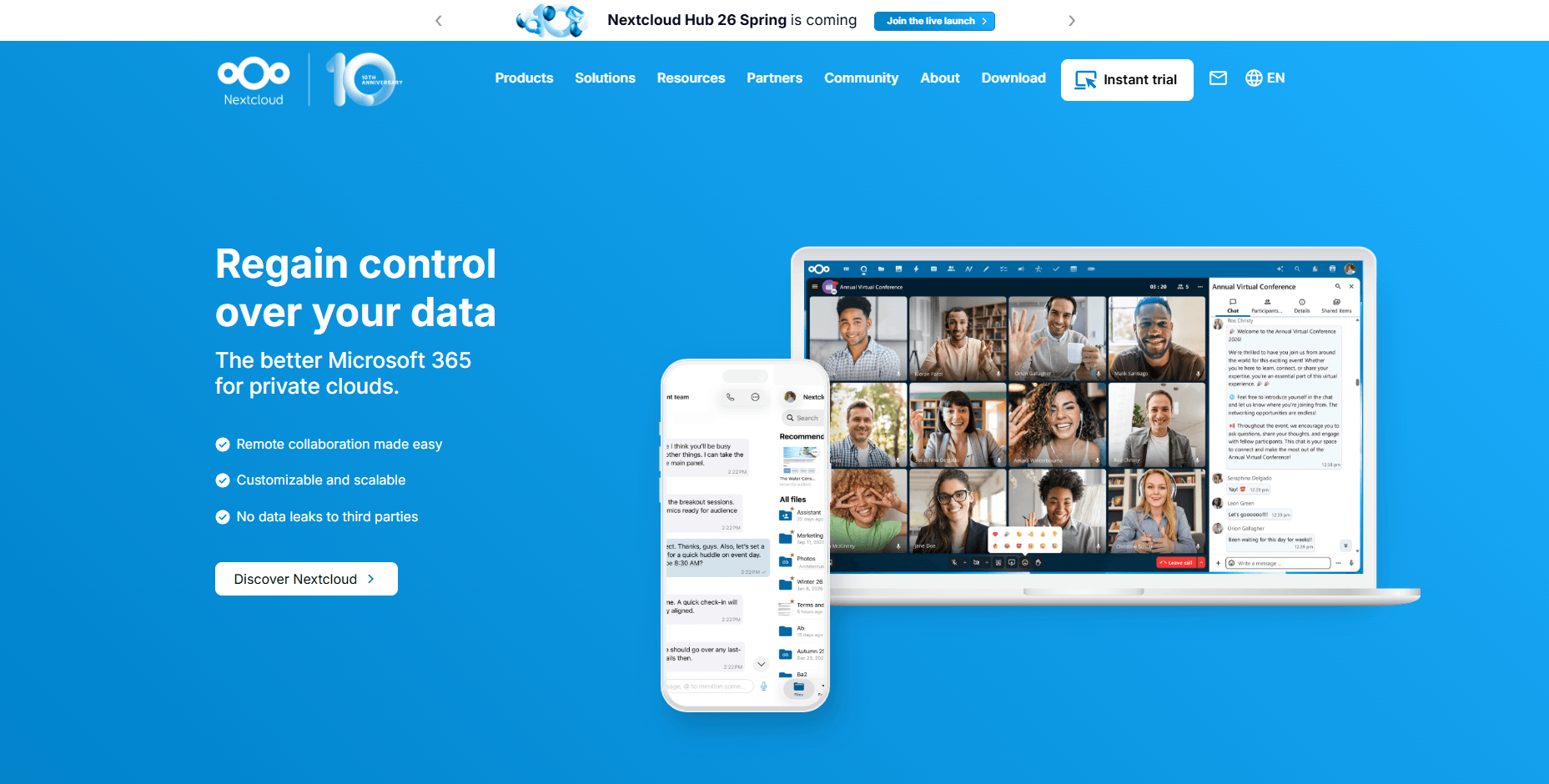
Unlike ShareFile, Nextcloud allows organizations to fully self-host the platform and choose where files, user data, and backups are stored. In addition to file sharing, it can be extended with applications for document collaboration, video conferencing, email, calendars, task management, and workflow automation through the Nextcloud App Store. Organizations can integrate it with existing identity providers via LDAP, Active Directory, SAML, and OpenID Connect, making it easier to integrate with existing IT environments. The trade-off is that deployment, security updates, backups, and ongoing administration remain the organization's responsibility unless a managed Nextcloud provider is used.
FileCloud is an enterprise file sharing and content collaboration platform available as a self-hosted, cloud-hosted, or hybrid deployment. It is designed for organizations that need greater control over data residency, compliance, and infrastructure than traditional SaaS file-sharing platforms typically provide.
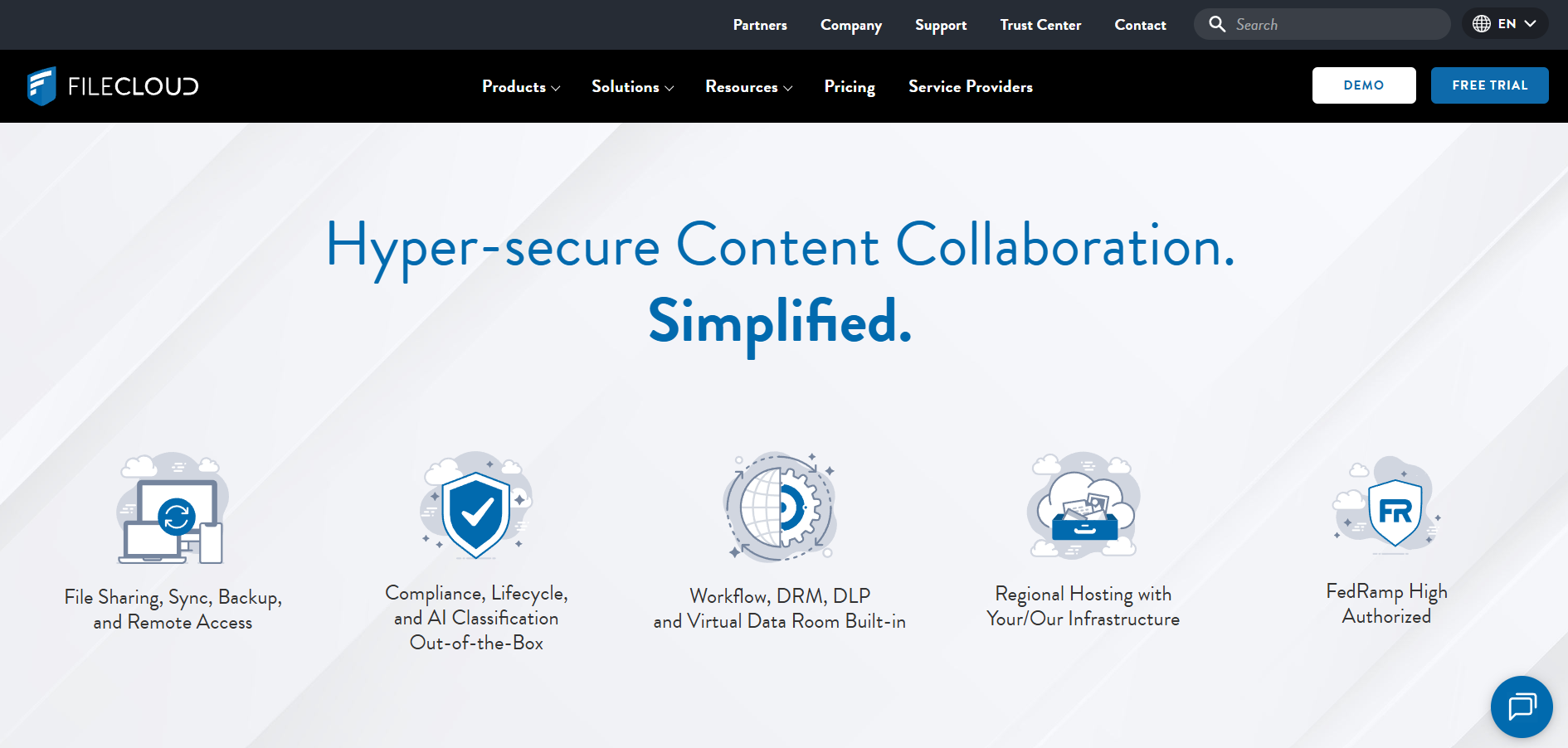
FileCloud is one of the few ShareFile alternatives that supports self-hosted, cloud-hosted, and hybrid deployments from the same platform, giving organizations more flexibility in how and where data is stored. Unlike ShareFile, it includes built-in data governance features such as data loss prevention (DLP), digital rights management (DRM), retention policies, legal holds, and compliance dashboards for frameworks such as HIPAA, ITAR, GDPR, and NIST 800-171. It also supports branded client portals, virtual data rooms, workflow automation, and regional hosting options for organizations with strict data residency requirements. The trade-off is that self-hosted deployments require ongoing administration and infrastructure management.
Egnyte is a content collaboration and governance platform designed for businesses that need secure file sharing, compliance controls, and centralized content management. It is widely used in regulated industries such as healthcare, financial services, life sciences, construction, and legal services.
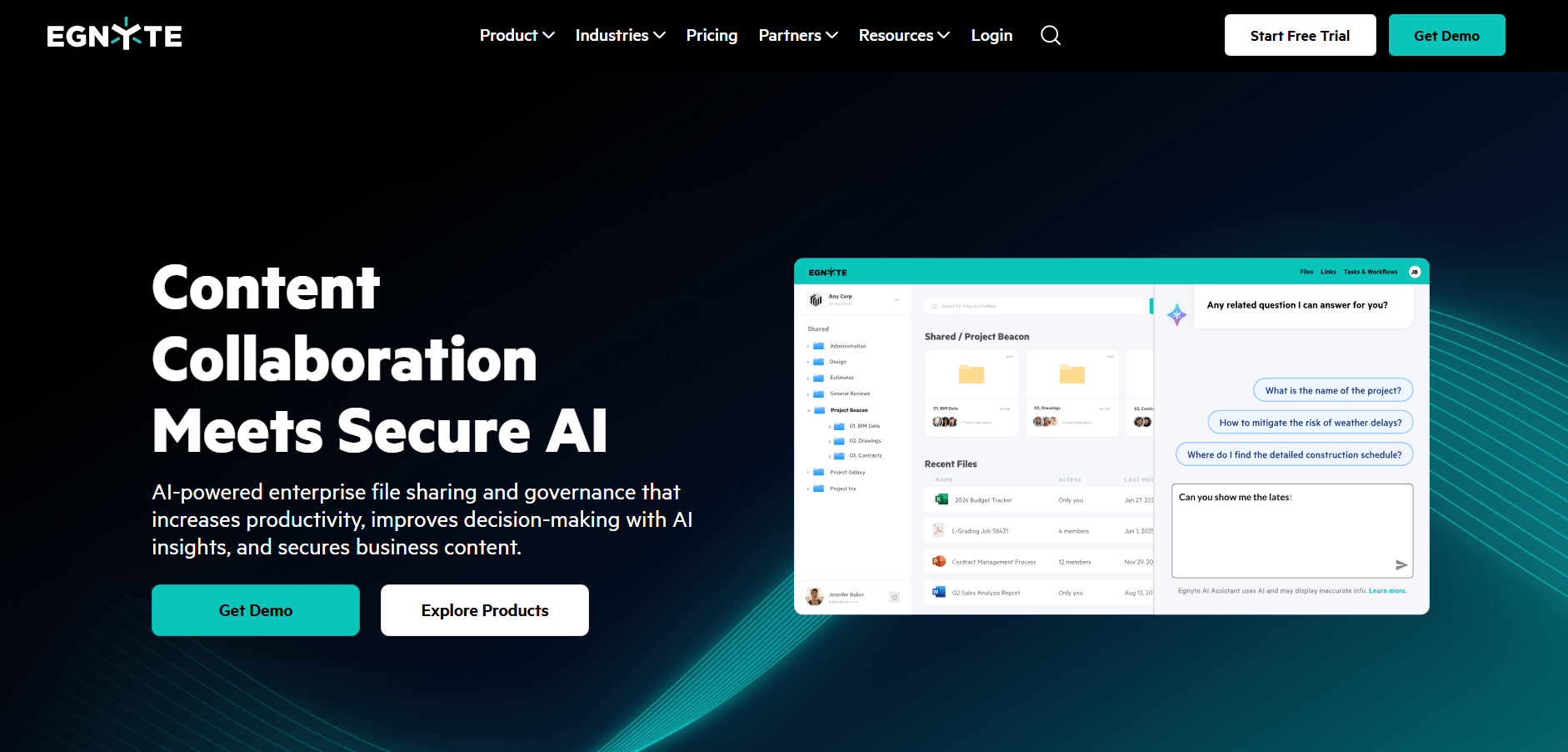
Egnyte is one of the closest competitors to ShareFile because it combines secure file sharing with advanced governance and compliance capabilities. Unlike ShareFile's primarily cloud-based approach, Egnyte supports hybrid deployments that allow organizations to store some content on-premises while managing files through a unified cloud platform. It also includes features such as ransomware detection, sensitive content classification, data governance policies, and detailed audit reporting for organizations with strict security requirements. Businesses that need more robust content governance and hybrid storage options may find Egnyte a better fit than ShareFile.
Box is an enterprise content management and file-sharing platform focused on secure collaboration, governance, and workflow automation. It is commonly used by large organizations in industries such as healthcare, financial services, government, and professional services that need strong compliance and records management capabilities.
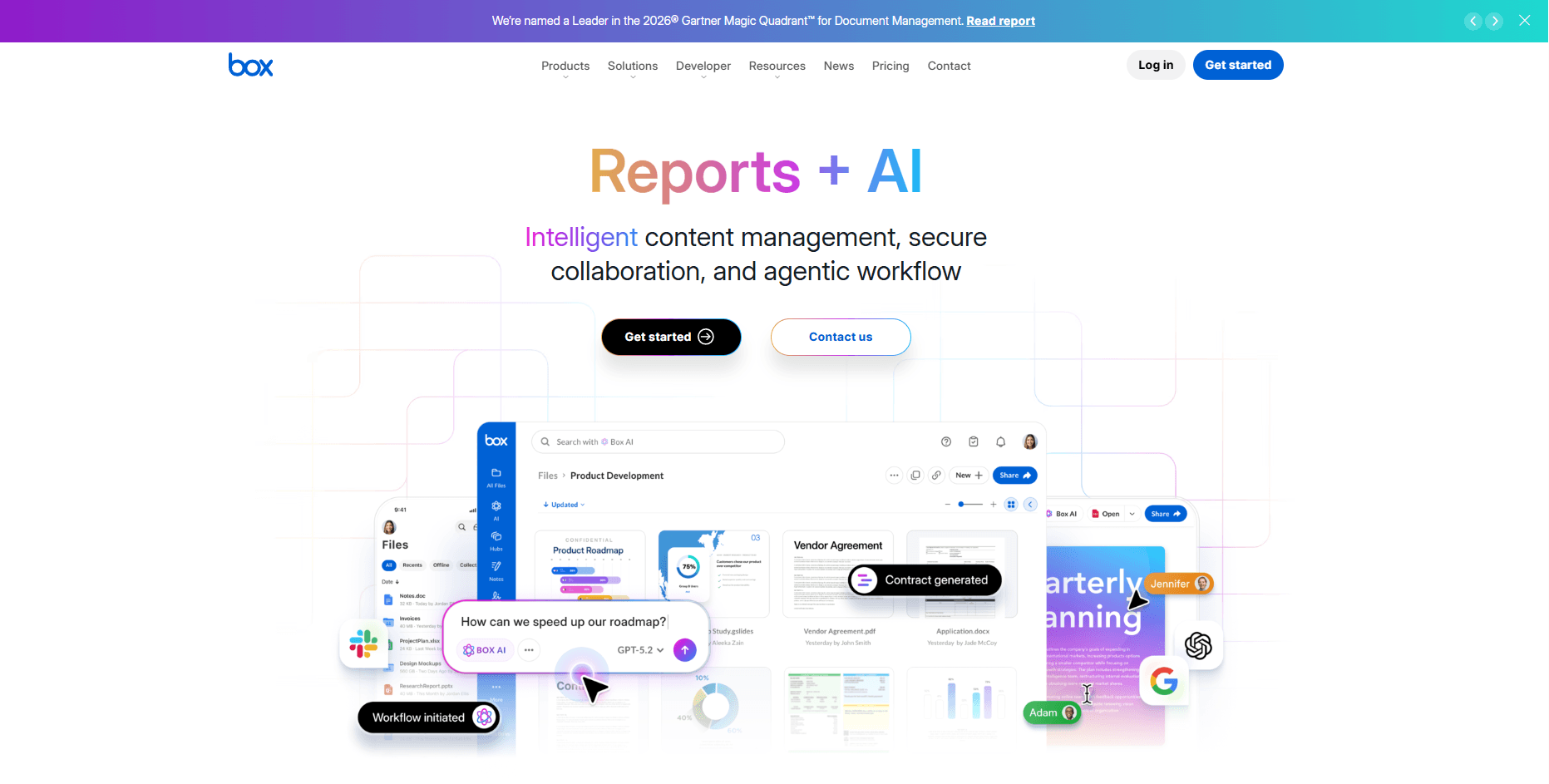
Box goes beyond file sharing by offering built-in governance tools, including retention policies, legal holds, content lifecycle management, and automated workflows via Box Relay. Unlike ShareFile, Box has a large ecosystem of enterprise integrations and supports advanced content management use cases that extend beyond client file exchange. Organizations can also use Box Sign for electronic signatures without relying on a separate signing platform. Businesses that need stronger document governance and workflow automation may find Box a better fit than ShareFile.
Microsoft OneDrive is Microsoft's cloud storage and file-sharing platform that is included with most Microsoft 365 business plans. It is designed for organizations that want file storage, collaboration, and document management tightly integrated with the Microsoft ecosystem.
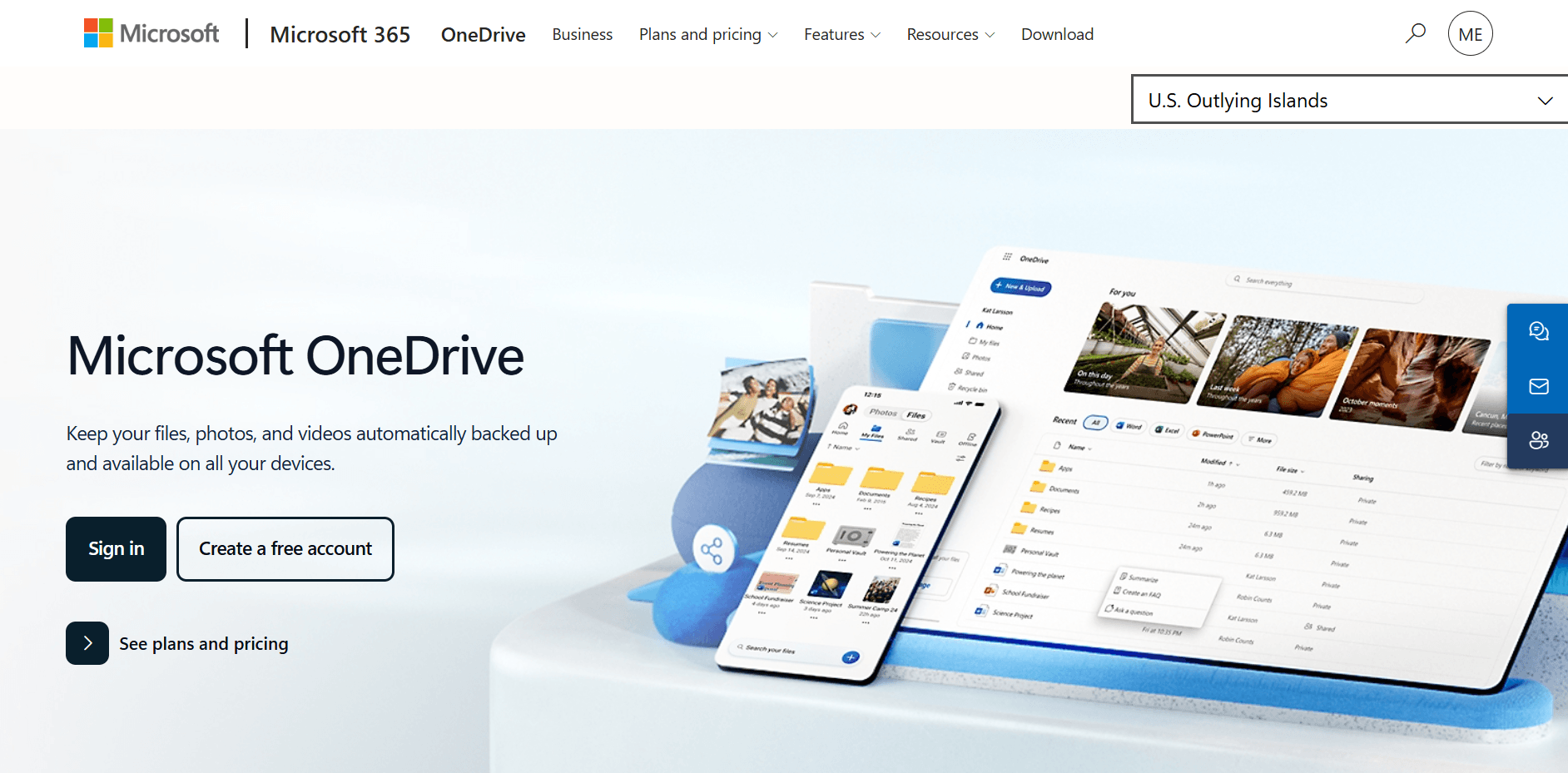
OneDrive is a practical ShareFile replacement for businesses that already use Microsoft 365, as it integrates natively with SharePoint, Teams, Outlook, Word, Excel, and PowerPoint. Unlike ShareFile, which is primarily focused on secure document exchange and client collaboration, OneDrive benefits from Microsoft's broader productivity and compliance ecosystem, including Microsoft Purview, Data Loss Prevention (DLP), retention policies, and conditional access controls. Organizations can manage file sharing, document collaboration, and security policies from a centralized Microsoft environment rather than maintaining a separate file-sharing platform. The biggest limitation is that OneDrive does not offer the same dedicated client portal experience that many ShareFile customers rely on.
Dropbox Business is a cloud-based file storage and collaboration platform known for its simple user experience, reliable file synchronization, and broad support for third-party integrations. It is commonly used by small businesses, agencies, consulting firms, and distributed teams that prioritize ease of use and fast deployment.
Dropbox Business is often easier to deploy and manage than ShareFile, making it appealing to organizations that want secure file sharing without the administrative overhead of a more compliance-focused platform. It includes Dropbox Sign for electronic signatures, file requests for collecting documents from external users, and DocSend for secure document sharing and analytics. Unlike ShareFile, Dropbox emphasizes collaboration and usability over governance and compliance controls. Organizations that need straightforward file sharing and client document exchange may find Dropbox easier to adopt, while highly regulated businesses may require the more advanced governance features available in ShareFile.
Tresorit is a secure file-sharing and collaboration platform built around end-to-end encryption and zero-knowledge architecture. It is commonly used by organizations that handle sensitive information and want stronger privacy protections than those offered by traditional cloud storage providers.
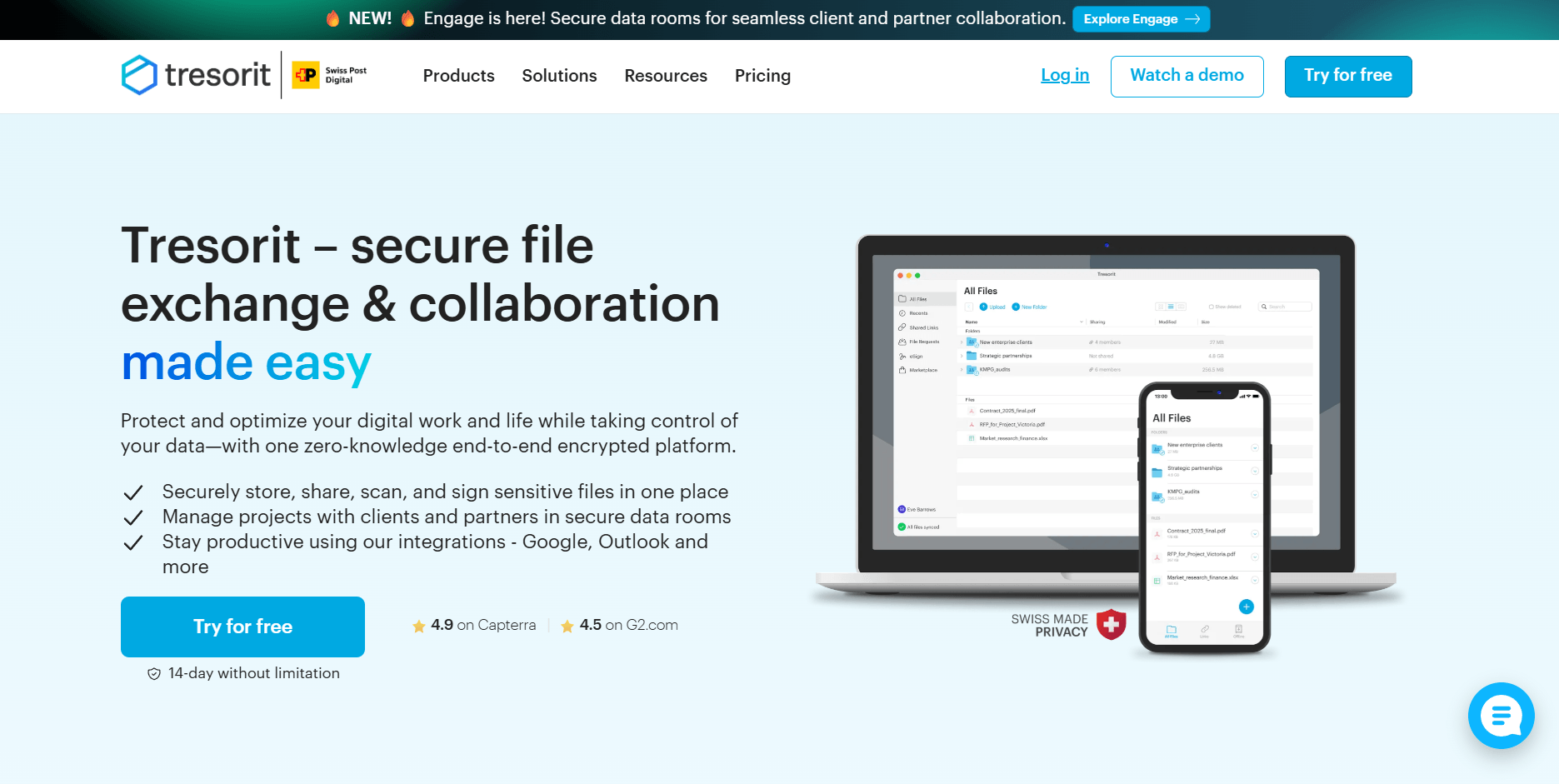
Tresorit differentiates itself from ShareFile by encrypting files before they leave the user's device, ensuring that only authorized users can access the content. The platform includes secure file sharing, encrypted links, granular permission controls, data residency options, and support for compliance-focused organizations. Unlike ShareFile, which balances collaboration, workflows, and client-facing document exchange, Tresorit prioritizes privacy and data protection above all else. Organizations that store confidential legal, financial, healthcare, or intellectual property data may find Tresorit's security model more aligned with their requirements.
Google Drive is Google's cloud storage and file-sharing platform and is included with Google Workspace business plans. It is designed for organizations that rely on Google's productivity suite and need real-time document collaboration across distributed teams.
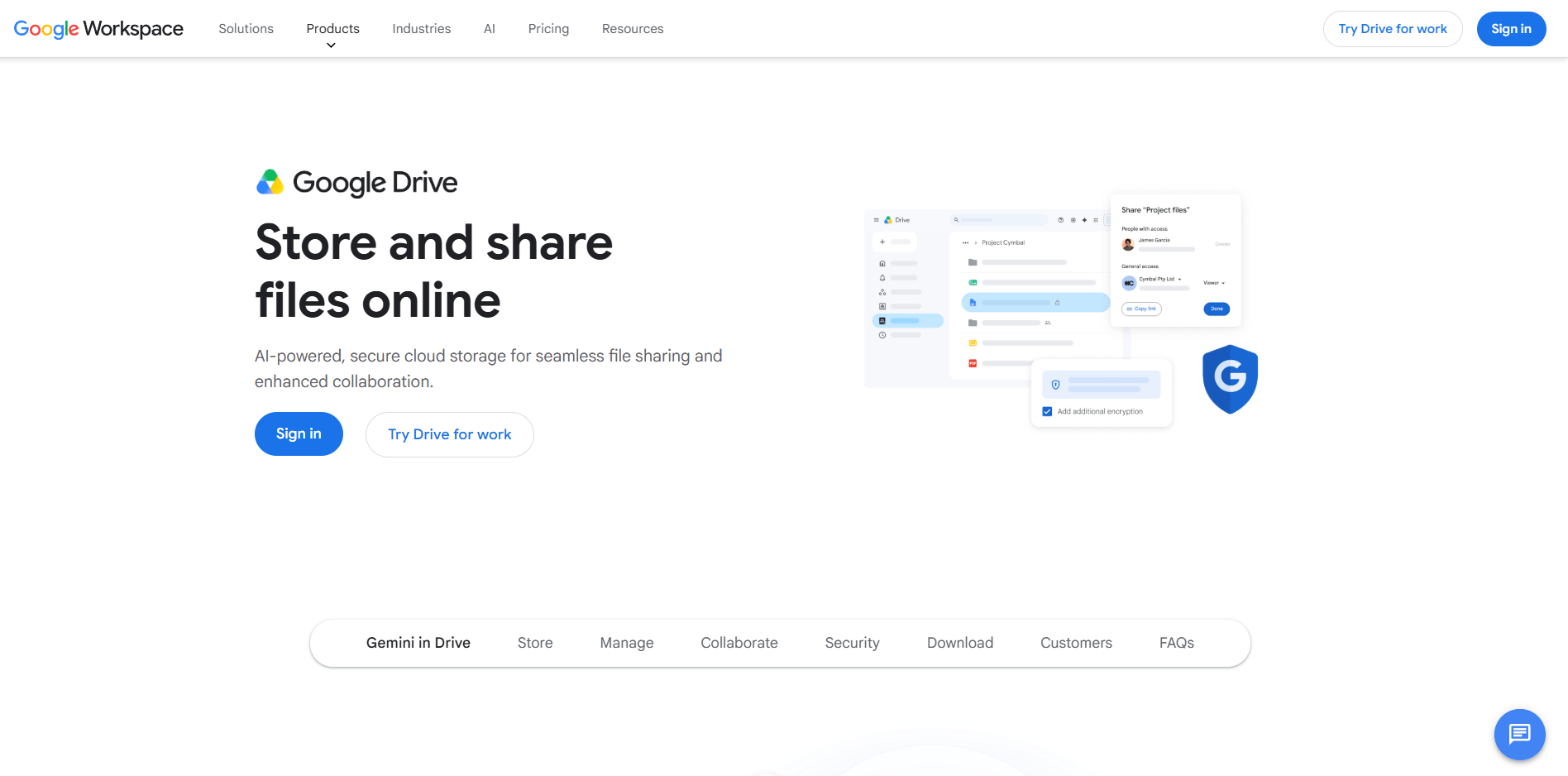
Google Drive integrates directly with Google Docs, Sheets, Slides, Meet, and Gmail, allowing teams to collaborate on documents without downloading or emailing files. Unlike ShareFile, which focuses on secure document exchange, client collaboration, and workflow-driven file management, Google Drive emphasizes real-time co-authoring and team productivity. Organizations already using Google Workspace can manage storage, permissions, and collaboration from a single platform without paying for a separate file-sharing solution. The trade-off is that Google Drive does not provide the same level of client portal functionality, governance controls, or compliance-focused workflows available in platforms such as ShareFile, Box, or Egnyte.
Sync.com is a cloud storage and file-sharing platform that focuses on privacy and security through end-to-end encryption and a zero-knowledge architecture. It is often used by businesses and professionals who want stronger data privacy protections without deploying a self-hosted solution.
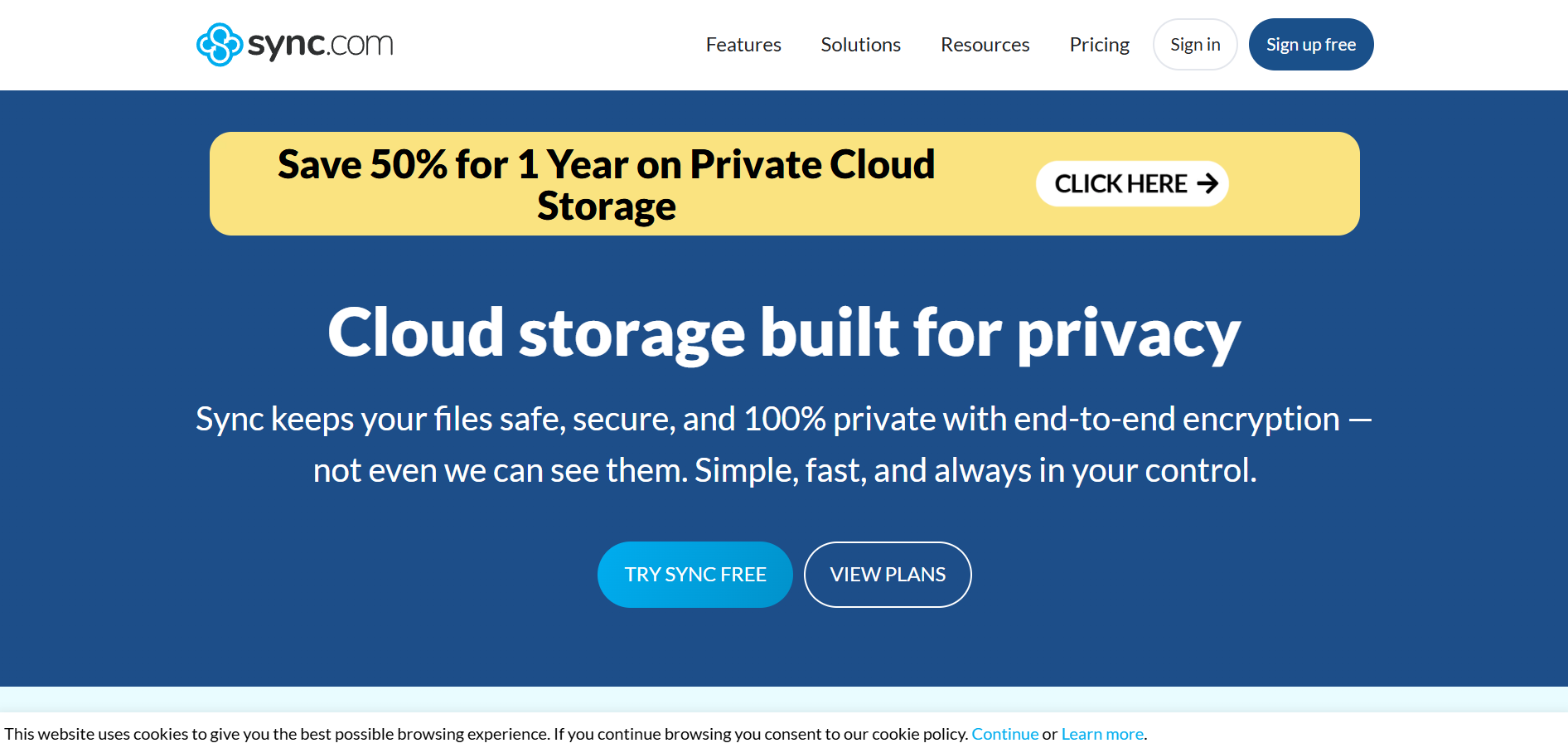
Like Tresorit, Sync.com encrypts files before they leave the user's device, preventing the provider from accessing stored content. The platform includes secure file sharing, password-protected links, remote device wipe capabilities, and branded file portals for sharing documents with clients and external users. Compared to ShareFile, Sync.com places greater emphasis on privacy and encryption than on workflow automation, governance, or enterprise content management. Organizations seeking a simpler, more affordable, privacy-focused alternative may find Sync.com a compelling option.
Zoho WorkDrive is a cloud-based file management and team collaboration platform within the broader Zoho ecosystem. It is designed for businesses that want file sharing, document collaboration, and workflow capabilities integrated with Zoho's CRM, productivity, and business applications.
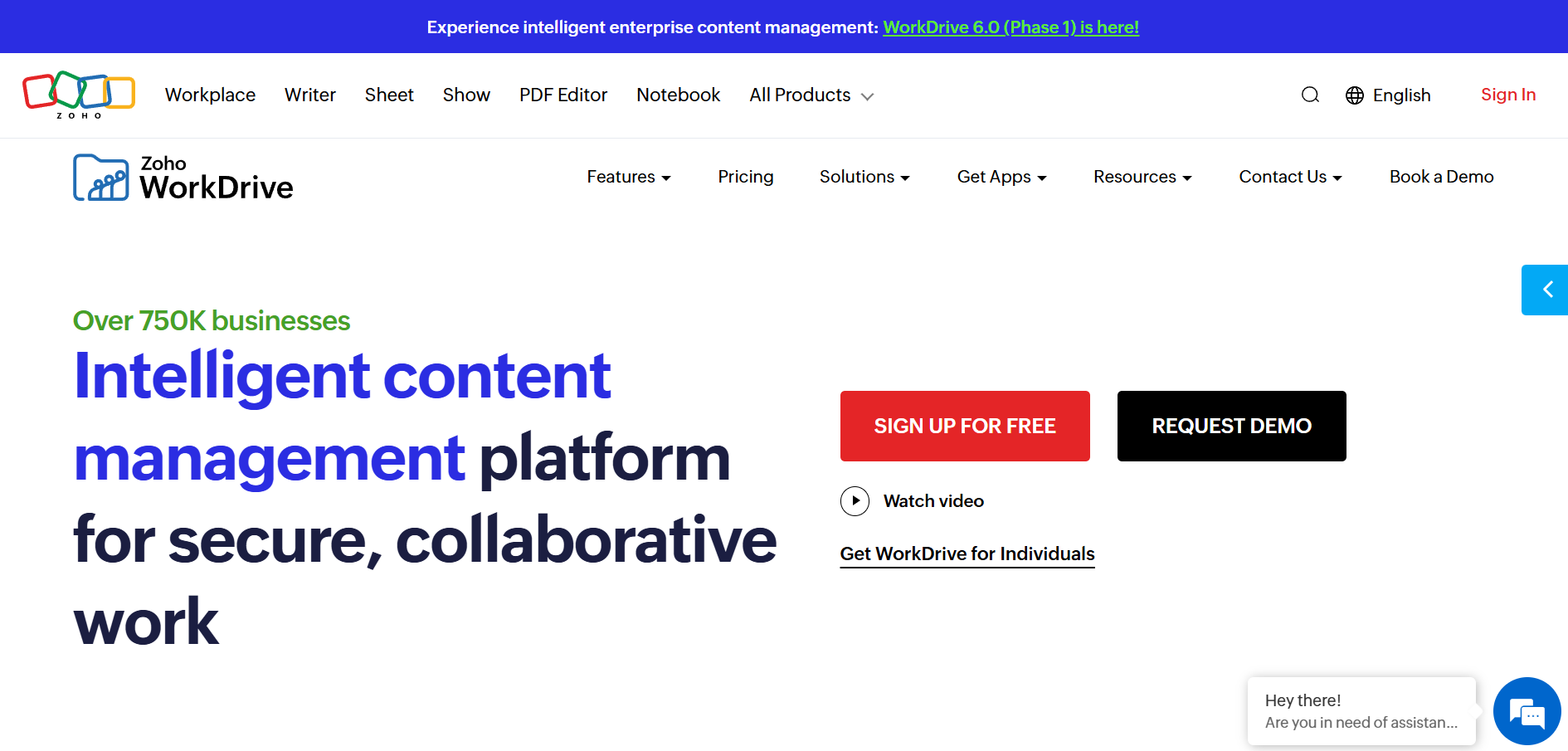
Zoho WorkDrive can be a cost-effective alternative to ShareFile for organizations already using Zoho applications such as Zoho CRM, Zoho Projects, Zoho Desk, and Zoho Sign. The platform includes Team Folders for shared ownership, granular access controls, external file sharing, document collaboration, and workflow automation through Zoho's ecosystem. Unlike ShareFile, which is often adopted as a standalone secure file-sharing platform, WorkDrive delivers the most value when used alongside other Zoho products. Businesses already invested in Zoho may find it easier to centralize file management and collaboration without adding another vendor to their technology stack.
The right ShareFile alternative depends on your organization's security requirements, collaboration needs, and preferred deployment model. Before making a decision, consider the following:
By defining these priorities early, you can focus on solutions that align with your business requirements instead of comparing features that may not be relevant to your organization.
Most ShareFile alternatives offer migration tools, APIs, or third-party migration services to transfer files, folders, user accounts, and permissions. However, the migration process varies by platform, so it is important to review the available migration options before committing to a new solution.
No. While many alternatives support external file sharing, not all provide dedicated client portal functionality. Organizations that rely heavily on client-facing workspaces should verify these capabilities before selecting a replacement.
Not necessarily. Self-hosted platforms provide greater control over infrastructure and data storage, but security ultimately depends on how the environment is configured, monitored, and maintained. A properly managed cloud platform can be just as secure as a self-hosted deployment.
The most important factors typically include deployment preferences, security requirements, compliance obligations, collaboration needs, workflow capabilities, integration compatibility, and long-term administrative overhead. The right choice depends on how these requirements align with your organization's goals.
In some cases, yes. Organizations may reduce costs by consolidating tools, choosing a platform that integrates with existing software subscriptions, or deploying a self-hosted solution. However, licensing, infrastructure, maintenance, and support costs should all be considered when evaluating total cost of ownership.
The best ShareFile alternative depends on your organization's priorities, whether that involves stronger privacy protections, self-hosted deployments, compliance requirements, workflow automation, or tighter integration with existing business tools. While some platforms focus on governance and enterprise content management, others emphasize open-source flexibility, end-to-end encryption, or ecosystem integration.
Before making a decision, evaluate how each solution aligns with your security requirements, collaboration needs, infrastructure preferences, and long-term business goals. Taking the time to compare these factors will help you choose a platform that supports your organization both now and as it grows.
5 min read · 14.09.2026
5 min read · 18.08.2026
9 min read · 07.08.2026
Hosted in
Germany
4.3on G2