Best Egnyte Alternatives in 2026
8 min read · 22.09.2026
Our Blog / collabora-vs-onlyoffice-in-nextcloud-which-document-editor-should-you-use
← Back to overview
Nextcloud provides a secure and flexible platform for file storage and collaboration, but choosing the right document editor is just as important as selecting the platform itself. For most Nextcloud deployments, the decision comes down to two leading options: Collabora Online and OnlyOffice. Both enable real-time document editing and collaboration directly within Nextcloud, but they differ in compatibility, user experience, deployment, and licensing.
In this article, we'll compare Collabora and OnlyOffice in Nextcloud to help you determine which document editor best fits your organization's needs and workflows.
Collabora Online and OnlyOffice both provide document editing and real-time collaboration in Nextcloud, but they excel in different areas. OnlyOffice is often the preferred choice for organizations that rely heavily on Microsoft Office formats due to its strong compatibility with DOCX, XLSX, and PPTX, while Collabora Online is well-suited to open-source-focused environments that prioritize ODF support and alignment with the LibreOffice ecosystem. The right choice depends on your file format requirements, user preferences, and long-term collaboration strategy.
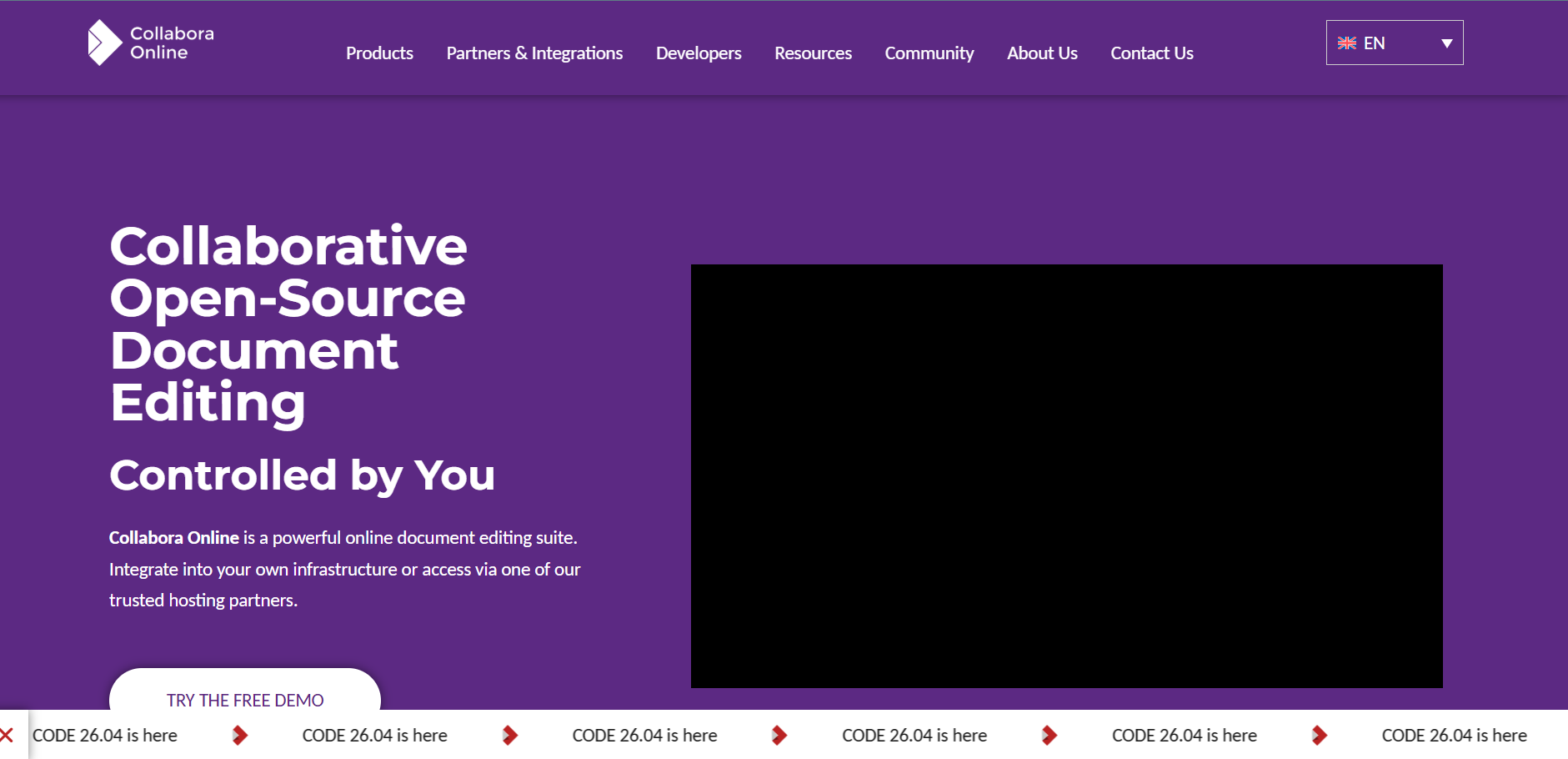
Collabora Online is a web-based office suite built on LibreOffice technology. It is designed for organizations that want a self-hosted, open-source document editing solution while maintaining control over their data. Through Nextcloud Office, Collabora integrates directly with Nextcloud, allowing users to edit text documents, spreadsheets, presentations, and other supported file formats without leaving the platform.
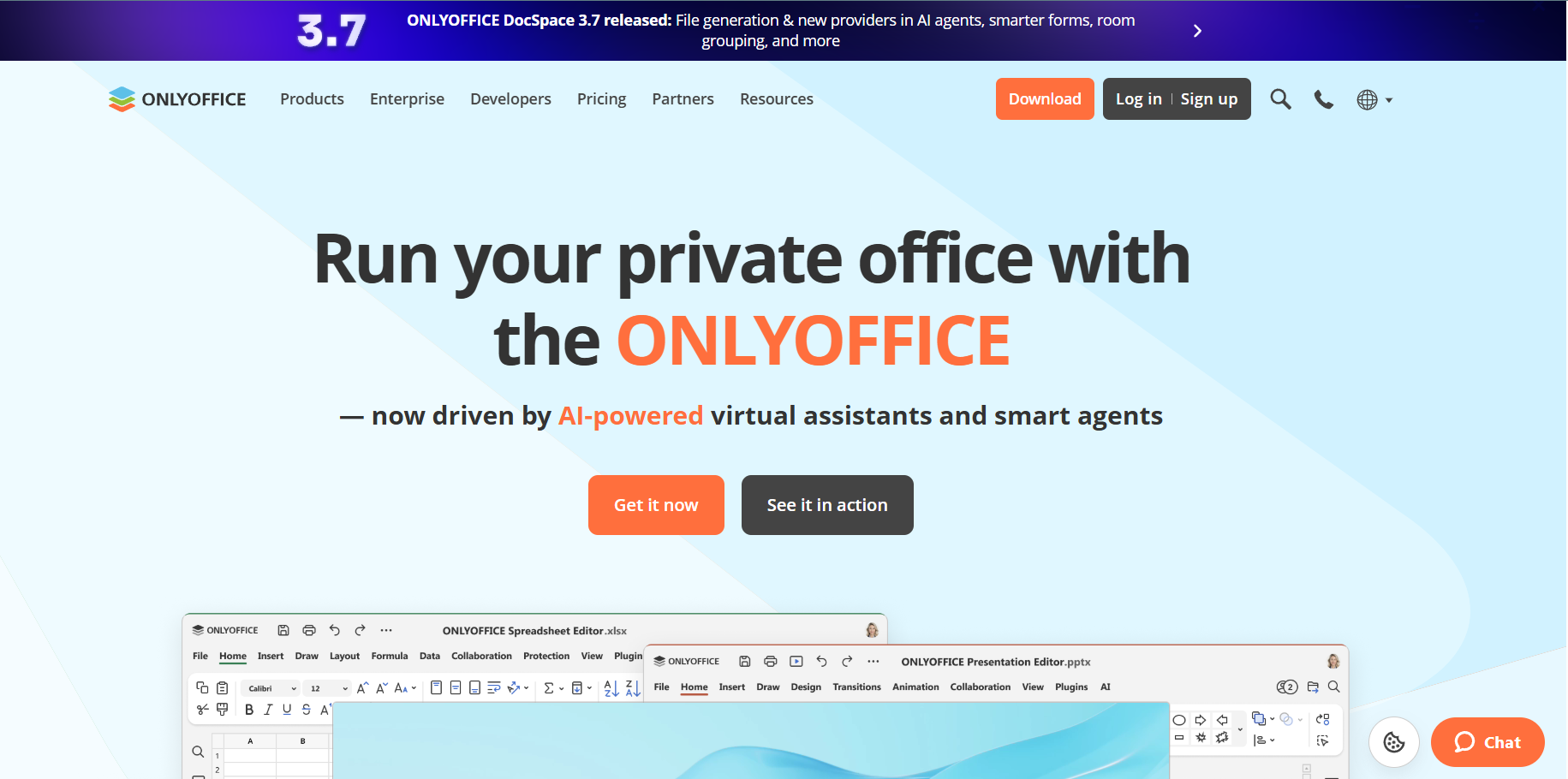
OnlyOffice is a collaborative office suite that provides browser-based editing for documents, spreadsheets, presentations, and forms. It is widely recognized for its strong compatibility with Microsoft Office file formats, making it a popular choice for organizations that frequently work with DOCX, XLSX, and PPTX files. OnlyOffice can be integrated with Nextcloud via its integration app, enabling real-time collaboration within the Nextcloud environment.
Both Collabora Online and OnlyOffice integrate with Nextcloud to provide in-browser document editing and real-time collaboration. Users can create, edit, share, and co-author files directly from their Nextcloud workspace without downloading documents to their devices.
While the end goal is similar, the two editors differ in compatibility, editing experience, deployment requirements, and overall approach to collaboration, which can significantly influence which option is the better fit for a particular deployment.
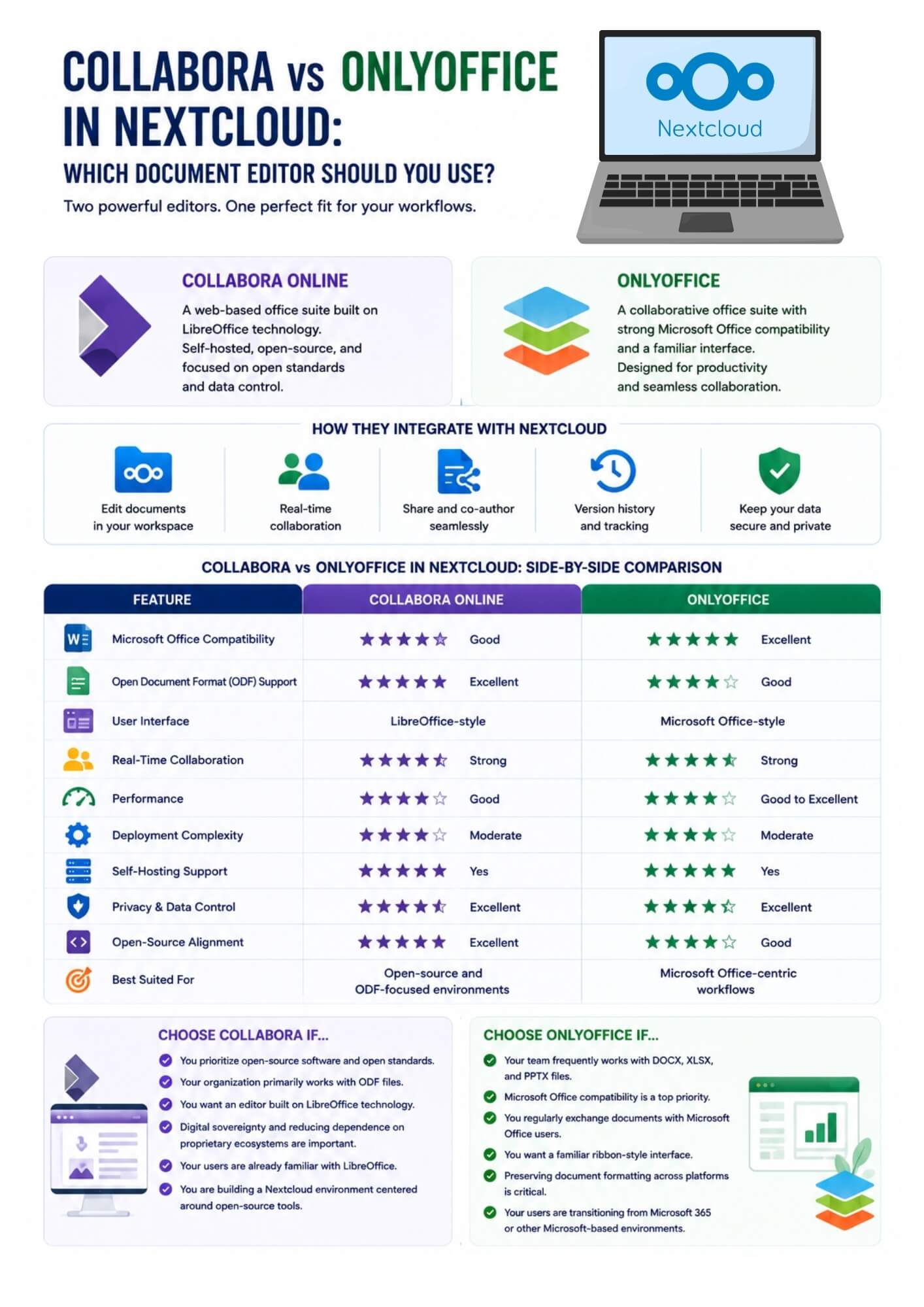
For organizations that regularly work with DOCX, XLSX, and PPTX files, compatibility is often a key consideration. Both Collabora Online and OnlyOffice support Microsoft Office formats, but OnlyOffice is often regarded as providing particularly strong compatibility and may preserve formatting, layouts, and complex elements more consistently in some documents. Collabora also handles Microsoft Office documents well, though formatting inconsistencies may occasionally appear in more complex files.
If compatibility with Microsoft Office documents is a top priority, OnlyOffice is often considered the stronger option.
ODF is the standard file format used by LibreOffice and many open-source productivity environments. Because Collabora Online is built on LibreOffice technology, it offers strong support for ODF files and is often the preferred choice for organizations that rely on open standards. OnlyOffice also supports ODF formats, but its development has traditionally focused more on Microsoft Office compatibility.
For ODF-centric workflows, Collabora generally provides the stronger experience.
The editing experience can significantly affect user adoption. OnlyOffice features a ribbon-style interface that closely resembles Microsoft Office, making it familiar to users transitioning from Microsoft 365. Collabora uses an interface influenced by LibreOffice, which may feel less familiar to some users but remains functional and easy to navigate.
Organizations seeking a Microsoft-like editing experience often prefer OnlyOffice, while existing LibreOffice users may find Collabora more comfortable.
Both editors support real-time collaboration, allowing multiple users to work on documents simultaneously within Nextcloud. Features such as commenting, collaborative editing, and version tracking are available in both platforms. In practice, the collaboration experience is comparable for most everyday workflows.
The difference often comes down to user preference rather than functionality. For teams focused on document collaboration, either solution can effectively support shared editing and teamwork.
Performance can vary depending on deployment size, server resources, and configuration. Some administrators report that OnlyOffice feels particularly responsive when working with Microsoft Office documents. Collabora can handle large collaborative workloads but may require additional server resources depending on configuration and usage patterns. For smaller deployments, both perform well when properly configured.
Resource planning and infrastructure sizing often have a greater impact on performance than the choice of editor itself.
Both Collabora Online and OnlyOffice can be deployed alongside Nextcloud using dedicated integration apps. Setup is generally straightforward for administrators familiar with self-hosted services, though each solution requires a separate document server component. Long-term management typically involves updates, security maintenance, and resource monitoring. Neither option presents significant deployment challenges, but administrators should review infrastructure requirements before implementation to ensure stable performance and scalability.
Security and data ownership are major reasons organizations choose Nextcloud. Both Collabora and OnlyOffice can be self-hosted, allowing documents to remain within your infrastructure rather than being processed by third-party cloud providers. This makes either option suitable for organizations with strict privacy, compliance, or data sovereignty requirements.
The overall security posture depends more on deployment practices, server hardening, and maintenance than on the editor itself.
Both solutions offer open-source editions and commercial offerings with additional features and support options. Collabora is often favored by organizations that prioritize open-source ecosystems and long-term alignment with LibreOffice technologies. OnlyOffice provides community and enterprise editions that appeal to organizations seeking enhanced support and advanced business features.
While both editors integrate well with Nextcloud and support real-time document collaboration, the better choice depends on your organization's priorities, workflows, and file format requirements. At Cloud Based Backup, our managed Nextcloud solutions include collaboration tools that help organizations securely create, share, and edit documents while maintaining data ownership. Choosing the right document editor is an important part of building an efficient Nextcloud workspace.
Both Collabora Online and OnlyOffice are capable document editors that integrate seamlessly with Nextcloud, but they serve different priorities. OnlyOffice stands out for its strong Microsoft Office compatibility and familiar user experience, making it a practical choice for organizations that rely heavily on DOCX, XLSX, and PPTX files. Collabora Online, on the other hand, is well suited to organizations that prioritize open-source software, open standards, and ODF-based workflows.
Rather than looking for a universal winner, focus on how your team works. The best choice is the one that aligns with your existing workflows, file format requirements, and long-term collaboration goals within Nextcloud. Compatibility, performance, and usability can vary depending on your deployment and user requirements, so evaluating both options in your own environment can help ensure the best fit.
8 min read · 22.09.2026
5 min read · 14.09.2026
5 min read · 18.08.2026
Hosted in
Germany
4.3on G2